User Manual
75/183
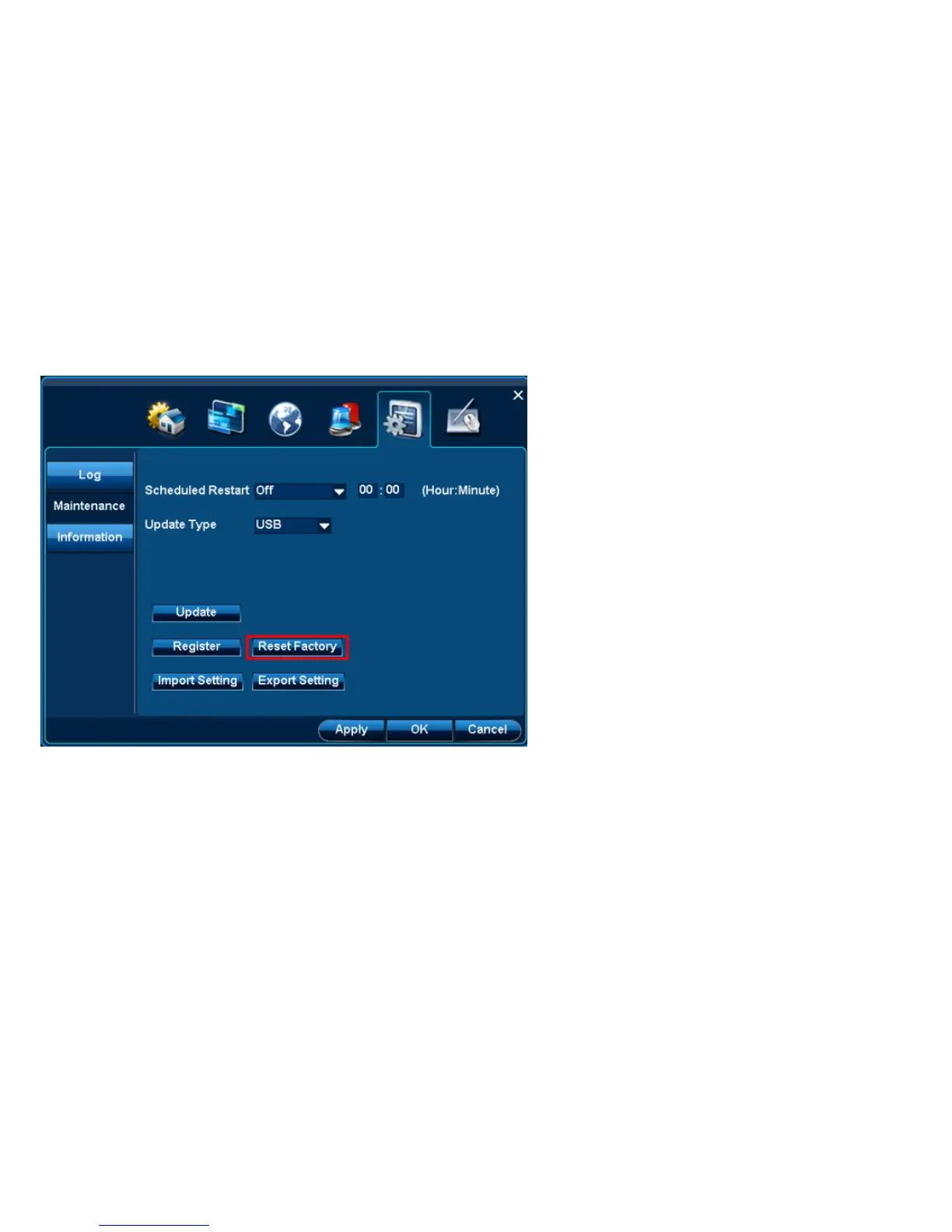
Function: All setting at this DVR can be restore factory setting.
Step: 1. Click “Reset Factory”.
2. Click”Ok” at confirmation interface to reboot the DVR and then all original factory settings are restored.
4.6.2.4 Setting import/export
Location: Location: System Setup| Maintenance| export/import Setting
Function: 1.Export DVR‟s setting to U-Disk for backup.
2. Import the same setting from U-Disk to this DVR.



 To Next Page