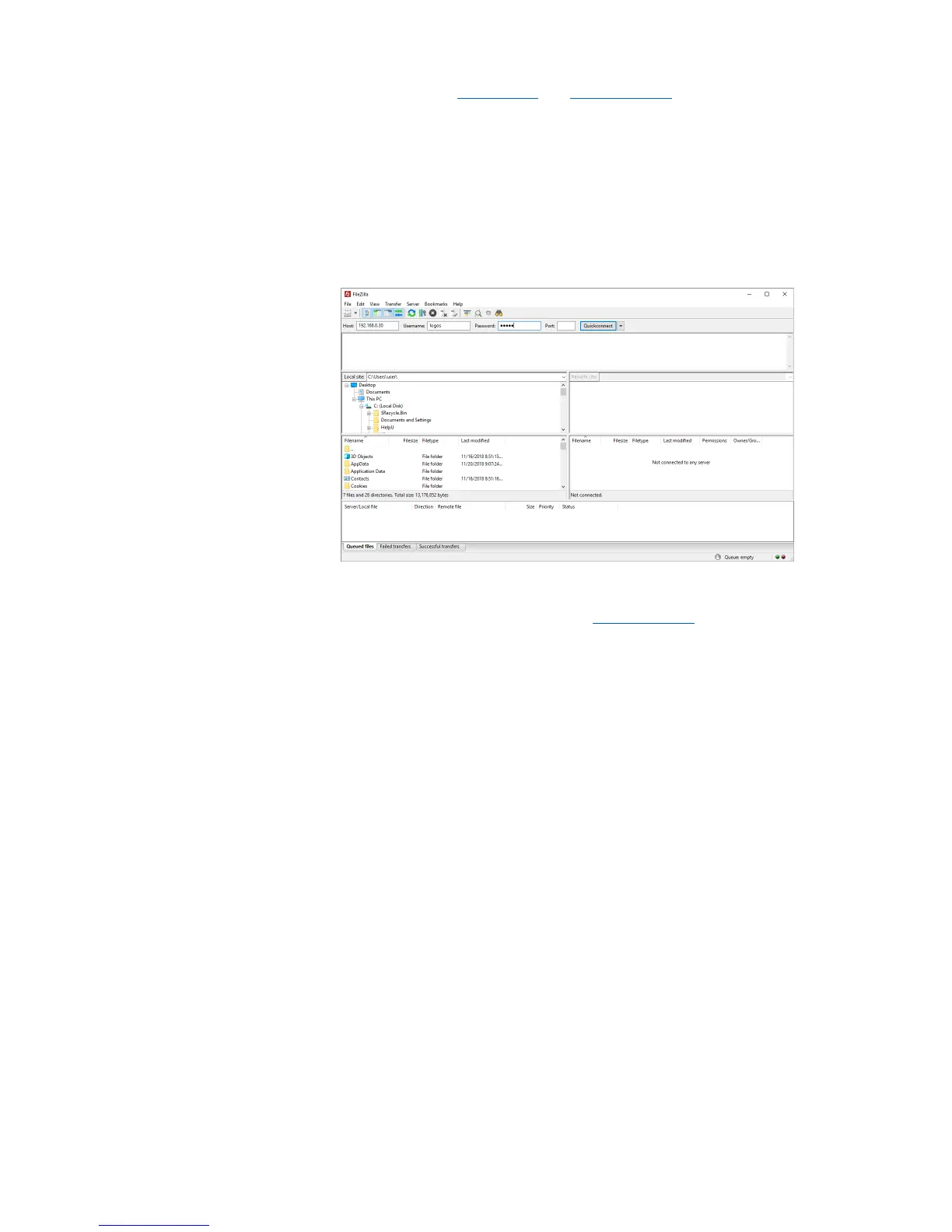
Download and install FileZilla Client from filezilla-project.org to a compatible computer.
Connect QUANTOM Tx
™
to a WiFi network (pg. 18). Make note of the QUANTOM Tx
™
IP address.
Open FileZilla Client. The computer must be connected to the same WiFi network as the
QUANTOM Tx
™
.
To connect, enter the following:
• Host: QUANTOM Tx
™
IP address
• Username: logos
• Password: logos
• Click Quickconnect.
Folders/files saved to the QUANTOM Tx
™
will show up in the Remote site section. Select
the desired folders/files and click Download to import to your computer.
For more details on using FileZilla Client, visit filezilla-project.org.


 To Next Page