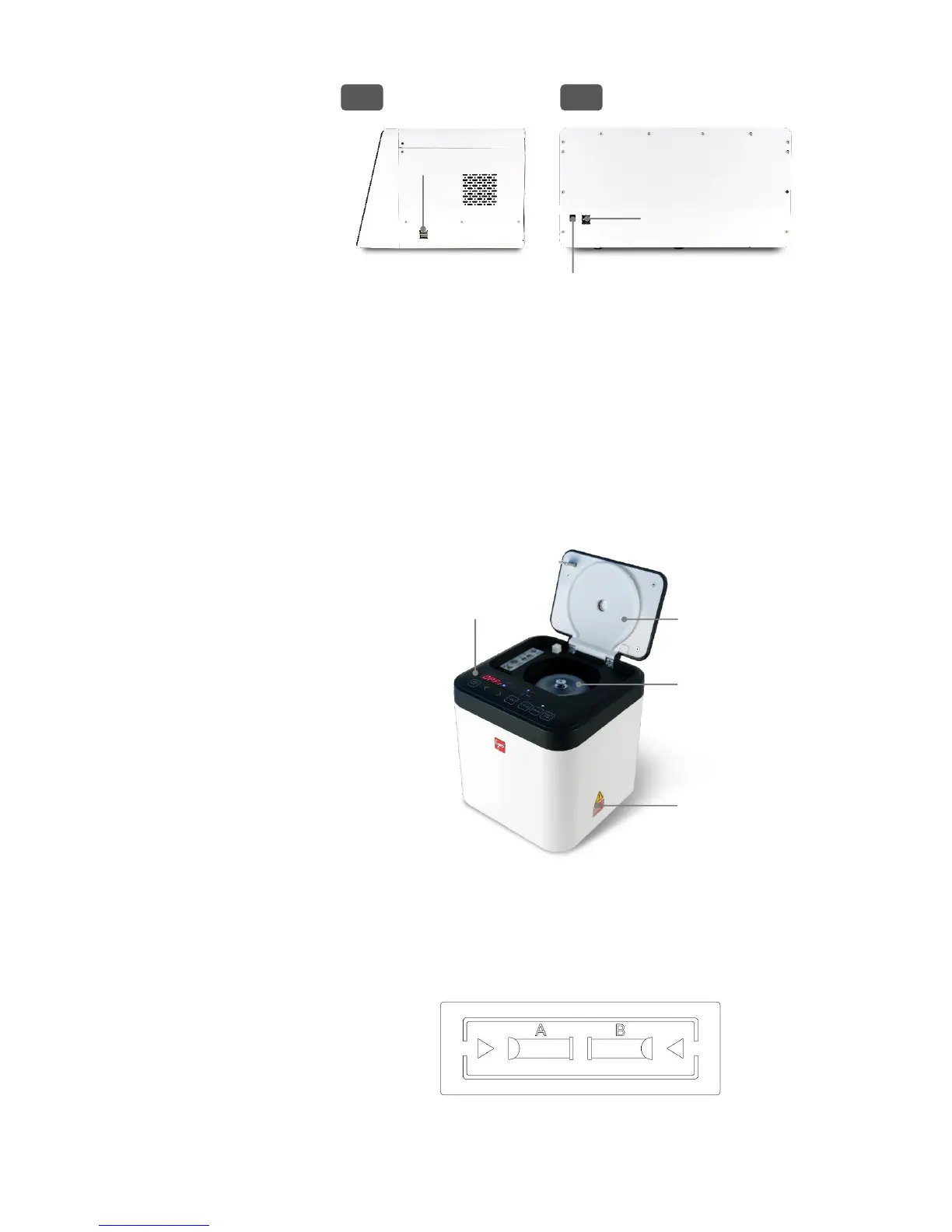
USB ports
USB ports allow the user to transfer or print cell count data. Connect the supplied USB
drive or the provided WiFi dongle to export data. A LUNA
™
Printer (P10001) may be
connected to print numerical data.
Power inlet
Connect the power inlet of the instrument to an electrical outlet with the supplied AC
adapter and power cord.
The QUANTOM
™
Centrifuge is a benchtop centrifuge that can hold up to eight
QUANTOM
™
M50 Cell Counting Slides. The QUANTOM
™
Centrifuge immobilizes
bacterial cells along one focal plane for accurate counting with the QUANTOM Tx
™
Microbial Cell Counter. For detailed instructions, refer to the QUANTOM
™
Centrifuge
user manual.
QUANTOM
™
M50 Cell Counting Slides
QUANTOM
™
M50 Cell Counting Slides are disposable slides designed for use with the
QUANTOM Tx
™
. QUANTOM
™
M50 Cell Counting Slides have two sample chambers,
labeled A and B. The QUANTOM Tx
™
captures high-resolution images of up to 20 fields-
of view of the counting chamber, the equivalent of approximately 0.2 μL.
Hold QUANTOM
™
M50 Cell Counting Slides by the edges to avoid touching the optical
surface.


 To Next Page