Chapter 10 Appendix 153
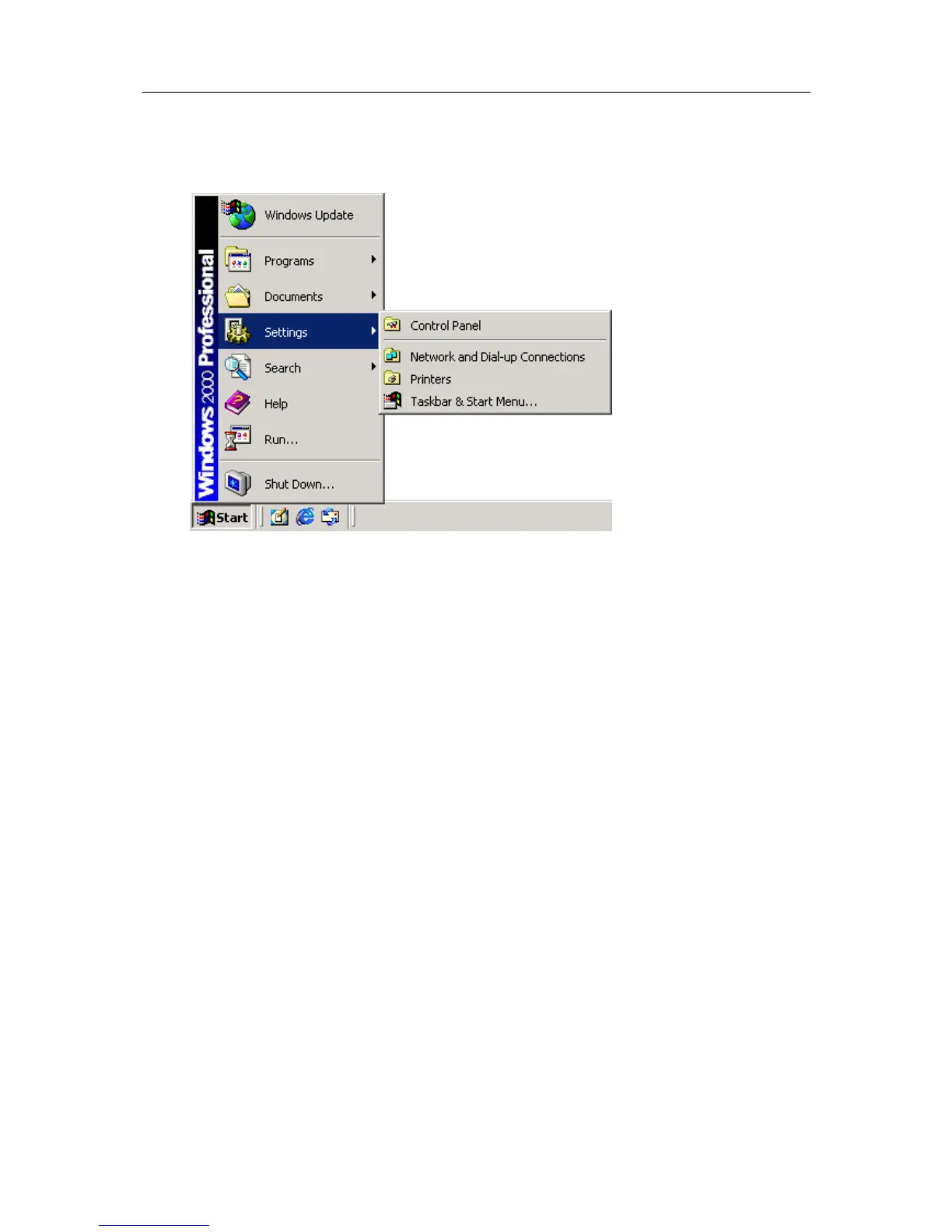
4 If your menu looks similar to the following picture, the "Control Panel" item is located
within the "Settings" menu item.
5 Within the "Control Panel" window there is a "System" icon. For Windows XP users,
you may need to "Switch to Classic View" to locate the "System" icon quickly. Start
(open) the "System" icon once you have located it.



 To Next Page