D. Instructions for printing online
Changlang 3D printers support online printing operations, but because the computer sends
instructions continuously for a long time, there are many different settings on the personal
computer (some computers will set the energy-saving mode or the screen mode, etc.) and the
computer will freeze if it runs. The interruption fails, and online printing is generally not
recommended.
TF card offline printing is a very stable and mature printing method, and it does not occupy
the computer. It is recommended to choose offline printing as much as possible. If you need to
know more about the printer, you can print online according to the following steps.
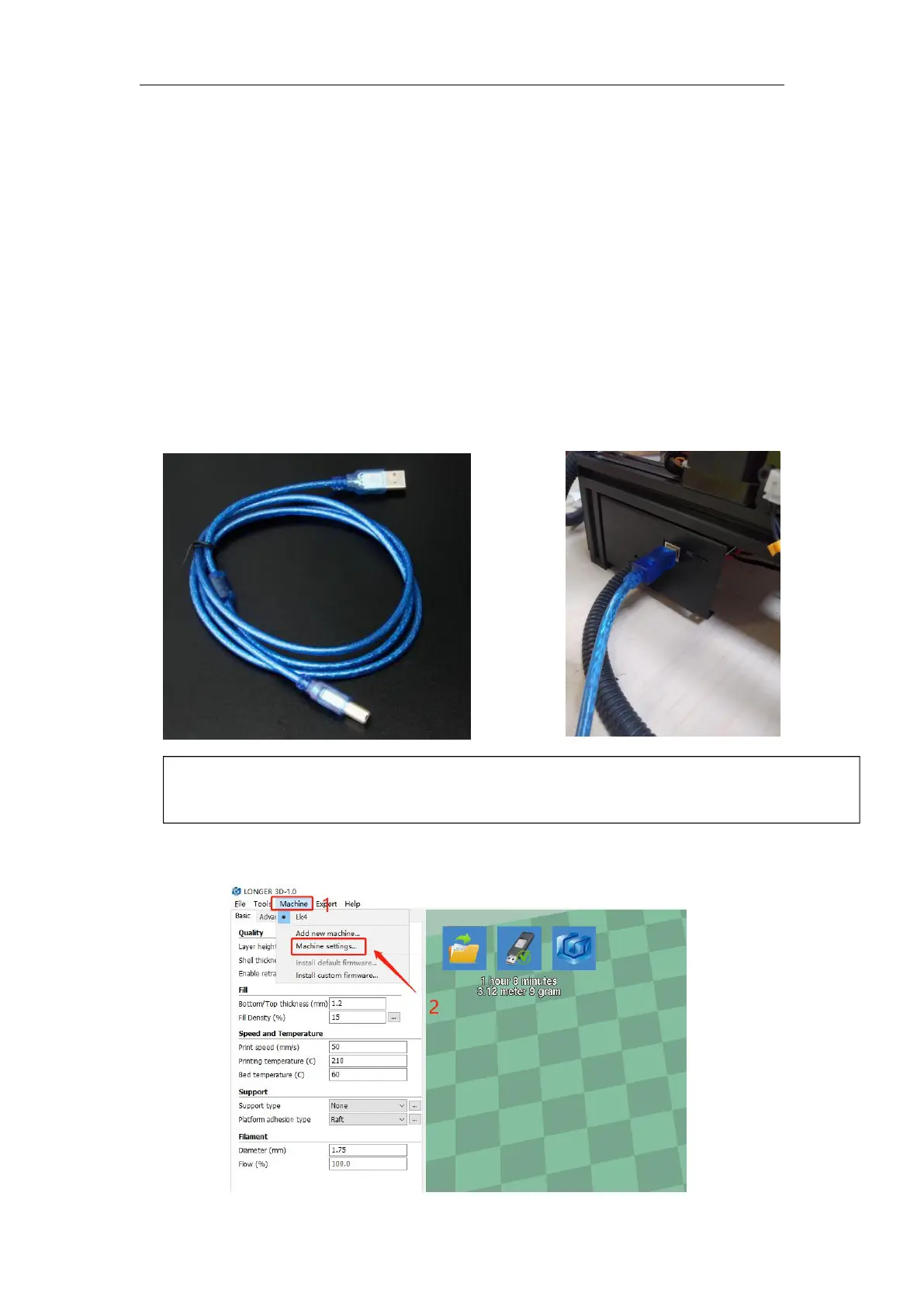
(1) Printer connection
(2) Software settings
Prepare a data cable with one end connected to the printer serial port and one end to the
computer USB port. Plug in the power cord and turn on the switch.



 To Next Page