Kg The unit is kilogram. Only one light of Kg or T is
on in the weighing display
state.
T The unit is ton
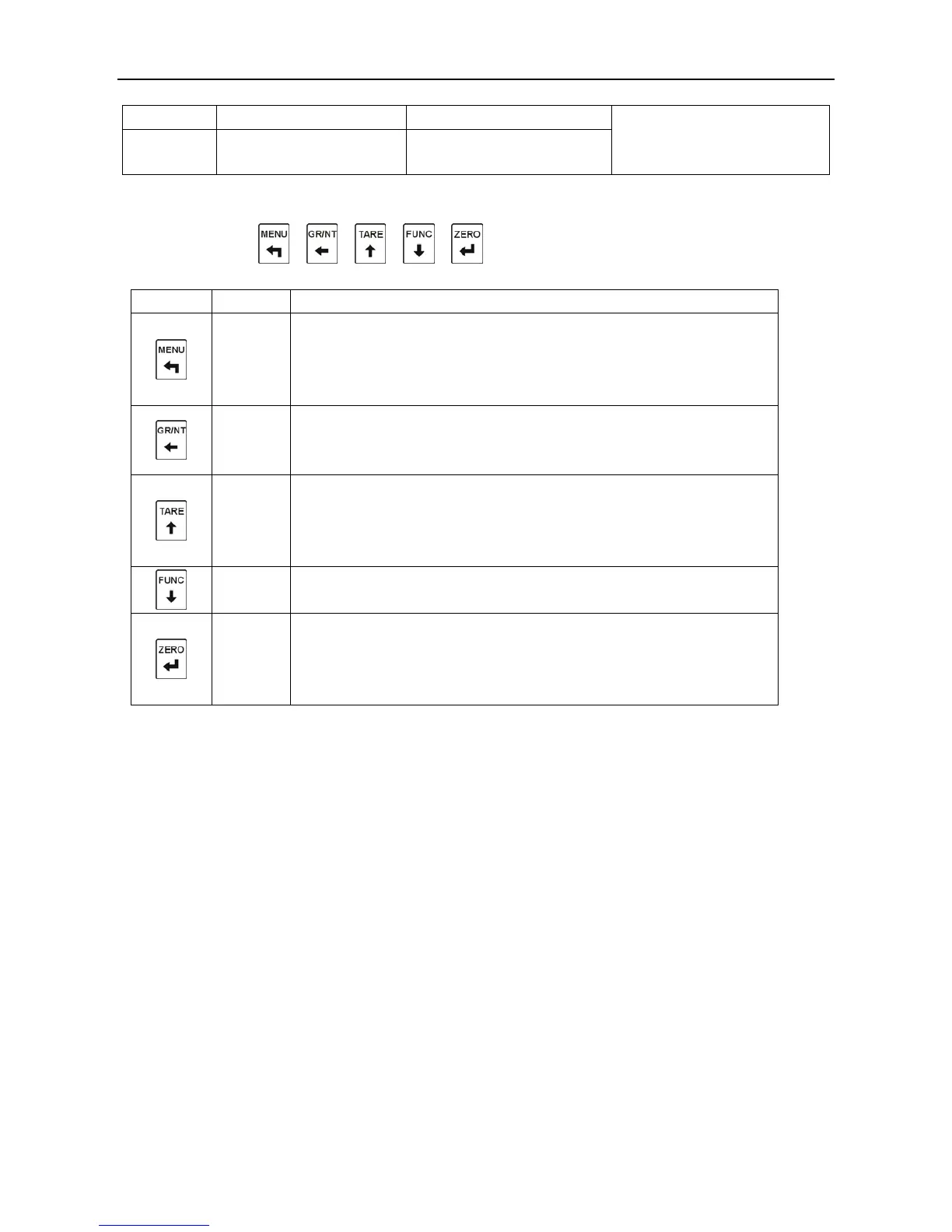
3, Key
From left to right
: 、 、 、 、
Table 3-5
Menu
1)In the weighing status, enter the menu;
2)In the menu setting, quit the menu;
3)In the sub-menus, enter the next sub-menu without saving the
Gross/N
et
1)In the weighing status, exchange the state of net weight or
gross weigh;
2)In the state of inputting data,move left.
Tare 1)In the weighting status, it is a key‘tare’(tare range:80% of the
max capacity;
2)In the menu setting, enter the former menu;
3)In the state of inputting data, increase the value.
Function
1)In the menu setting, enter the next menu;
2)In the state of inputting data,decrease the value.
Zero 1)In the weighing status, clear zero;
2)In the menu setting, conform;
3)In the sub-menu,save the parameters and enter the next
sub-menu .



 To Next Page