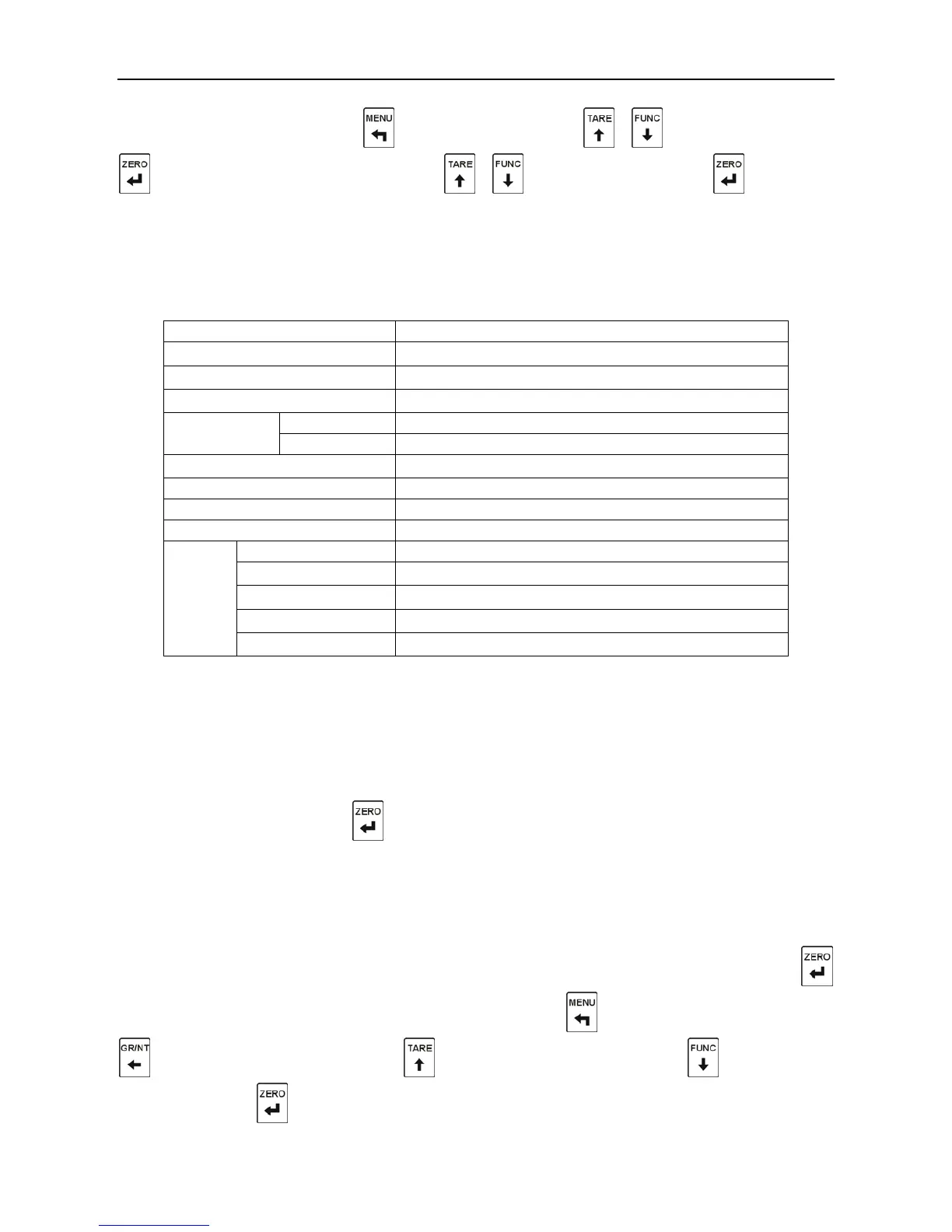
In the normal display state
,
press to enter the menu; press
、
to select “diAg”; press
, and “AdC.mV”will be displayed; press
、
to select submenu; press to enter the
submenu.
8.2. List of Diagnosis Function
Table 8-1
Display of the mill volt value
Display the version number
Display the serial number of airframe
External controlling input testing
Renew to the default of calibration parameters
Renew to the default of function setting
Renew to the default of upper/lower limit value
Renew to the default of communication parameters
8.3. Description of Diagnosis Function
8.3.1. Display of the Mill volt Value
“AdC.MV” is displayed; press , and the voltage input from the load cell will be displayed. The
unit is mV.
8.3.2. Key-press Testing
This function is to check whether the key-press can work properly. “KEY” is displayed; press
to enter the key-press testing, and“KEY-00”is displayed; press to get back to the“KEY”
;
press
, and “KEY-02”is displayed; press , and “KEY-03”is displayed; press , and “KEY-04”
is displayed; press , and“KEY-05”is displayed.



 To Next Page