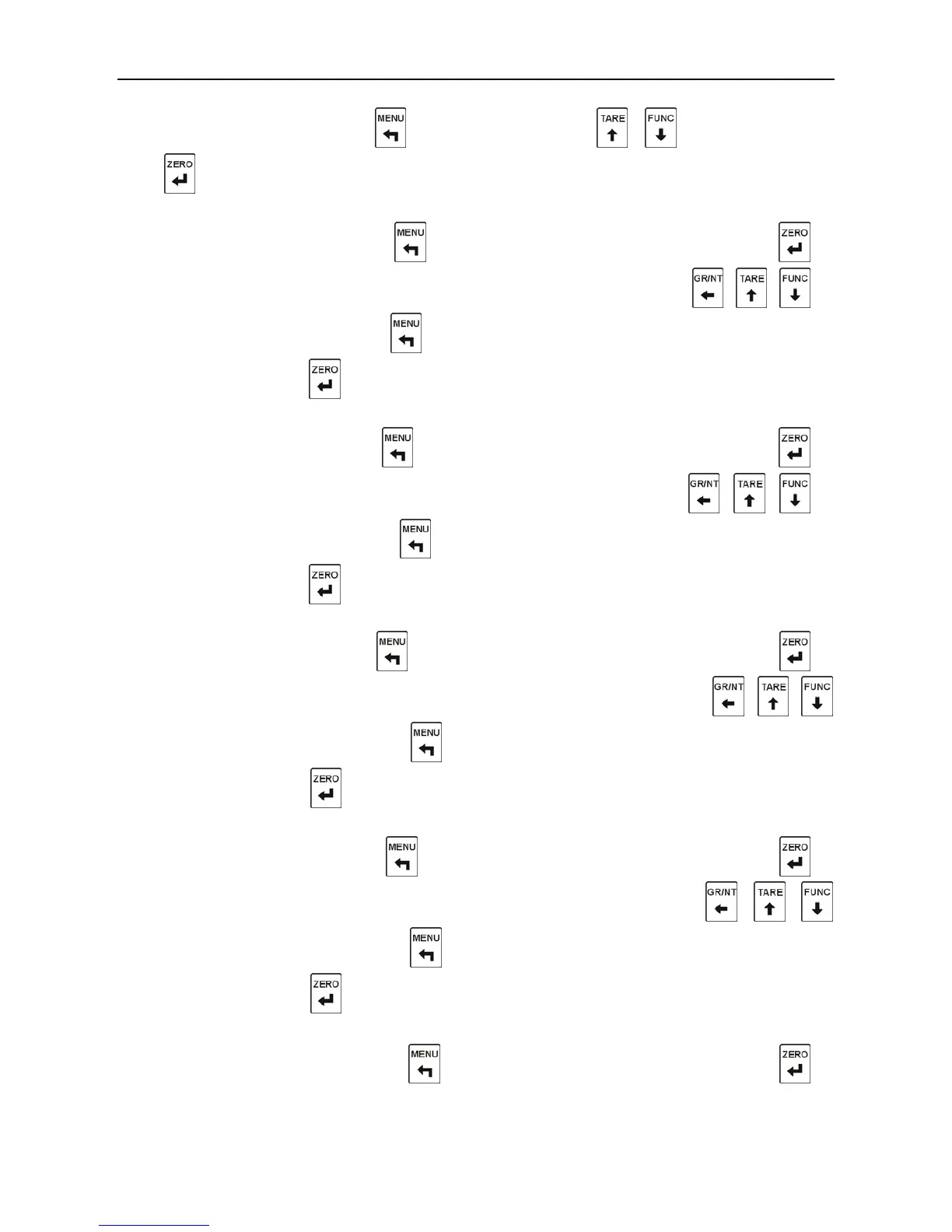
In the normal display status, press to enter the menu, press
、
to select “SET”, and
press to enter the first step.
Step 1:the Hi-hi Limit Value Setting
“SEt-HH”is displayed, and press to jump over the hi-hi limit value setting; press to
enter the hi-hi limit value setting, and the “gross” indicator will be on; press
、 、
to
input the hi-hi limit value; press to clear the hi-hi limit value input, and enter the second
step directly; or press to confirm the input and enter the second step.
Step 2
:
the Higher Limit Value Setting
“SEt-H”is displayed, and press to jump over the higher limit value setting; press to
enter the higher limit value setting, and the “net” indicator will be on; press
、 、
to
input the higher limit value; press to clear the higher limit value input, and enter the third
step directly; or press to confirm the input and enter the third step.
Step 3:the Lower Limit Value Setting
“SEt-L”is displayed, and press to jump over the lower limit value setting; press to
enter the lower limit value setting, and the “motion” indicator will be on; press 、 、
to input the lower limit value; press to clear the lower limit value input, and enter the forth
step directly; or press to confirm the input and enter the forth step.
Step 4
:
the Lo-lo Limit Value Setting
“SEt-LL”is displayed, and press to jump over the lo-lo limit value setting; press to
enter the lo-lo limit value setting, and the “motion” indicator will be on; press 、 、
to input the lo-lo limit value; press to clear the lo-lo limit value input, and enter the fifth
step directly; or press to confirm the input and enter the fifth step.
Step 5
:
the Hi-hi Limit Lag Setting
“LAg-HH” is displayed, and press to jump over the hi-hi limit lag setting; press to



 To Next Page