3.6.B. Login
Open a web browser (Chrome for example) and enter one of the follow two IP addresses. Please enter the text below
in the address eld of the browser and press enter.
http://192.168.199.1 If “Network Mode” is Gateway and “Group Use External Gateway” is No.
or
http://192.168.100.1 Any other “Network Mode”.
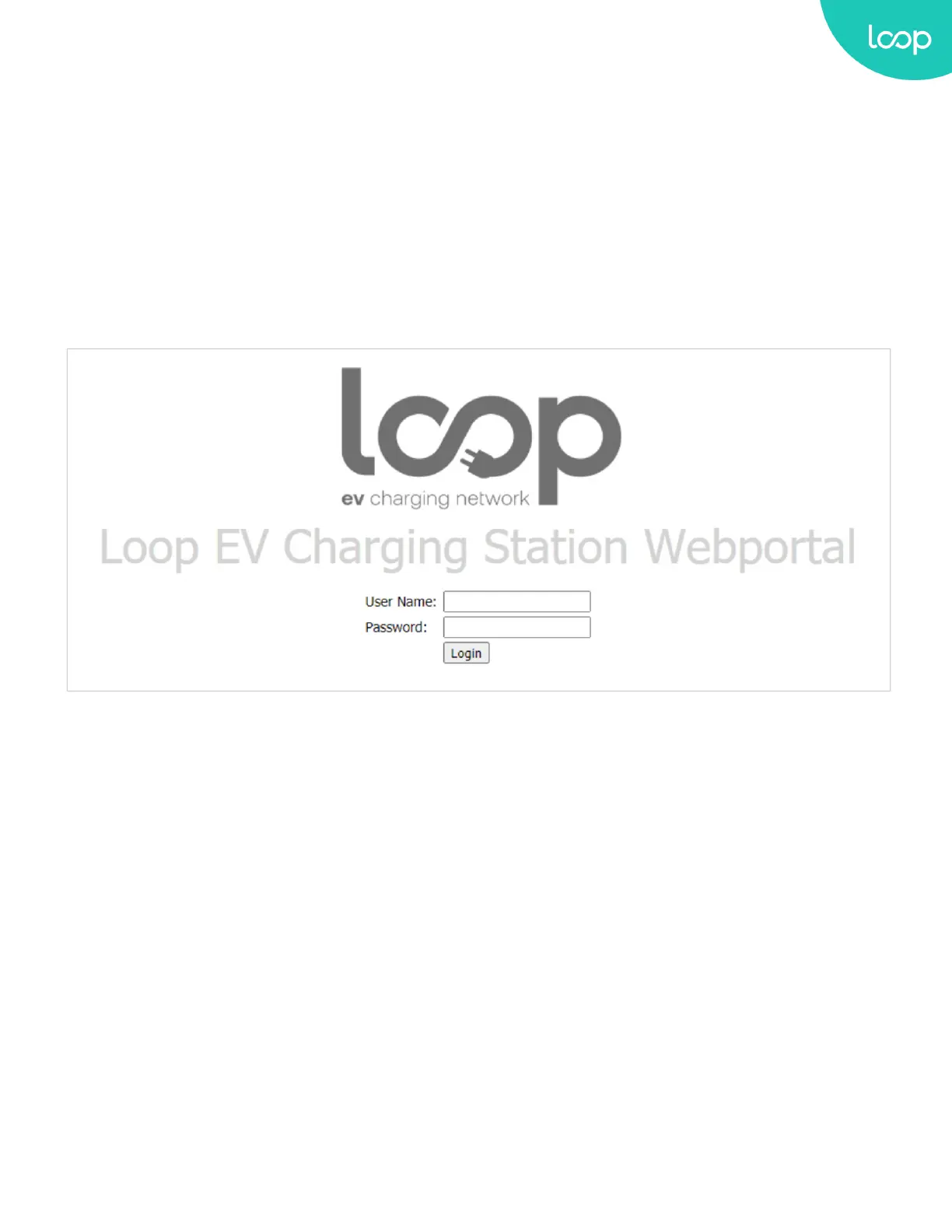
Now you should see the login screen:
To be able to configure the Loop EV-Flex EVSE you should enter admin in the username box.
23
Loop EV-Flex
TM
EVSE
EVS-32A-L2-001 (R-Model)
v.20.9.4
www.evLoop.io


 To Next Page