EasyManua.ls Logo

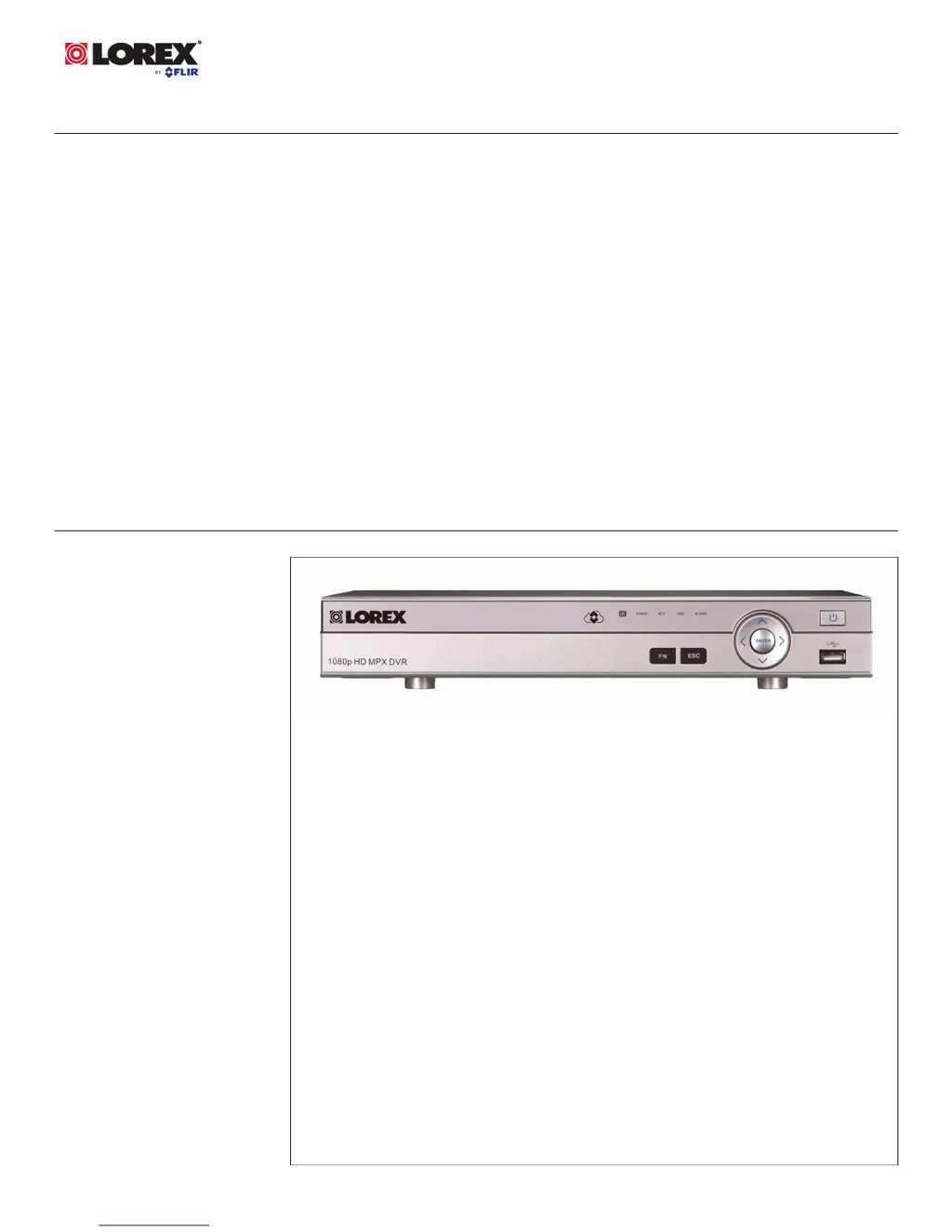
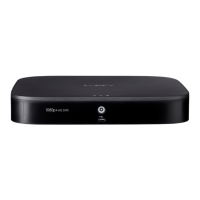
Lorex DV700 Series - User Manual

Lorex DV700 Series
188 pages
Print Icon
To Next Page IconTo Next Page
Loading...
Instruction Manual
DV700 Series

Table of Contents

Other manuals for Lorex DV700 Series

Questions and Answers

Summary

Important Safeguards

Safety, Installation, and Service Guidelines

Covers general precautions, installation steps, service requirements, and usage guidelines for safe operation.

Initial Setup and Configuration

Basic Connection and Setup Steps

Guides through connecting cameras, mouse, network, monitor, and powering on the DVR.

System Control and Navigation

Mouse and Remote Control Operation

Details how to use the USB mouse and the remote control for system navigation.

Recording and Playback Management

Video Playback and Backup Procedures

Guides on searching, playing back recorded video, and backing up files to USB.

User and Account Management

Main Menu Functions

Remote Access Methods

Connecting via PC or Mac Client

Guides on setting up and connecting to the system using the FLIR Cloud™ client on PC/Mac.

Mobile App Connectivity (iOS;Android)

Details connecting and using the FLIR Cloud™ app on iPhone, iPad, and Android devices.

Advanced Hardware Configuration

Summary

Important Safeguards

Safety, Installation, and Service Guidelines

Covers general precautions, installation steps, service requirements, and usage guidelines for safe operation.

Initial Setup and Configuration

Basic Connection and Setup Steps

Guides through connecting cameras, mouse, network, monitor, and powering on the DVR.

System Control and Navigation

Mouse and Remote Control Operation

Details how to use the USB mouse and the remote control for system navigation.

Recording and Playback Management

Video Playback and Backup Procedures

Guides on searching, playing back recorded video, and backing up files to USB.

User and Account Management

Main Menu Functions

Remote Access Methods

Connecting via PC or Mac Client

Guides on setting up and connecting to the system using the FLIR Cloud™ client on PC/Mac.

Mobile App Connectivity (iOS;Android)

Details connecting and using the FLIR Cloud™ app on iPhone, iPad, and Android devices.

Advanced Hardware Configuration

Lorex DV700 Series Specifications

General IconGeneral
Video Output1 × HDMI, 1 × VGA, 1 × BNC
Compression FormatH.264
Network ConnectivityRJ45
Remote AccessLorex Home app
Power SupplyDC 12V
Video CompressionH.264
Remote ViewingYes, via Lorex Home app
USB Ports2 × USB 2.0
Motion DetectionYes

Related product manuals