19
Section 3:
Easy Mode Operation
This section addresses Easy Mode operation for the iFINDER's main
GPS functions. The principles are the same in both operating modes, so
this discussion also serves as a good introduction to Advanced Mode
work.
Before you turn on the iFINDER, it's a good idea to learn about the dif-
ferent keys, the three Page screens and how they all work together.
BUT, if you just can't wait to get outside, grab the batteries and turn to
the one-page Quick Reference on page 28.
Keypad
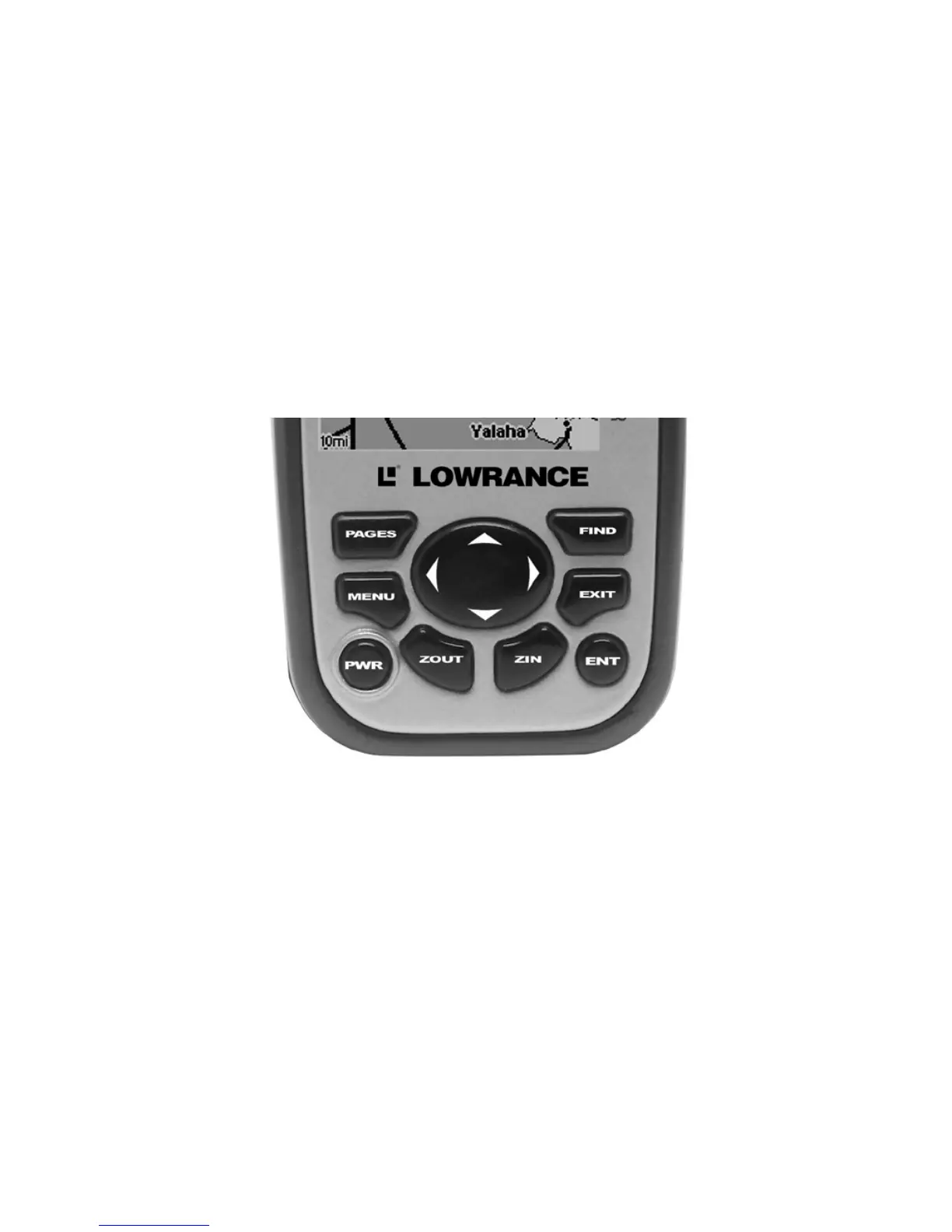
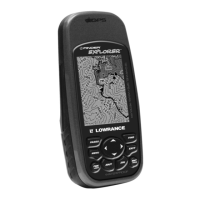
iFINDER Explorer keypad.
1. PWR/LIGHT – The PWR key turns the unit on and off and activates
the backlight.
2. PAGES – Pressing this key switches the unit between four page
screens in Easy Mode. (Satellite, Navigation, Compass and Map.) Each
page represents one of the unit's major operation modes.
3. MENU – Press this key to show the menus, which allow you to select
or adjust a feature from a list.
4. ARROW KEYS – These keys are used to navigate through the
menus, make menu selections, move the map cursor and enter data.
5. ENT – The enter key allows you to save data, accept values or exe-
cute menu commands.
1
4









 To Next Page