Chapter 2 Analog Input Module (XBF-AD04A)
2 - 17
2.9 Operation Parameter Setting
A/D conversion module’s operation parameters can be specified through XG5000’s [I/O parameters].
(1) Settings
For the user’s convenience of A/D conversion module, XG5000 provides GUI (Graphical User
Interface) for parameters setting of A/D conversion module. Setting items available through [I/O
parameters] on the XG5000 project window are as described below in the table.
Item Details
[I/O parameter]
(1) Specify the following setting items necessary for the module
operation.
- Channel Enable/Disable setting
- Setting ranges of input voltage/current
- Output data format setting
- Filter processing Enable/Disable setting
- Filter constant setting
- Average processing Enable/Disable setting
- Average processing method setting
- Average value setting
(2) The data specified by user through S/W package will be saved on A/D
conversion module when [Special Module Parameters] are
downloaded. In other words, the point of time when [Special Module
Parameters] are saved on A/D conversion module has nothing to do
with PLC CPU’s status RUN or STOP.
(2) I/O Parameter setting
(a) Run XG5000 to create a project.
(Refer to XG5000 program manual for details on how to create the project)
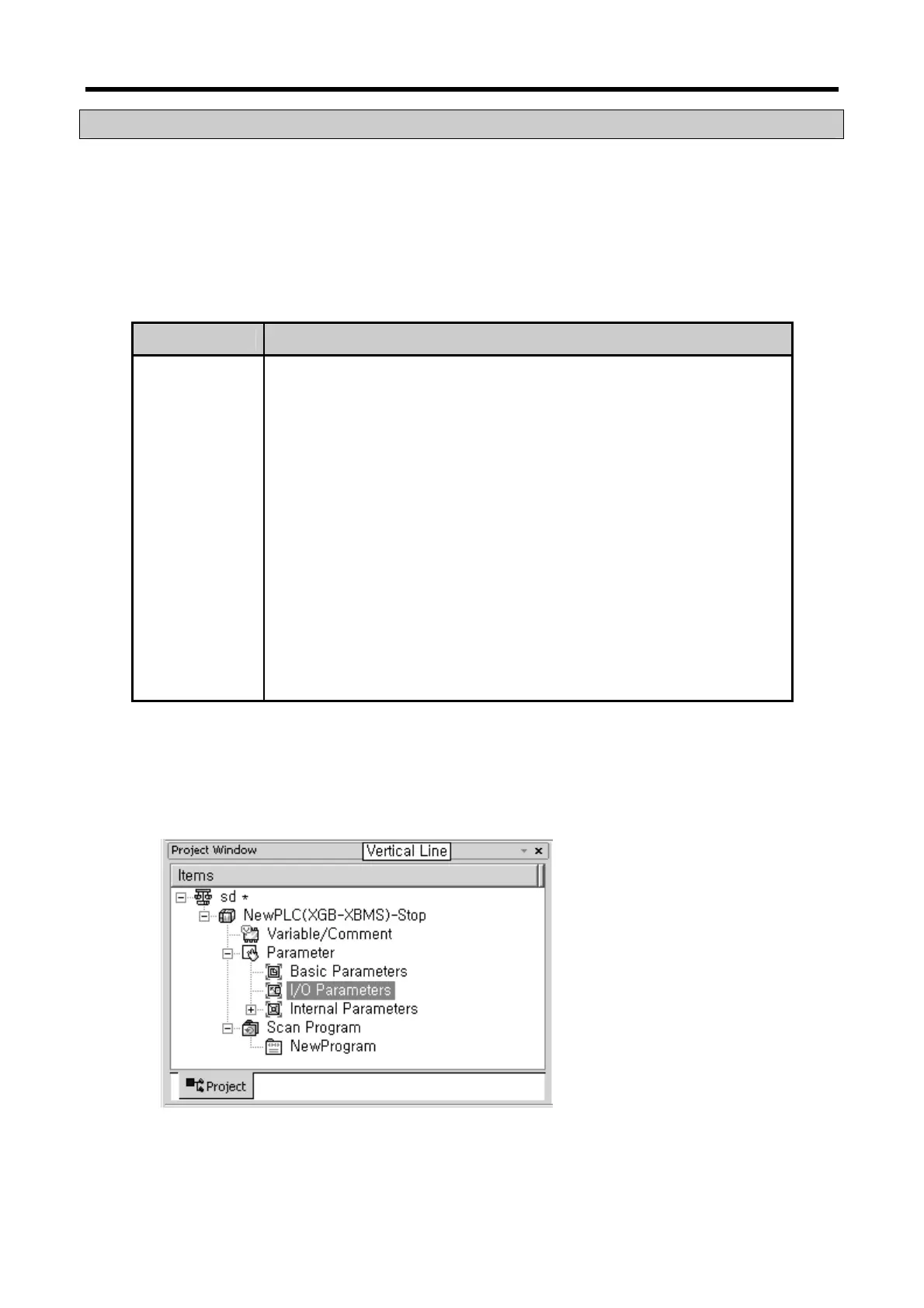
(b) Double-click [I/O parameters] on the project window.
(c) On the ‘I/O parameters setting’ screen, find and click the slot of the base A/D conversion module
is installed on. 4-channel voltage type of A/D conversion module is installed on Base No.0, Slot
No.4 in this description.



 To Next Page