10. TIMER FUNCTION
When reaching the set point temperature (SP) the timer
begins the countdown of the time defi ned by the time parameter.
After counting down to zero, the timer alarm is set, which remains active
till the moment of the timer erasing.
To activate the timer function, one must set the parameter
timr= on. To indicate the alarm state on an output, one of the outputs
out1...out3 should be set to aLtr.
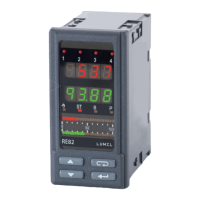
The timer status/ residual time is displayed with the mark „t” on
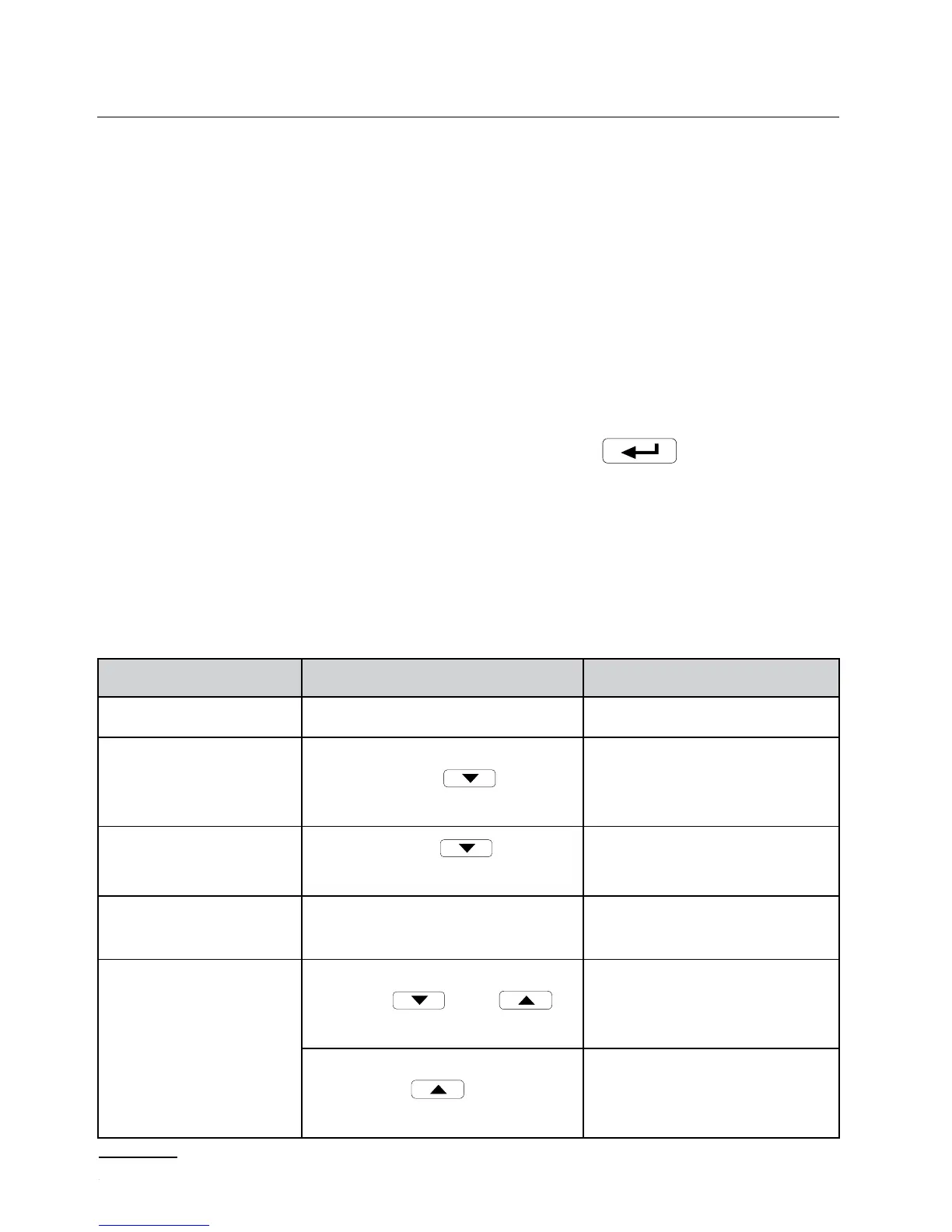
the fi rst position. To display it, one must press the
push-button till
the moment of it appearance on the lower display (acc. to the fi g. 13).
The return to the set point value display is set by the manufacturer on 30
sec, but can be changed, or disabled through the tout parameter.
Status Description Sygnaling
timer stopped
t---
Starting of the timer
- temperature over SP
- Press the push-
-button
Residual time in
minutes: e.g. (t2*9)
Pause of the timer
Press the
push-
-button
Flickering residual time
in minutes
End of the count-
down
Reaching zero by the timer
tend
Timer erasing
During the countdown:
Press
and
push-buttons
After the countdown end:
- press the
push-button
- - through the binary input


 To Next Page
 Loading...
