www.mabit.pl
info@mabit.pl
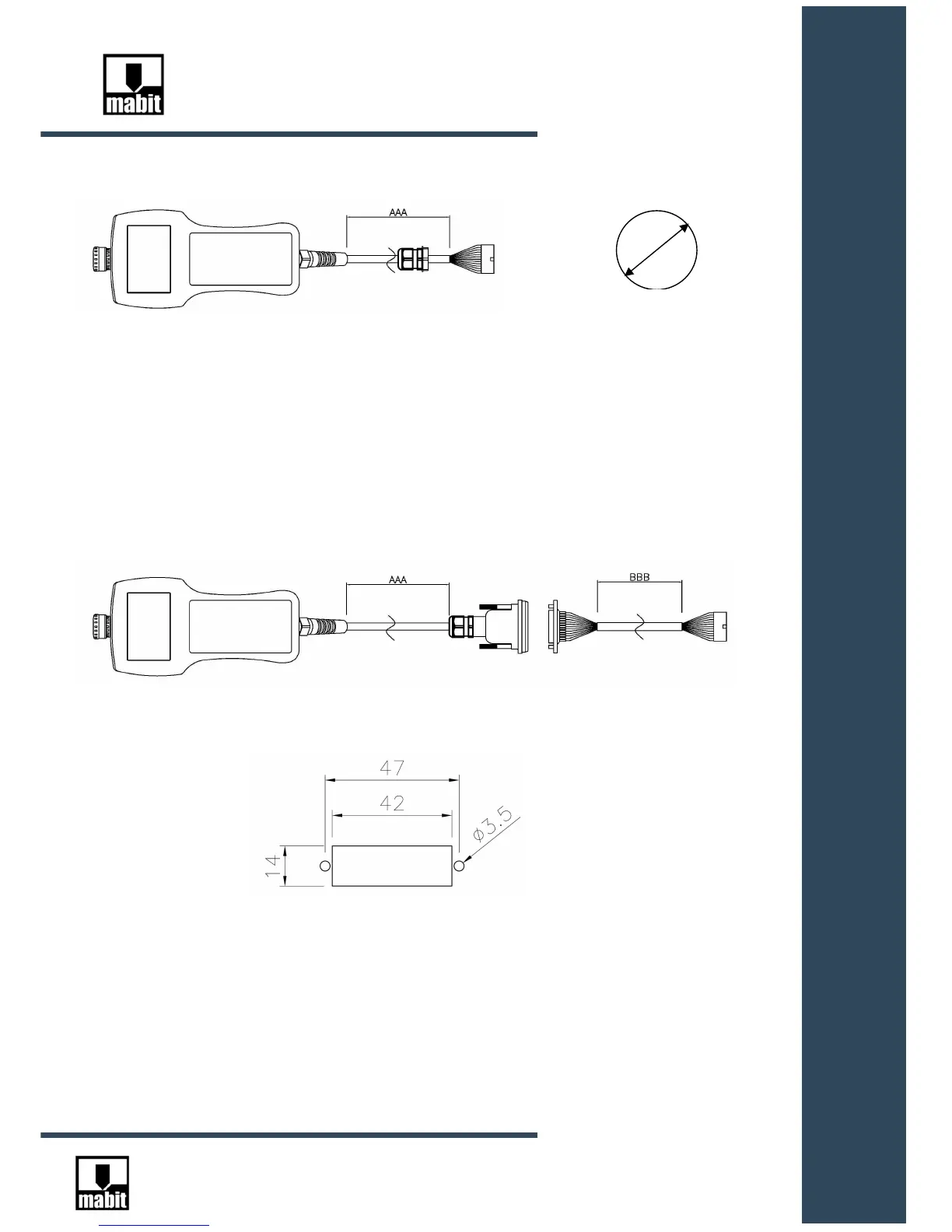
4.2.2 Connection with SC5-CAB-S-AAA cable
1.Drill a hole with a diameter of 21mm in the switch cabinet.
2.Put 26-pin plug through the hole and then through the gland nut.
3.Install the gland in the hole.
4.Connect 26-pin plug to SC5-INT interface.
4.2.3. Connection with SC5-CAB-D-AAA cable
1. Cut out a hole in the switch cabinet for D-SUB socket:
2. Put 26-pin plug through the hole.
3. Install a D-SUB socket in the hole, using M3 screws.
4. Connect 26-pin plug to the SC5-INT interface.
5. Connect SmartControl to D-SUB socket.



 To Next Page