www.mabit.pl
info@mabit.pl
6.3. Connecting to PC for programming
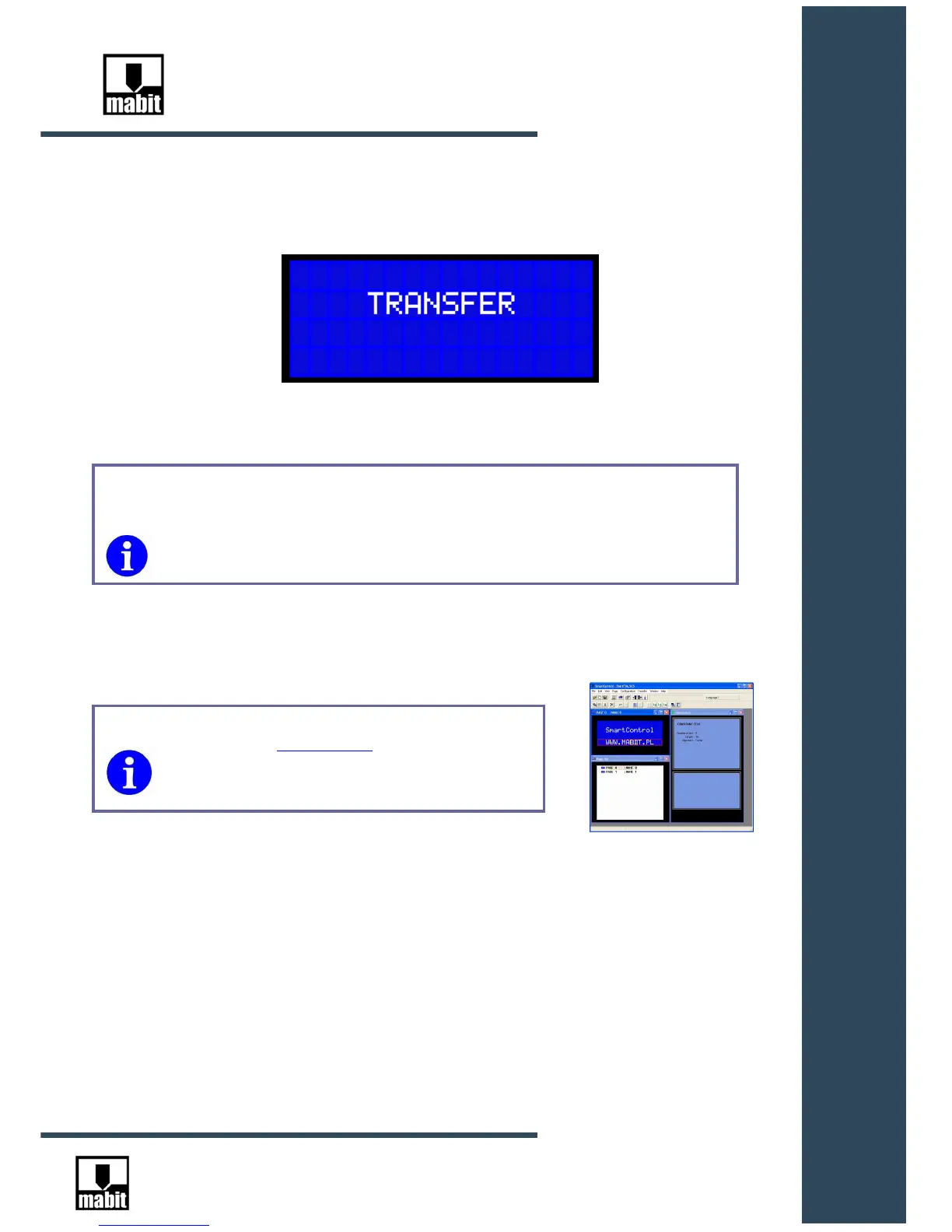
After connecting SmartControl to USB socket ( if USB drivers are installed correctly),
TRANSFER inscription will show on SmartControl display.
From this moment, SmartControl software takes control over SmartControl.
SmartControl automatically converts to TRANSFER mode after connecting to
the computer, provided that 24VDC power supply is turned off.
During programming, SmartControl is supplied only from USB socket of the
computer.



 To Next Page