www.mabit.pl
info@mabit.pl
7. Entering v
ariables from the keyboard (edit mode)
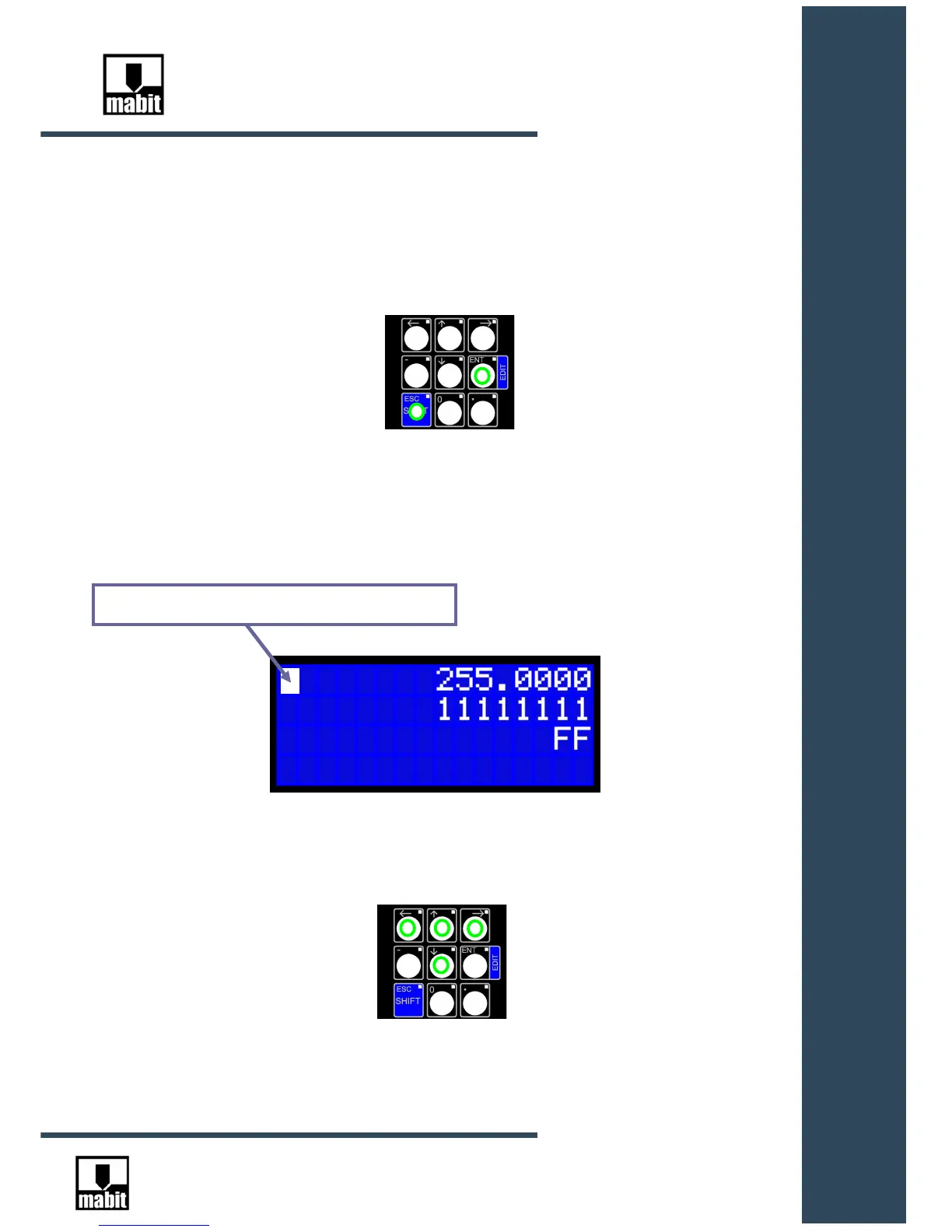
To get to edit mode, press and hold [SHIFT] key and then press [EDIT]:
SmartControl will go into edit mode. In this mode, the variable of key image is not sent to the
controller. Functions are active only in the upper parts of the keys.
The variables on the display are still read from the controller and refreshed.
It can be moved using arrow keys:
A flashing cursor will show on the display



 To Next Page