www.mabit.pl
info@mabit.pl
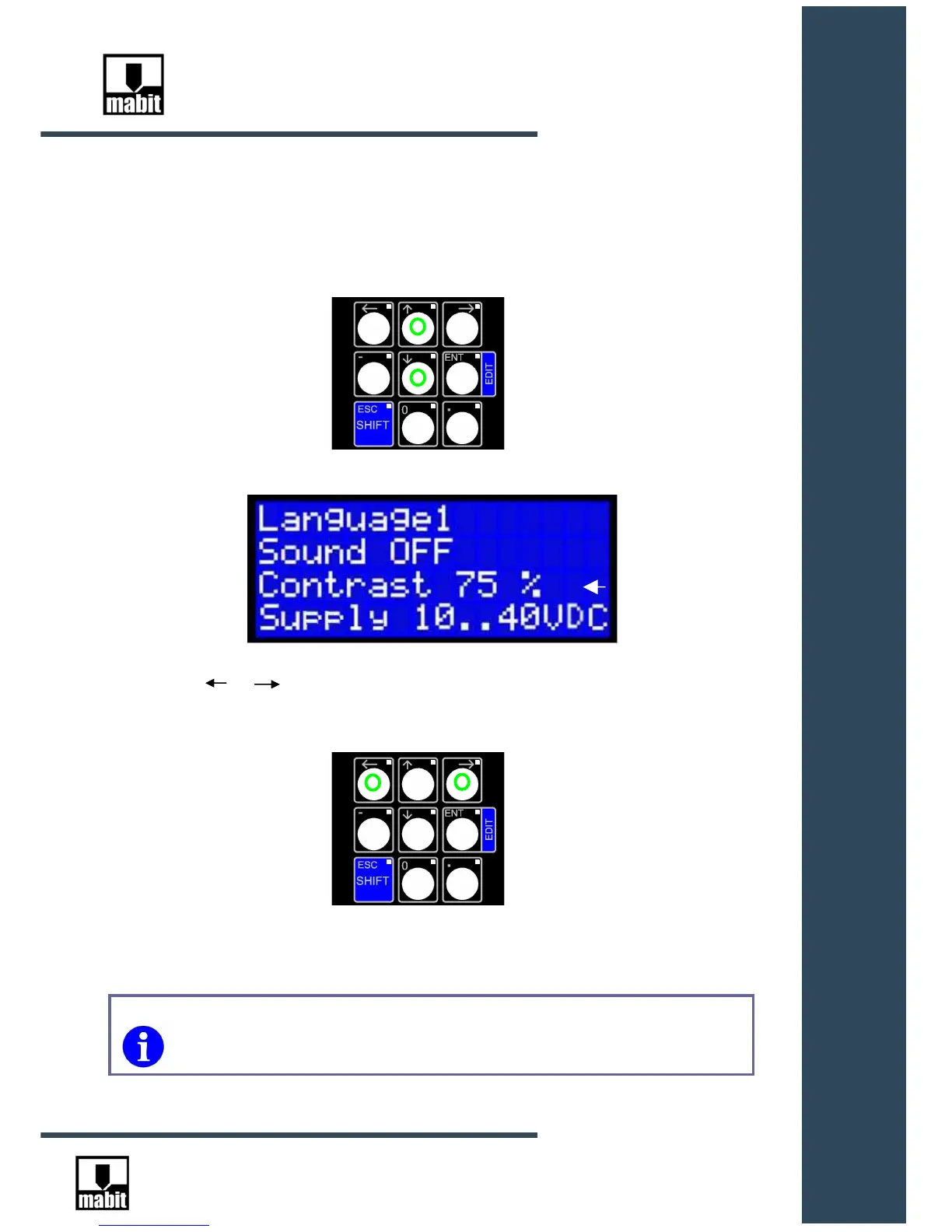
8.3. Setting display contrast
Place the cursor in the third area, using up and down arrows.
Use or to regulate the display contrast within the scope of 0% to 100%.
Confirm the choice with [ENT] key or cancel [ESC]
Contrast can also be regulated using SmartControl Software (see
SmartControl Software Manual ).



 To Next Page