www.mabit.pl
info@mabit.pl
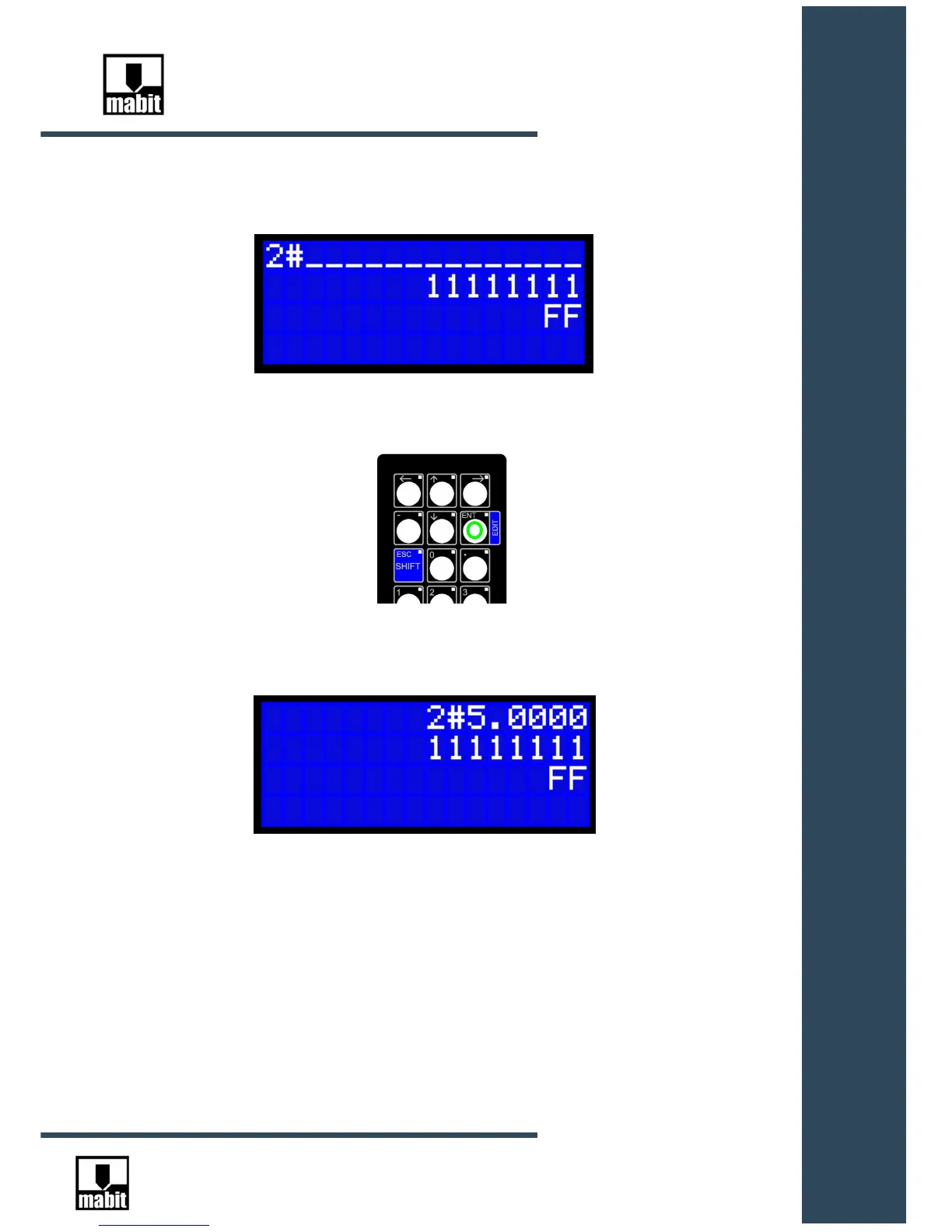
After entering the first number, e.g. “2”, the entire field will change as shown below:
You can enter other numbers and confirm with [ENT] key, or press [ESC] to cancel the edition.
There is a different method :
Before pressing the first number, move the cursor over the demanded number and change it one
at a time.
After changing the selected numbers, confirm with [ENT] key or cancel [ESC] .



 To Next Page