147762 12 Revision C
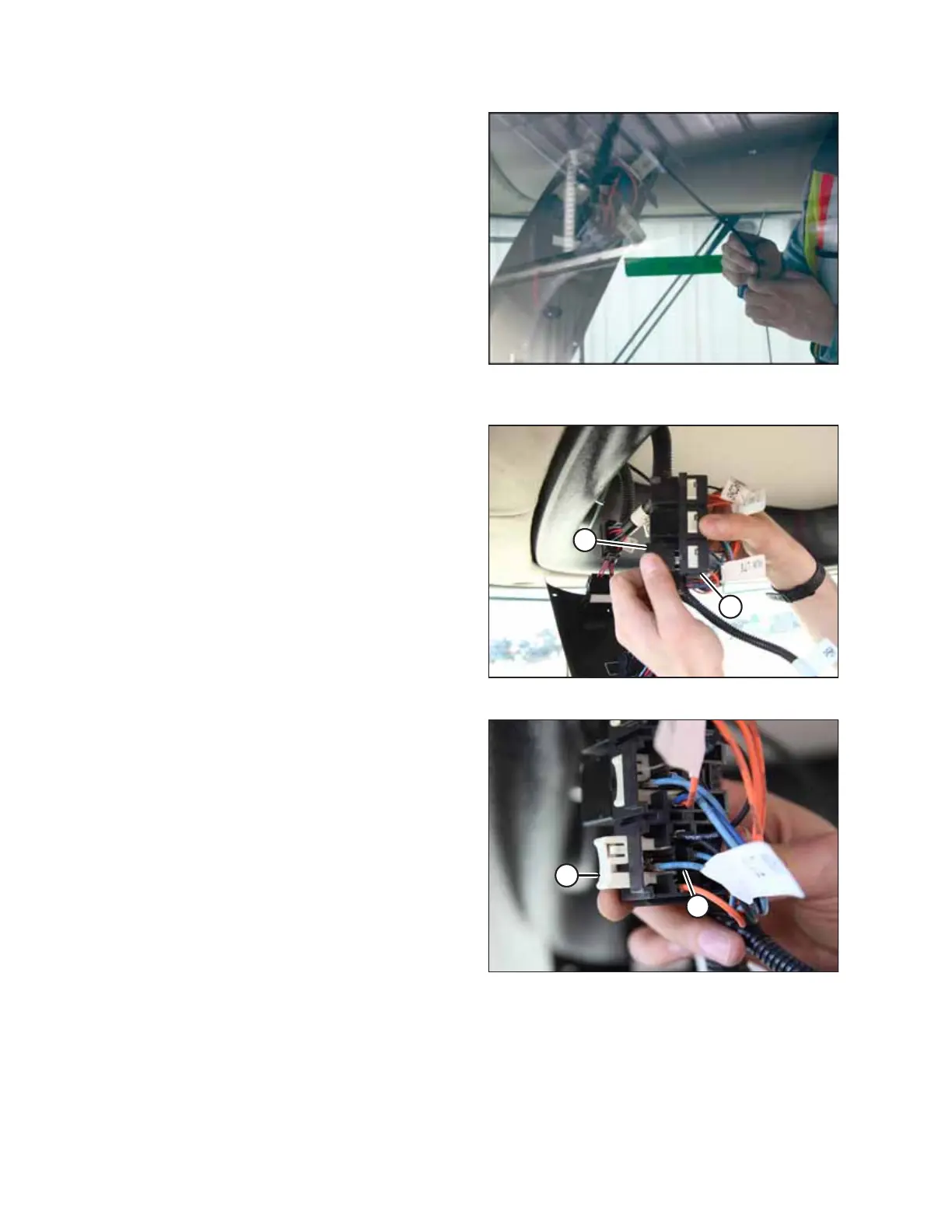
Figure 3.9: Fish Tape and Harness on Left Switch Panel
Opening
9. Attach the harness to the fish tape and pull it around to the
left switch panel opening.
Figure 3.10: AUXILLARY LTS Relay and Socket
10. In the left headliner switch panel, remove the AUXILLARY
LTS relay (A) from its socket (B).
Figure 3.11: Relay Socket
11. Remove terminal lock (A) from the relay socket.
12. Remove the existing AUX LTS wire (B) from terminal 30 of
the relay socket with a small flat screwdriver.
13. Seal the AUX LTS wire (B) with heat shrink material
(included with kit).
INSTALLATION INSTRUCTIONS



 To Next Page