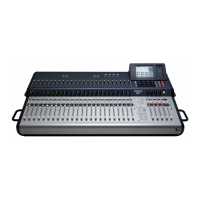
Mackie TT24 Digital Live Console Quickstart Guide
19
Chapter 3: Quickstart Tutorial
This Quickstart Tutorial will help you begin using the TT24 quickly and easily
by providing step
-
by
-
step instructions for its most commonly utilized tasks.
Rest assured that our team of design engineers has verified these instructions!
Before beginning the Quickstart Tutorial, please read
:
• Chapter 1:
Introduction
to learn about the TT24’s basic attributes, and ter-
minology/conventions for the console, Touchscreen, and user guide.
• Chapter 2:
TT24 Interface
provides a good overview of the TT24’s important
functional entities.
It may also be helpful to refer to Appendix A:
TT24 Configurations and Block
Diagrams
to see how several useful complete systems are interconnected.
3.1 Connect Amplifier/Speakers
1. Plug in a left
-
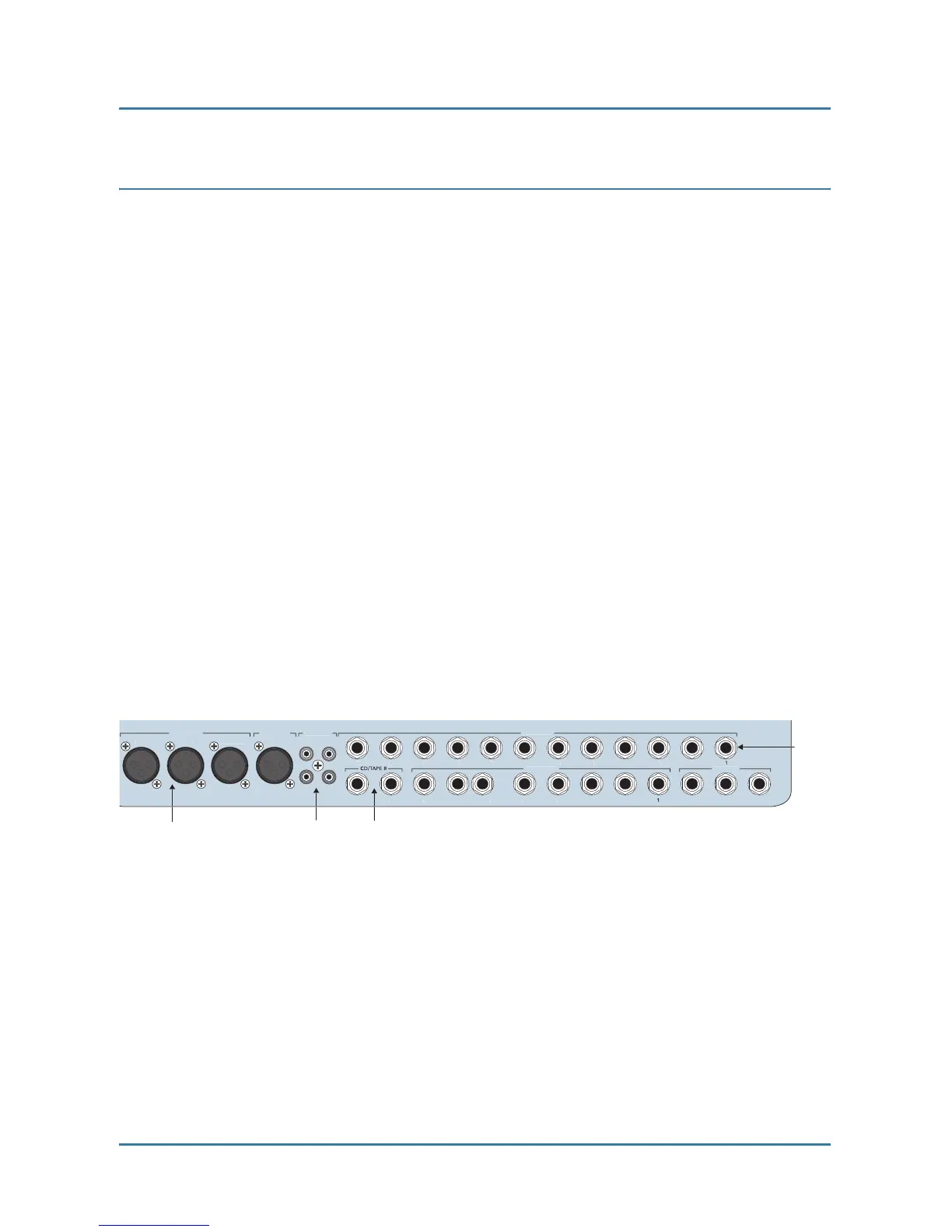
right pair of amps/speakers into the MAINS OUT LEFT
and RIGHT XLR connectors (Figure 3-1).
2. Connect an amp/speaker to AUX SEND 1.
3. Plug in headphones.
Figure 3-1 Mains and Aux Sends Outputs
CD


 To Next Page