45
Owner’s Manual
Owner’s Manual
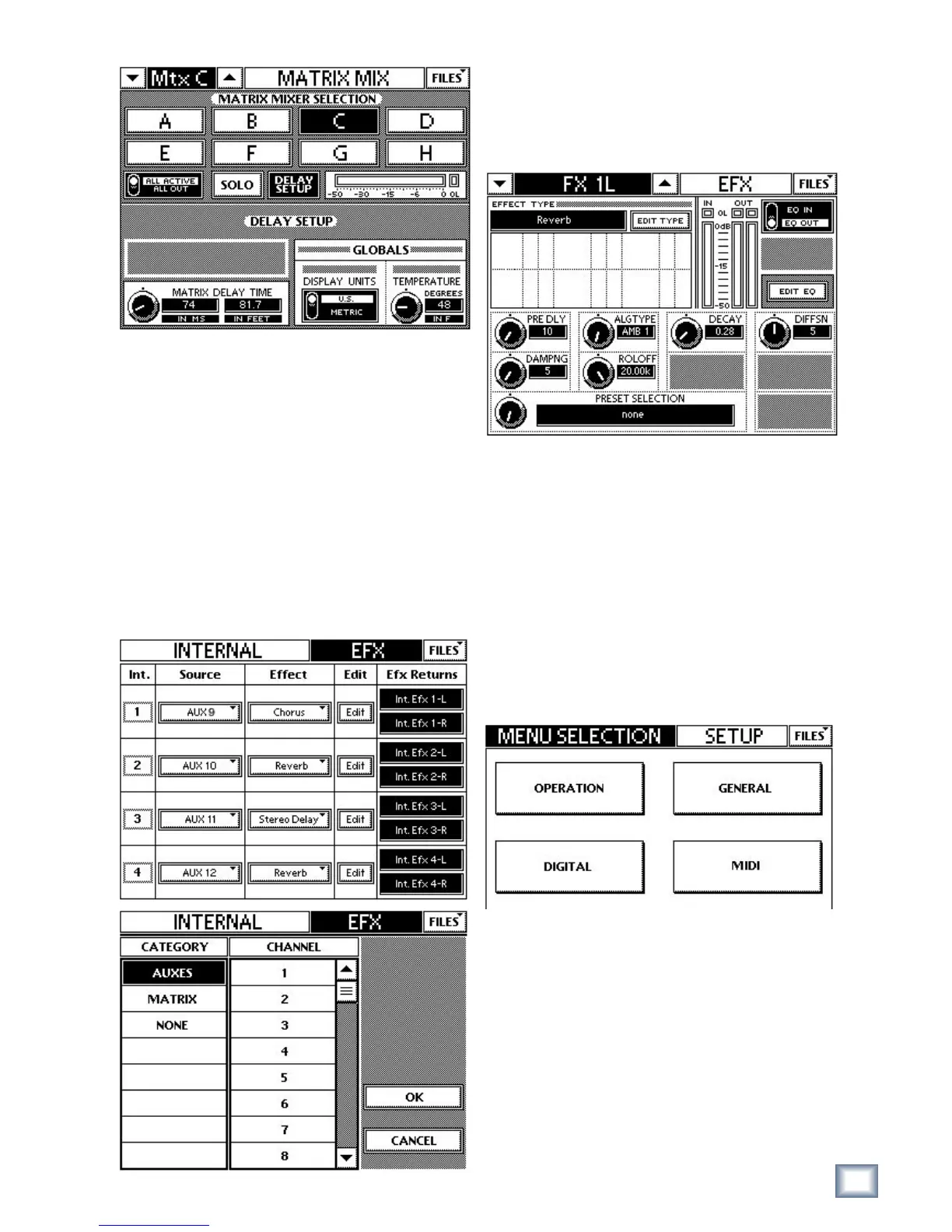
Figure 6-24 MATRIX MIX DELAY SETUP Touchscreens
MATRIX DELAY TIME: 0–600 ms in 0.5 ms increments
This parameter converts a distance to a delay time.
The units of measurements for distance depend on
those selected in DISPLAY UNITS.
DISPLAY UNITS: U.S. or METRIC
TEMPERATURE: Enter the present temperature.
The temperature affects the conversion between delay
time and distance. The range is 20–120°F (-10° to 50°C)
in 1° increments.
6.12 Effects
Figure 6-25 INTERNAL EFX Touchscreens
Press the EFX QuickMix button to display the INTER-
NAL EFX Touchscreen (left of Figure 6-23). Touch an
Effect to change the effect. Touch an Edit button to edit
the selected effect. Touch a Source to change the source
feeding the Effect; this displays the Touchscreen on the
right of Figure 6-23.
Figure 6-26 EFX PRESET SELECTION
The EFX preset display and dial in the EFX editing
screen allow you to quickly and easily scroll through
existing presets for any internal effect (i.e., reverb,
reverb+gate, chorus, etc.).
Editing internal effects is done by pressing the EFX
button in the QuickMix section and then pressing the
edit button of the desired effect. On this screen, a
display and knob have been added for scrolling through
and listening to presets.
6.13 Setup
Figure 6-27 SETUP MENU SELECTION
Press the SETUP QuickMix button to display the
SETUP MENU SELECTION Touchscreen. Touch the
OPERATION, GENERAL, DIGITAL, and MIDI buttons
to configure those attributes.


 To Next Page