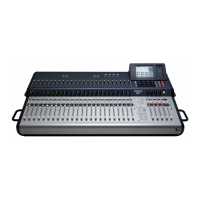
Mackie TT24 Digital Live Console Quickstart Guide Quickstart Tutorial
22
13. Press AUX SENDS 1 in the V
-
POT CONTROL area (Figure 3-3).
14. Adjust the Aux 1 level on channel 1 using the V
-
Pot.
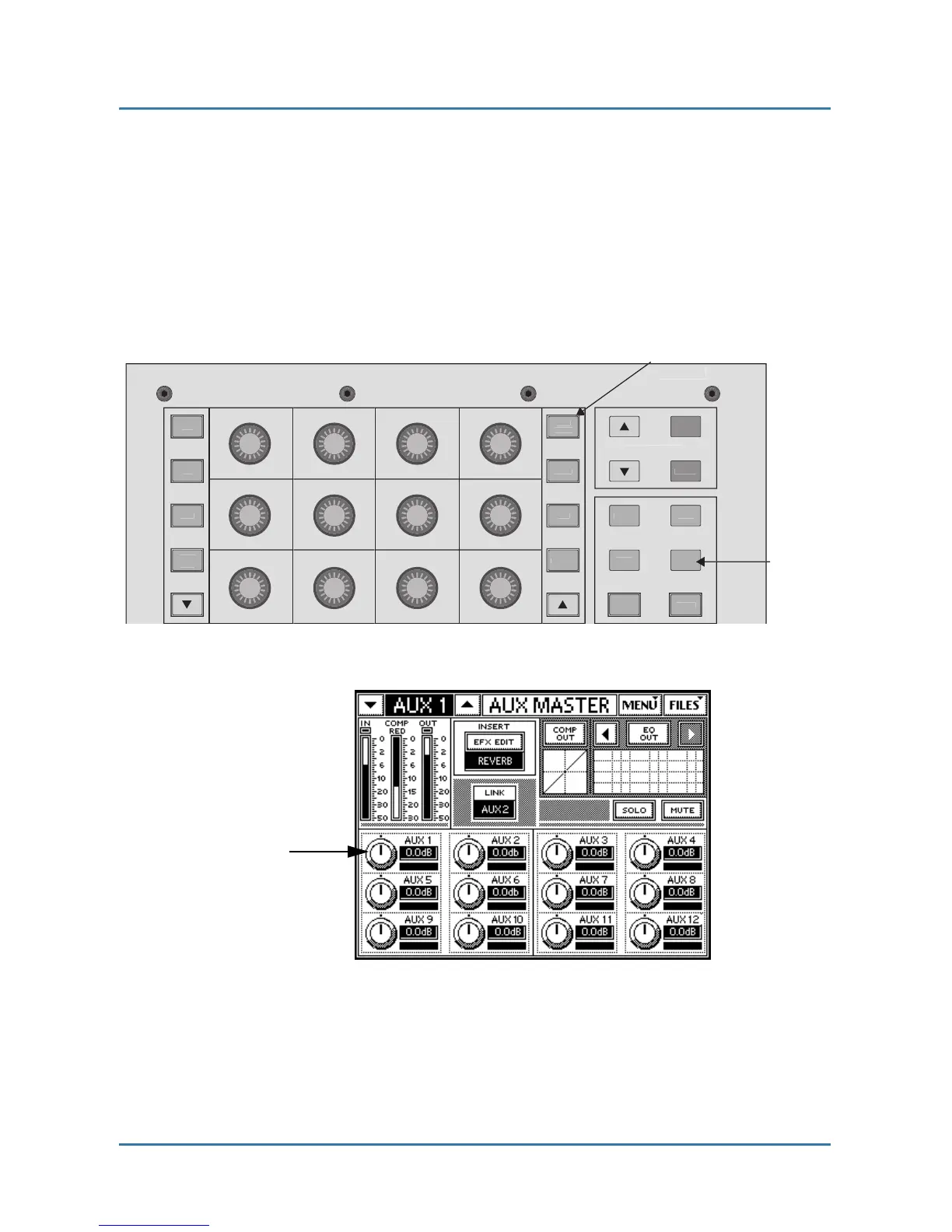
15. Press the AUX MSTR QuickMix button (Figure 3-4).
16. Adjust Aux 1’s master level with the corresponding QuickMix knob (see
the Aux Master screen in Figure 3-5).
You should hear your mic in the monitor speaker attached to Aux 1.
Figure 3-4 QuickMix area
Figure 3-5 Aux Master screen


 To Next Page