Using the Magellan eXplorist
Magellan eXplorist 310 User Manual 4
The BACK Button
The BACK button is used to access the previously
viewed screen unless you are viewing the Map
screen and then it is used to access the Main Menu.
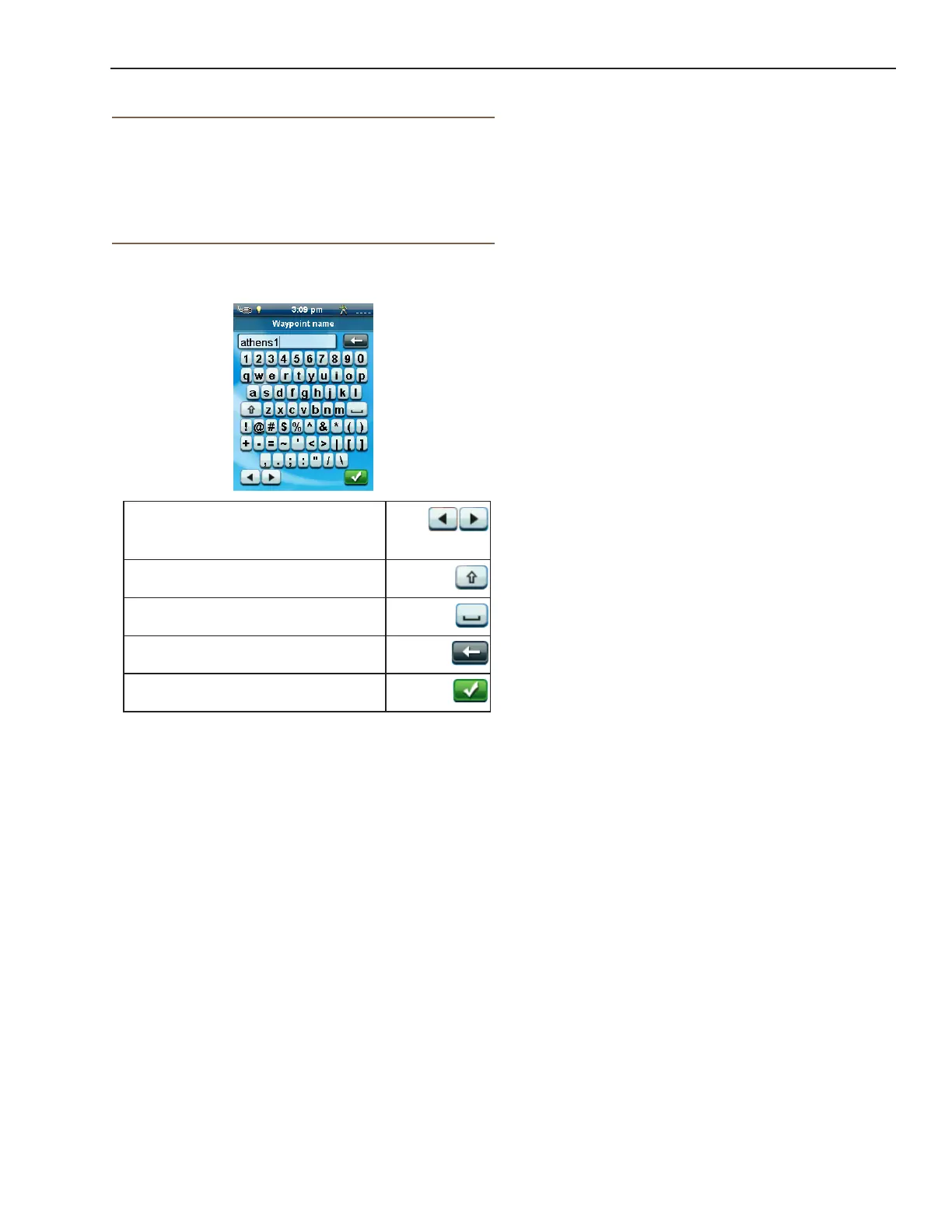
Entering Text and Numeric Data
Entering text and numbers is done by the use of a
displayed keyboard.
Accessing the different keyboard
layouts is done by selecting on the
left or right arrows.
Uppercase characters can also be
used by selecting the shift key.
Entering a space is done using the
space bar key.
To backspace, select the
backspace key.
To save the text entered, select the
green accept button.
To cancel and return to the previous screen, press the
BACK button.















 To Next Page