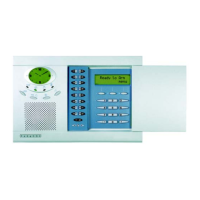
MG6250 • Section Programming Guide
Version 1.6
Appendix A: EN 50131 Programming | 53
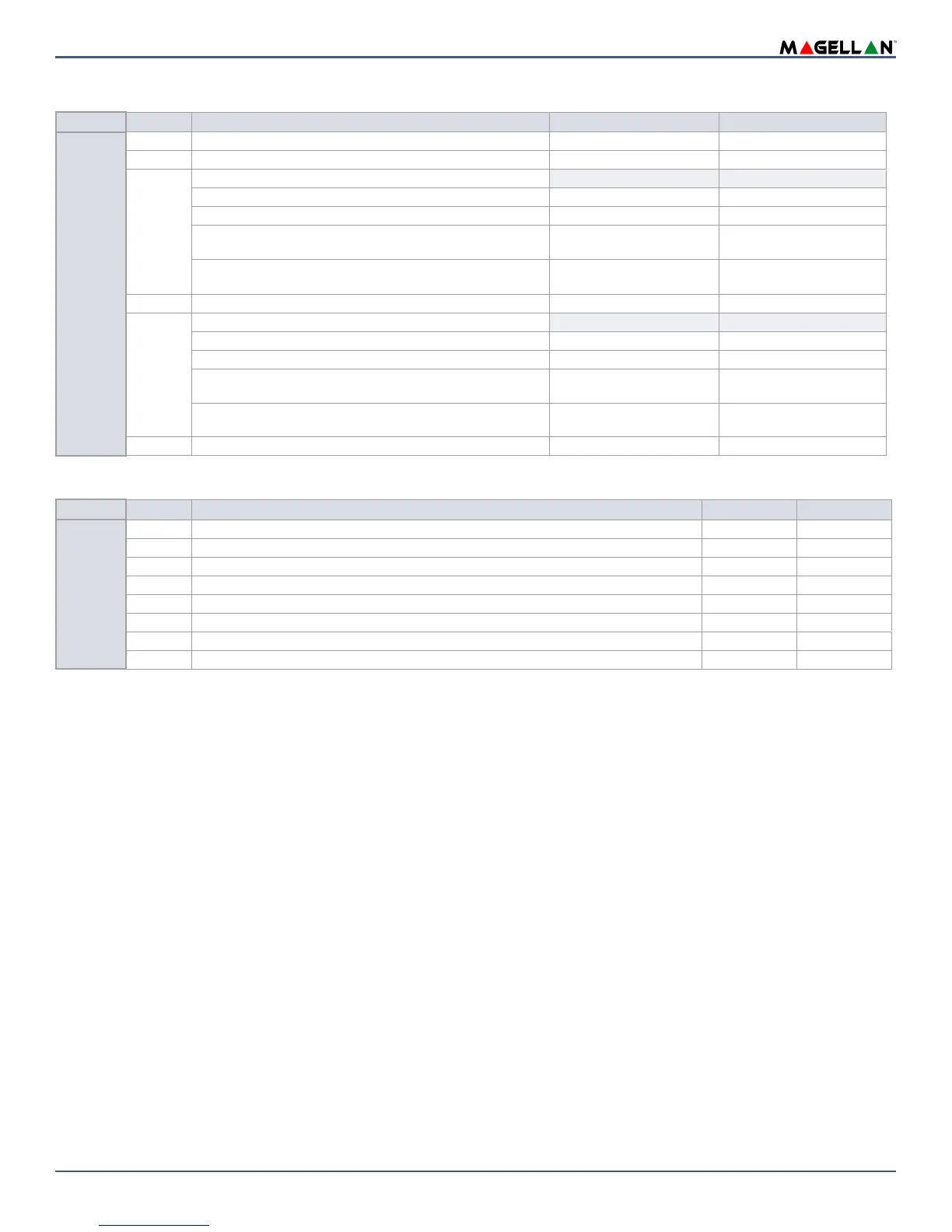
Wireless Module Options
General Options
Section
Option Description
OFF ON
[2004]
1 Future use - -
2 Report Zone restore On bell cut-off On zone closure
3 & 4
Tamper recognition options (console tamper follows this option)
3 4
Disabled OFF OFF
Trouble only OFF ON
Disarmed: Trouble only
Armed: Follow zone’s alarm type
ON OFF
Disarmed: Audible alarm
Armed: Follow zone’s alarm type
ON ON
5 Generate tamper trouble if detected on bypassed zone Disabled Enabled
6 & 7
Wireless transmitter supervision option
6 7
Disabled OFF OFF
Trouble only OFF ON
Disarmed: Trouble only
Armed: Follow zone’s alarm type
ON OFF
Disarmed: Audible alarm
Armed: Follow zone’s alarm type
ON ON
8 Generate supervision trouble if detected on bypassed zone Disabled Enabled
Section
Option Description
OFF ON
[2009]
1 Restrict Arming when zone opens during exit delay Disabled Enabled
2 Acknowledge Trouble(s) before Arming Disabled Enabled
3 Future Use - -
4 Future Use - -
5 Future Use - -
6 Future Use - -
7
GSM Antenna* Internal External
8
RF Frequency** 868 MHz 433 MHz
* If you are using a GPRS14 on an 868 MHz console, you cannot use GSM as a communication method when armed, unless an external antenna is connected.
Once the antenna is connected, you must set section [2009], option [7] to ‘ON’, or ‘external’.
** The frequency of the console cannot be changed, but must be programmed accordingly. Refer to the sticker on the console to view the set frequency, then
program it in option [8].


 To Next Page