16
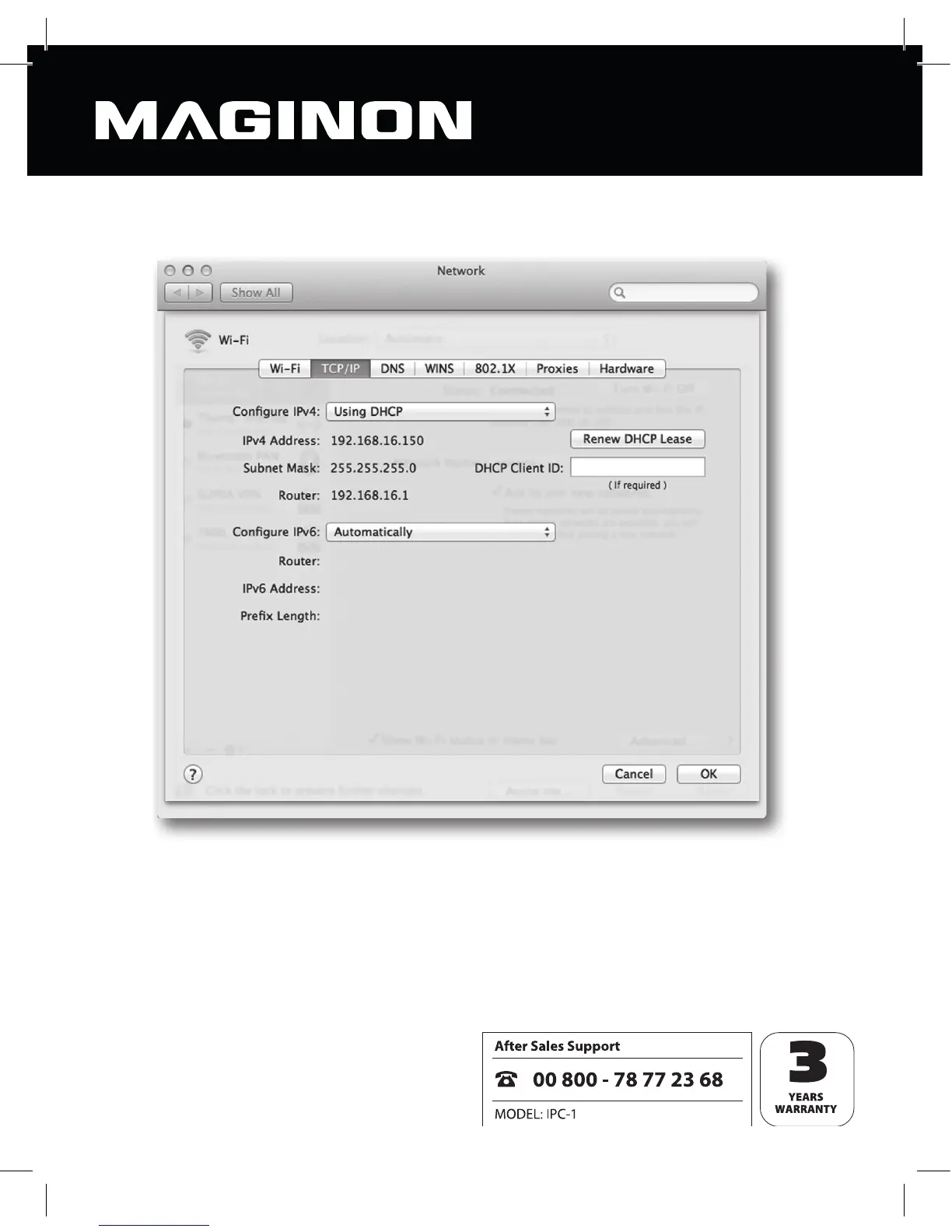
Now switch to the “TCP/IP” screen and you’ll nd your router’s IP address under “Router”. In
the example below, the IP address is 192.168.16.1.
Establishing the security camera‘s IP address
Now open the Safari web browser and enter your router’s IP address in the “go to” window.
This will open the router’s con guration screen which will generally include a clickable
option called “DHCP table” or “DHCP reservation”. This will give you a list of all devices on the
network (see following example).



 To Next Page