User’s Manual MAGNER150
- 10 -
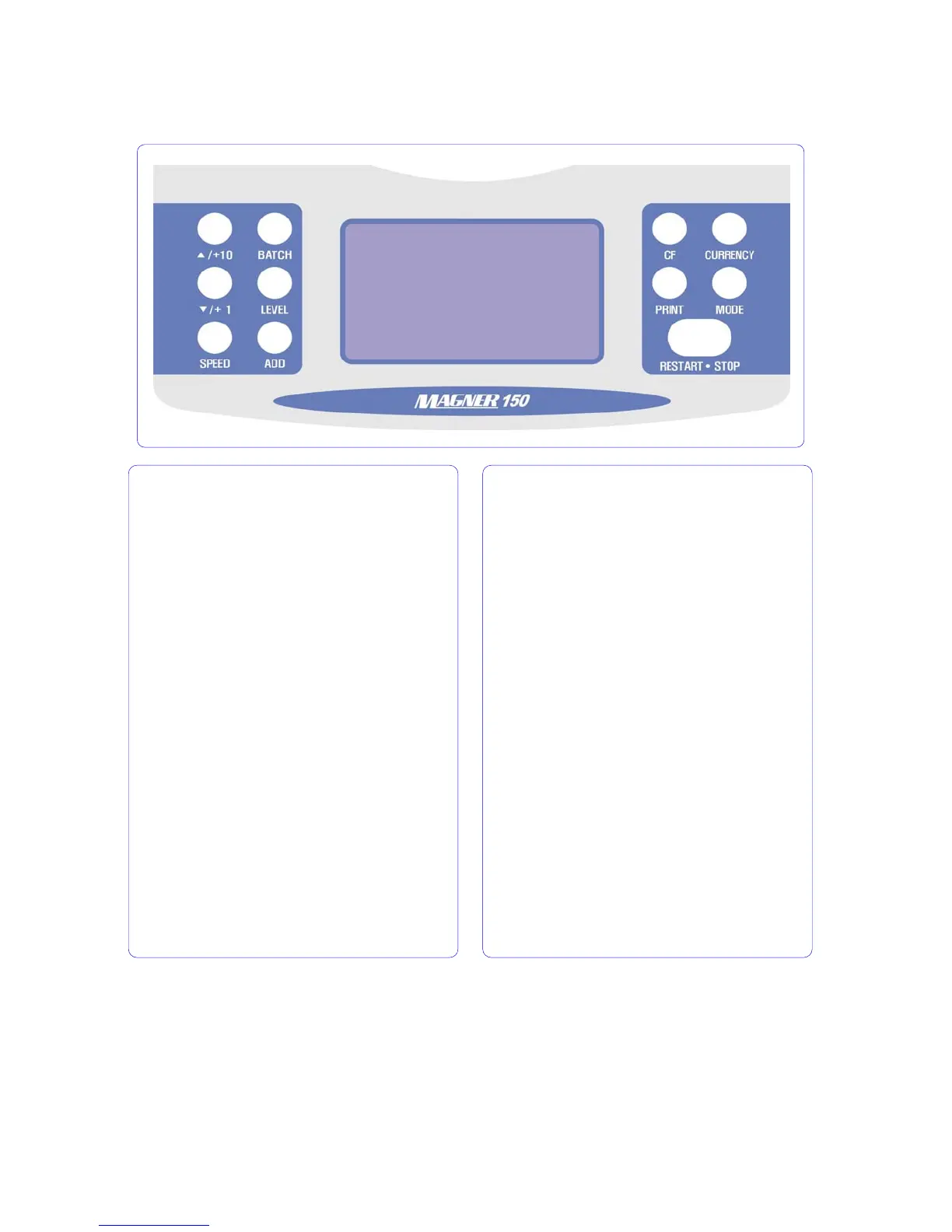
2-4. Operation Key Function
▲/+10 When press and hold down, enter User
setting Mode and Serial Print Mode.
BATCH Batch function Key. When press and
hold down the key, the function is released.
▼/+1 Menu selector.
LEVEL Select the double detection level in
Count Mode.
SPEED Change the count the speed in Count
Mode. After pressing, adjust the speed by
pressing +10 or +1 key.
ADD When press and hold down the key, you
can enter the ADD Mode.
CF Counterfeit detection function key.
CURRENCY Choose currency
PRINT Show the denomination information. In
Serial Number Print Mode, print the information
by printer or display.
MODE Choose operation mode.
RESTART•STOP Clear counting value
information in Display. In special mode, exit the
menu.



 To Next Page