User’s Manual MAGNER150
- 33 -
6-4. Descriptions of Menu
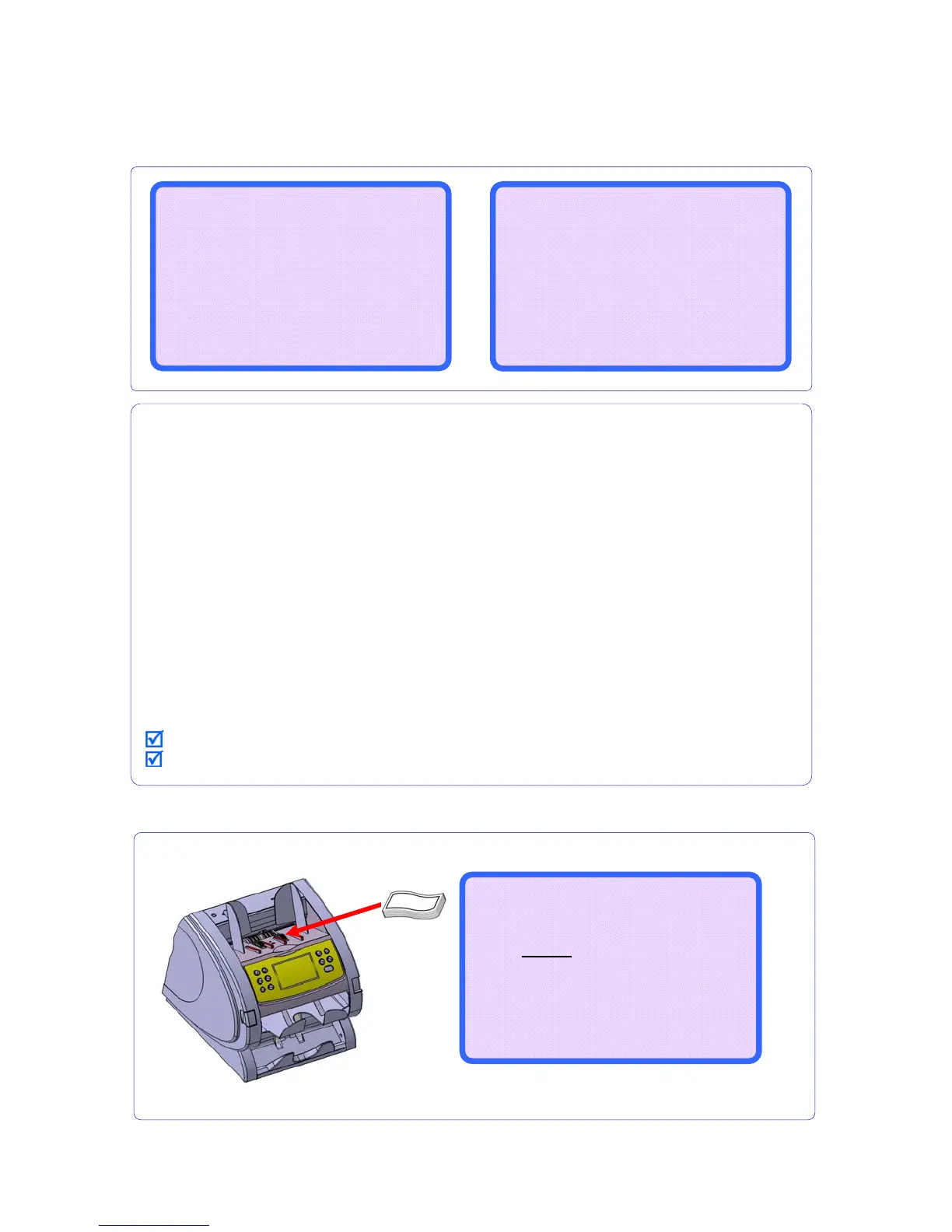
6-5. Print the Receipt
1. EXIT Quit the menu
2. Find SERIAL PRINTER Check the connection of machine and printer.
3. How to print Manual – If you want to print the results, you have to press the print key.
Auto – When the counted notes removed from stacker pocket, printing
starts automatically.
4. Printout Type Receipt – print the receipt information
Detail – Print the detail information (ex) denomination information, error
information and etc.
CIS Info – User cannot use this type.
CF Info – User cannot use this type.
IR Info – User cannot use this type.
All Info – User cannot use this type.
5. Blank of tail User set up the blank of tail.
6. Emulation Set up the print type. Machine can offer only EPSON Emulation.
7. Baud Rate Set up the baud rate between machine and printer.
8. ROLL PAPER Size Set up the size of printer paper.
9. Font Size set up the font size.
* means the encourage value.
When you quit the all menu, press the RESTART/STOP key.
SERIAL PRINTER MENU
(2/2)
------------------------------
6.Emulation --------- *EPSON
7.Baud Rate ------- *9600bps
8.ROLL PAPER Size --- *3inch
9.Font Size ------- *12 * 24
------------------------------
NEXT PAGE – BATCH KEY
SERIAL PRINTER MENU
(1/2)
------------------------------
>>1.EXIT(PRESS RESTART KEY)
2.Find SERIAL PRINTER
3.How to print ----- *Manual
4.Printout Type --- *Receipt
5.Blank of tail --------- *5
------------------------------
NEXT PAGE – BATCH KEY
Mix RJP CF
--------------------
0
910
$
134,500
--------------------
B100 ---
After counting, PRESS key shortly,
Display shows the message “Please Wait…
Printing the data...”.



 To Next Page