User’s Manual MAGNER150
- 11 -
3. Basic Mode
3-1. Count Mode
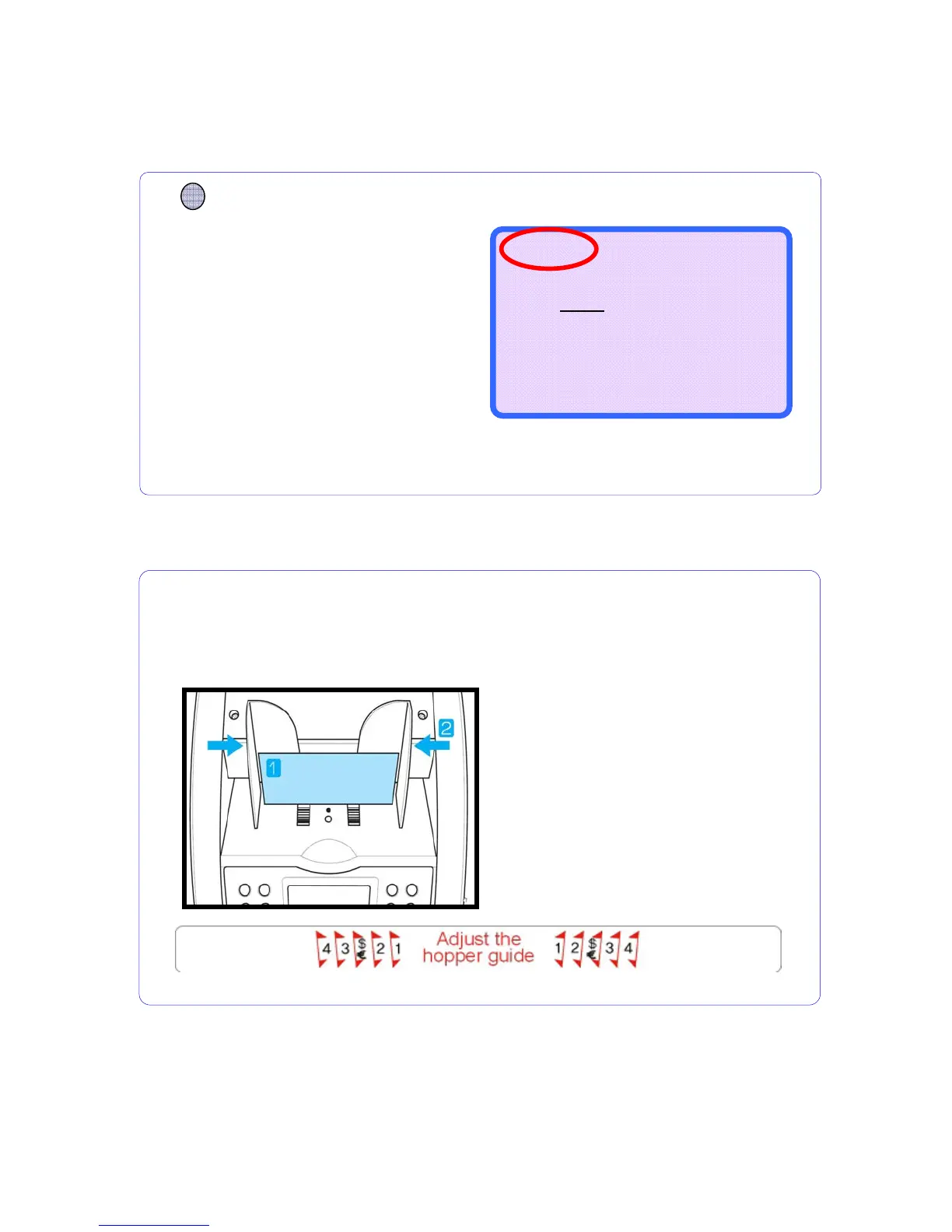
1. Place a note on the HOPPER
referring to following figure.
2. Move the HOPPER guide to make
the guide size is the same with the
note size.
3. If you use to USD or Euro, refer to
symbol of Hopper sticker.
How to place notes properly on HOPPER
Adjust the hopper guide, before counting
If you not adjust the hopper guide, the machine does not work properly.
Display shows as below.
CURRENCY
Press CURRENCY key and
select any mode you will.
Counting Mode is for counting all currencies
without detection.
COUNT RJP ---
--------------------
0
0
0
--------------------
B100 ---



 To Next Page