User’s Manual MAGNER150
- 25 -
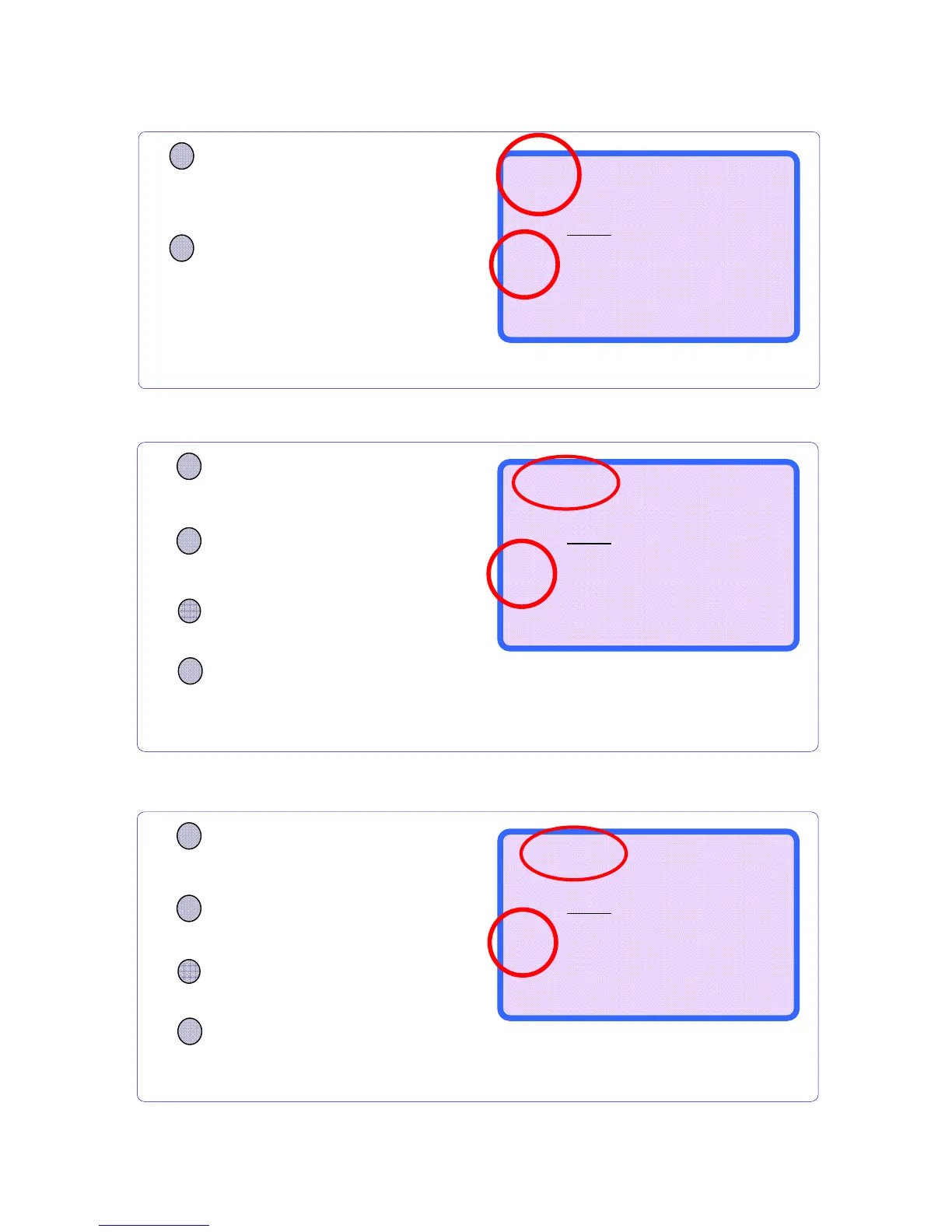
5-3. Separate Mode (SP Mode)
5-4. SP-ver Mode (Separate Mode by Old & New version)
5-5. SP-verA Mode (Separate Mode by New & Very New version)
CURRENCY
Press CURRENCY key to
select currency.
If user selects this mode, the machine sends
notes to Stacker which have same
denomination and version (old and new&very
new) with first inserted note.
MODE
Press MODE key to select
SP mode.
Press +1 or +10 key and select
SP-ver mode
SP-ver RJP CF
--------------------
0
0
$
0
--------------------
B100 ---
▲/+10
▼/+1
OR
CURRENCY
Press CURRENCY key to
select currency. (USD only)
If user selects this mode, the machine send
note to Stacker which has same
denomination with the first inserted note.
MODE
Press MODE key to select
SP mode.
Press +1 or +10 key and select
SP-verA mode
SP-verA RJP CF
--------------------
0
0
$
0
--------------------
B100 ---
▲/+10
▼/+1
OR
CURRENCY
Press CURRENCY key and
choose the mode, you want.
The machine sorts out the same denomination
with first inserted note.
MODE
Press the MODE key and
choose SP mode.
SP RJP CF
--------------------
0
0
$
0
--------------------
B100 ---



 To Next Page