User’s Manual MAGNER150
- 26 -
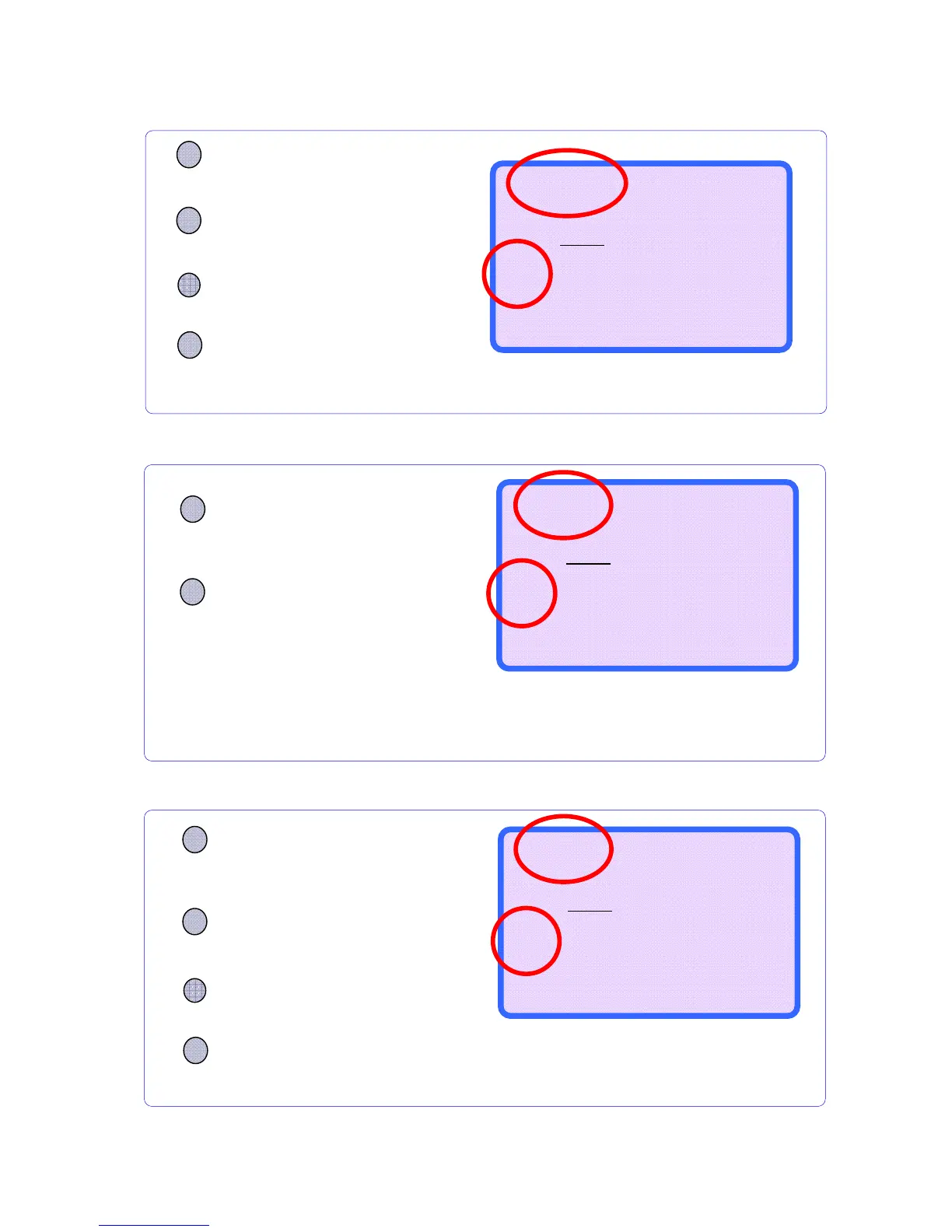
5-6. Single Mode (SG Mode)
5-7. Dir-MF Mode
5-8. Dir-MO Mode
CURRENCY
Press CURRENCY key and
choose the mode, you want.
Regardless of denomination, the machine
saves the direction information of the first
inserted note and sorts the same things.
MODE
Press the MODE key and
choose Dir-MO mode
Press the +1 or +10 key and
choose Dir-MO mode.
Dir-MO RJP CF
--------------------
0
0
$
0
--------------------
B100 ---
▲/+10
▼/+1
OR
Regardless of denomination, the machine saves
the front or rear information of the first inserted
note and sorts the same things.
MODE
Press the MODE key and
choose Dir-MF mode
Dir-MF RJP CF
--------------------
0
0
$
0
--------------------
B100 ---
CURRENCY
Press CURRENCY key and
choose the mode, you want
.
CURRENCY
Press CURRENCY key and
choose the mode, you want.
You can sort the selected denominations.
MODE
Press the MODE key and
choose SG mode.
Press the +1 or +10 key and
choose denomination.
SG
$
100 RJP CF
--------------------
0
0
$
0
--------------------
B100 ---
▲/+10
▼/+1
OR



 To Next Page