User’s Manual MAGNER150
- 8 -
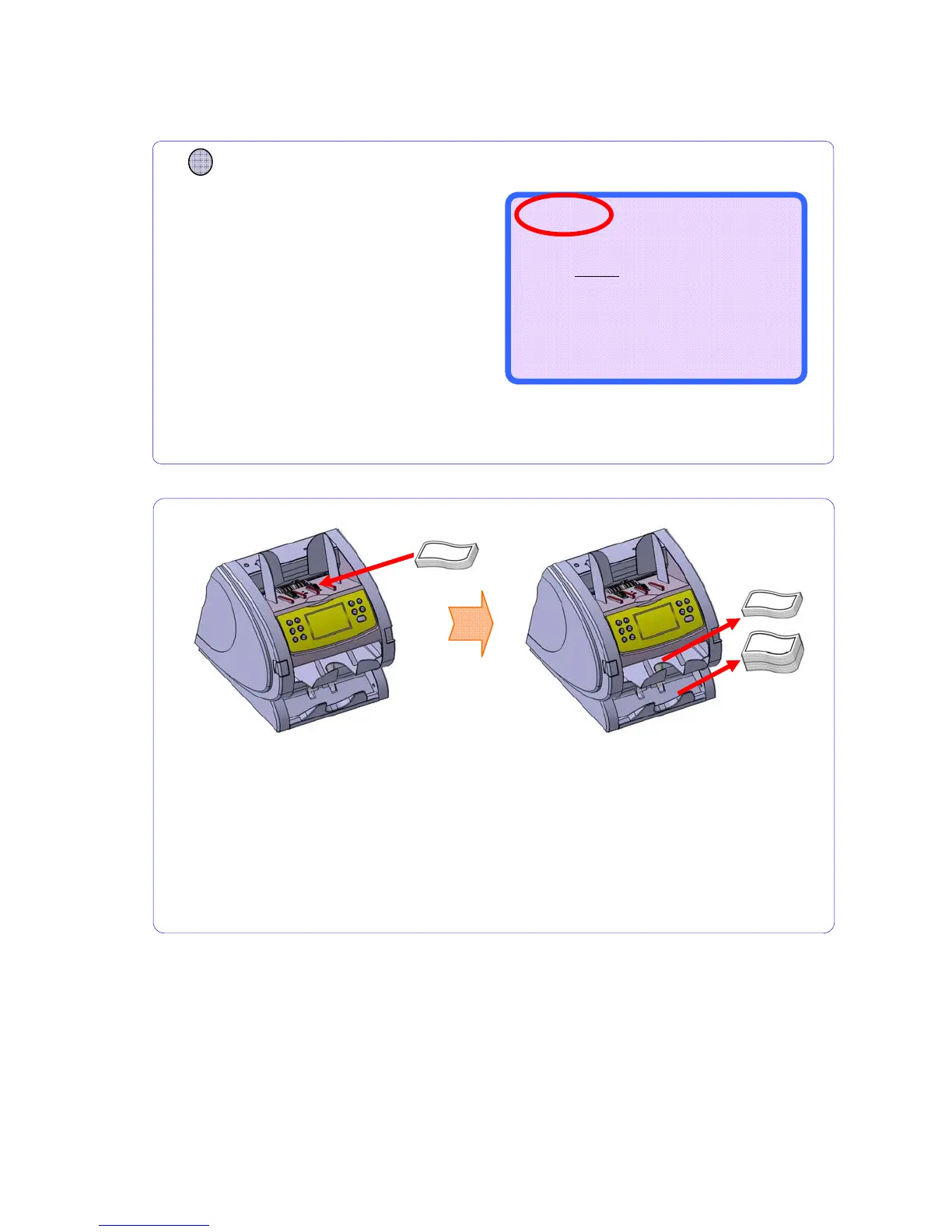
2-2. Counting Notes
When you place the notes on the
HOPPER, machine starts running.
Counted notes stack at the STACKER
Pocket and trouble notes are sent to
REJECT Pocket.
If you remove the rejected note during counting, it is possible that displayed
reject counts differ from number of notes in the REJECT POCKET.
Display shows as below.
CURRENCY
Press CURRENCY key and
select any mode you will.
Counting Mode is for counting all currencies
without detection.
COUNT RJP ---
--------------------
0
0
0
--------------------
B100 ---



 To Next Page