User’s Manual MAGNER150
- 7 -
2. BASIC OPERATION
2-1. Self-Diagnosis
The machine shows below message on the
LCD DISPLAY for a short time during checking
the Memory.
If there is a problem in the system, error
message will be blinking on the Display.
Checking EEPROM Data .... OK
Checking Setting Data
HSRB Sensors ......... OK
Checking Count Sensors
Cis Up ............... OK
Main ................. OK
Reject ............... OK
Motor Speed Data
Main Motor ........... OK
Sub Motor ............ OK
After self-diagnosis, display shows as below.
When the machine turns on again, the latest
used mode will be shown.
Mix RJP CF
--------------------
0
0
$
0
--------------------
B100 ---
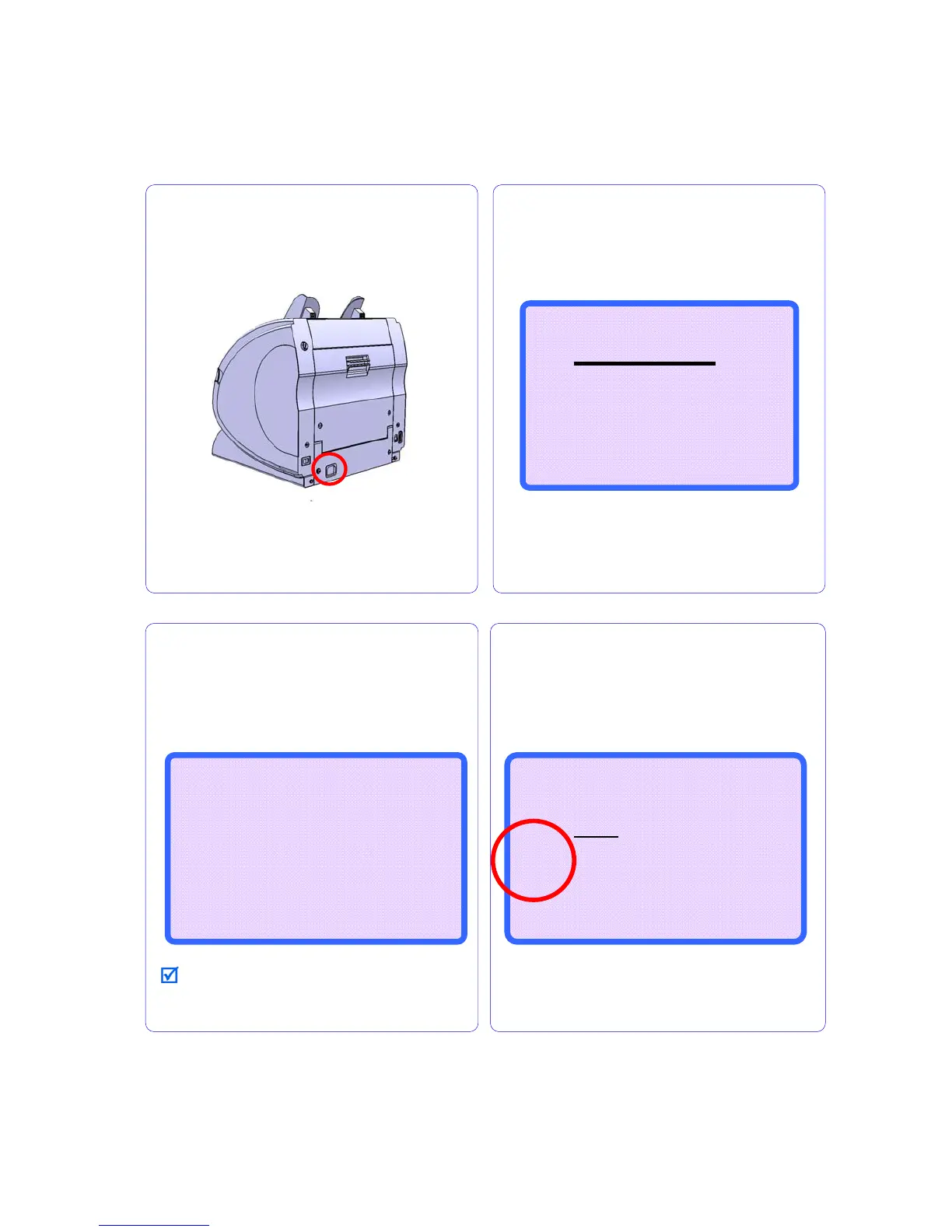
Plug the power cable into the machine.
Turn on the power switch.
The machine starts self-diagnosis and check-
lists are shown on the display.
MAGNER150
MAGNER150 SERIES
CF FUNCTION : YES
SERIAL NUMBER : YES
LOCAL CURRENCY : YES
S/W ver: Vxx.x 2007-xx-xx



 To Next Page