User’s Manual MAGNER150
- 12 -
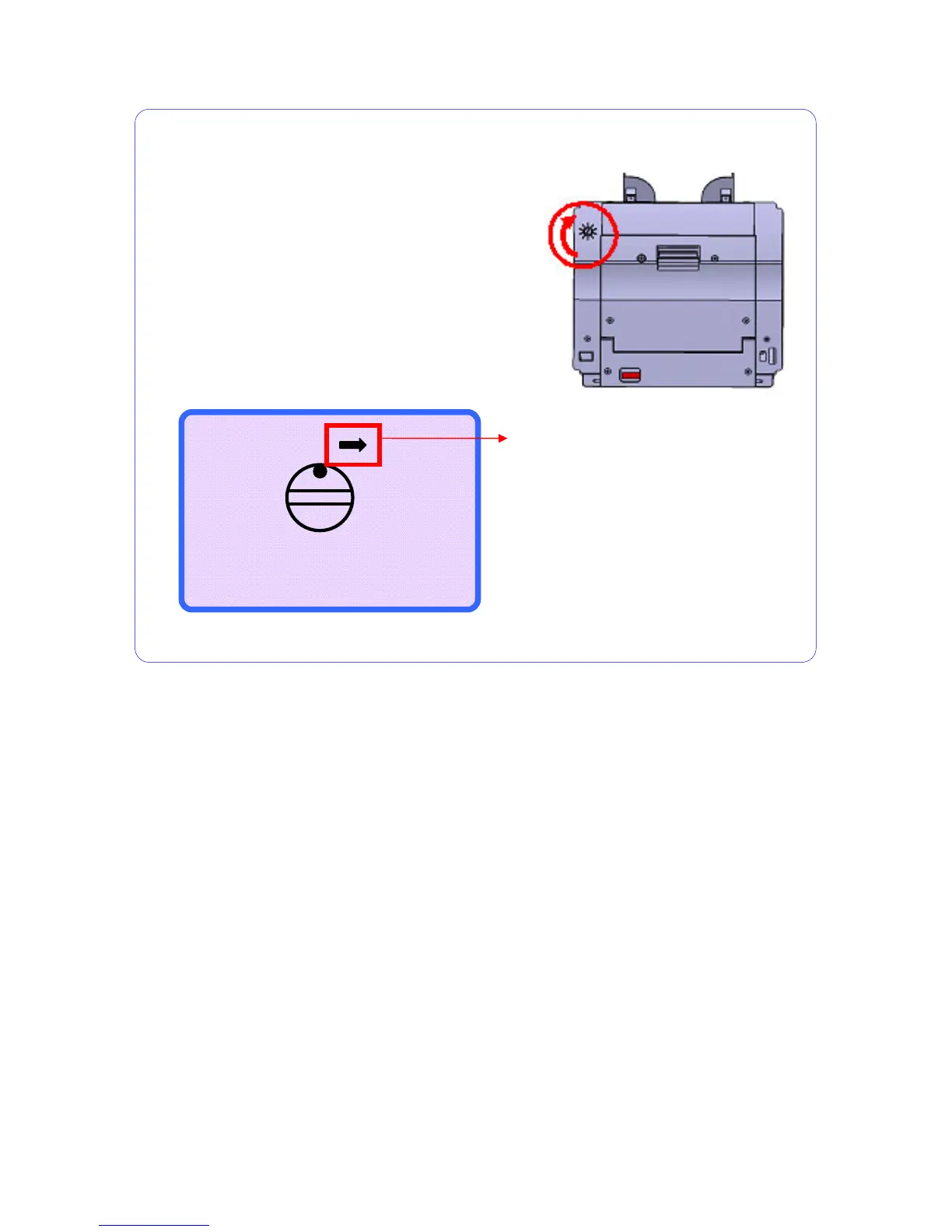
If CIS skew error or Jam error occurs frequently,
adjust the GAP wider by turning the Gap Adjustment
Knob clockwise slightly.
In serial number print mode, if the inserted gap is
narrow, display shows as below.
- O +
Adjust the GAP wider
by turning the GAP KNOB
clockwise sli
htl
This mark will be blinking.
If you want to exit, press RESTART/STOP key.
Gap Adjustment



 To Next Page