Flex 4EX2 / 6EX2 MRX CE Instruction Manual
November 2018
Page 20 of 44
4.1.3 Remote Pairing
A. Transmitter-to-Transmitter Pairing:
1. Rotate the power switch key to OFF ( 0 ) position.
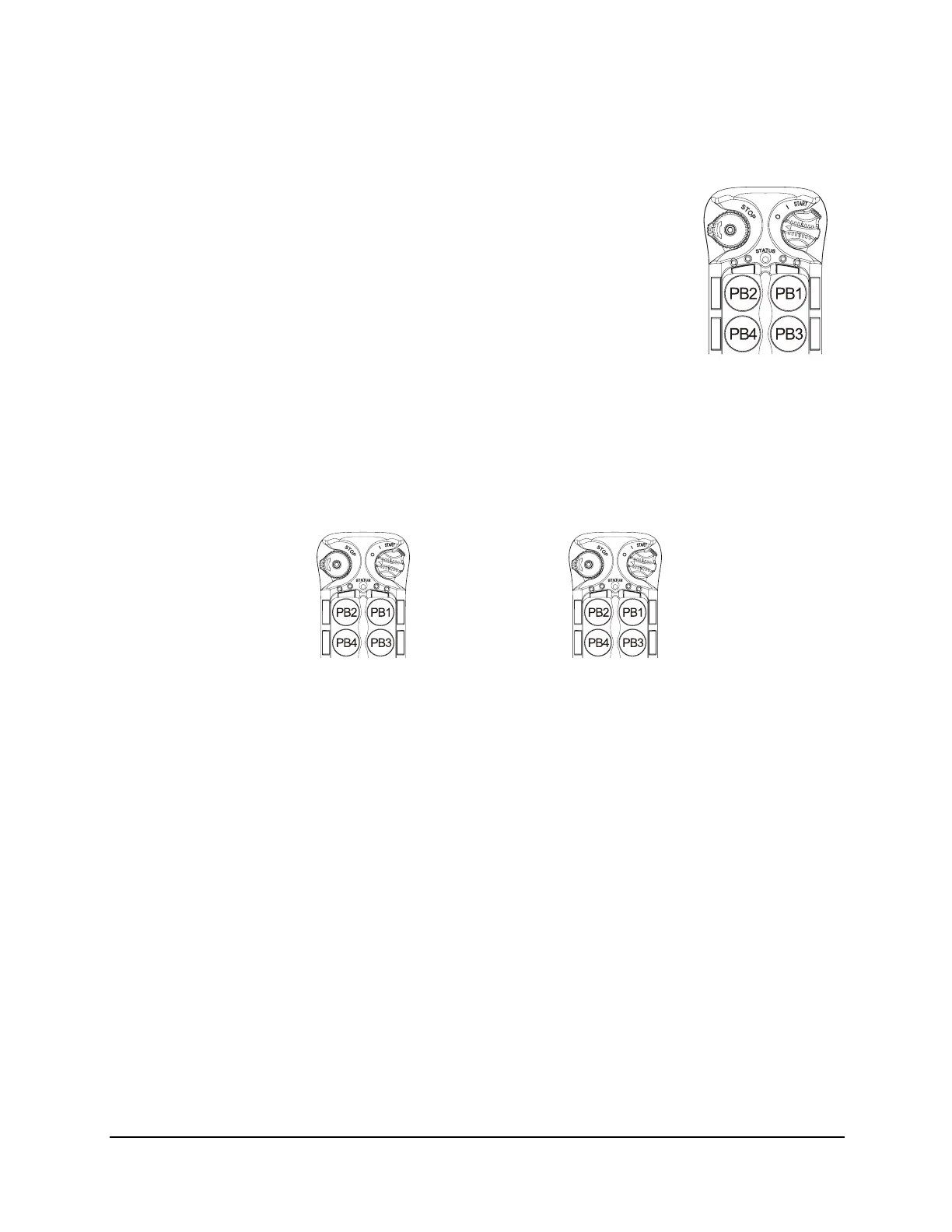
2. With the STOP button elevated, press and hold PB1 and PB3
at the same time.
3. Rotate the power switch key to ON ( I ) position.
4. Release PB1 and PB3 at the same time. The system will enter
Remote Pairing mode. The Status LED displays firmware
version with red, green and orange blinks.
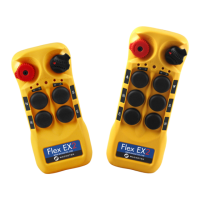
5. Output data (original transmitter) by pressing and holding PB2
(Status LED off).
6. Receive data (new transmitter) by pressing and holding PB1 (Status LED blinks
green).
7. When the Status LED (receiving data end) turns to solid green while both pushbuttons
are still pressed down, the pairing is completed.
8. Exit Remote Pairing mode by rotating the power switch key to OFF ( 0 ) position.
NOTE: During remote pairing make sure the distance between the two transmitters
is no more than 1 meter.
→
Output data – original transmitter Receive data – new transmitter
(press and hold PB2) (press and hold PB1)


 To Next Page