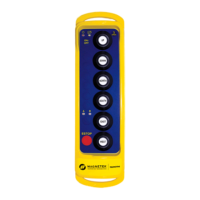
Engineered XLTX Transmitter Instruction Manual
December 2016
Page 12 of 49
3.1 INSTALLING BATTERY PACK(S)
Prior to utilizing the XLTX transmitter, the battery pack must be installed (unless the unit is being
utilized with the optional tethered feature; then the battery pack is optional).
3.1.1 Alkaline Battery Pack (BT129)
The XLTX comes standard with a battery pack (BT129) that holds three disposable AA alkaline
batteries.
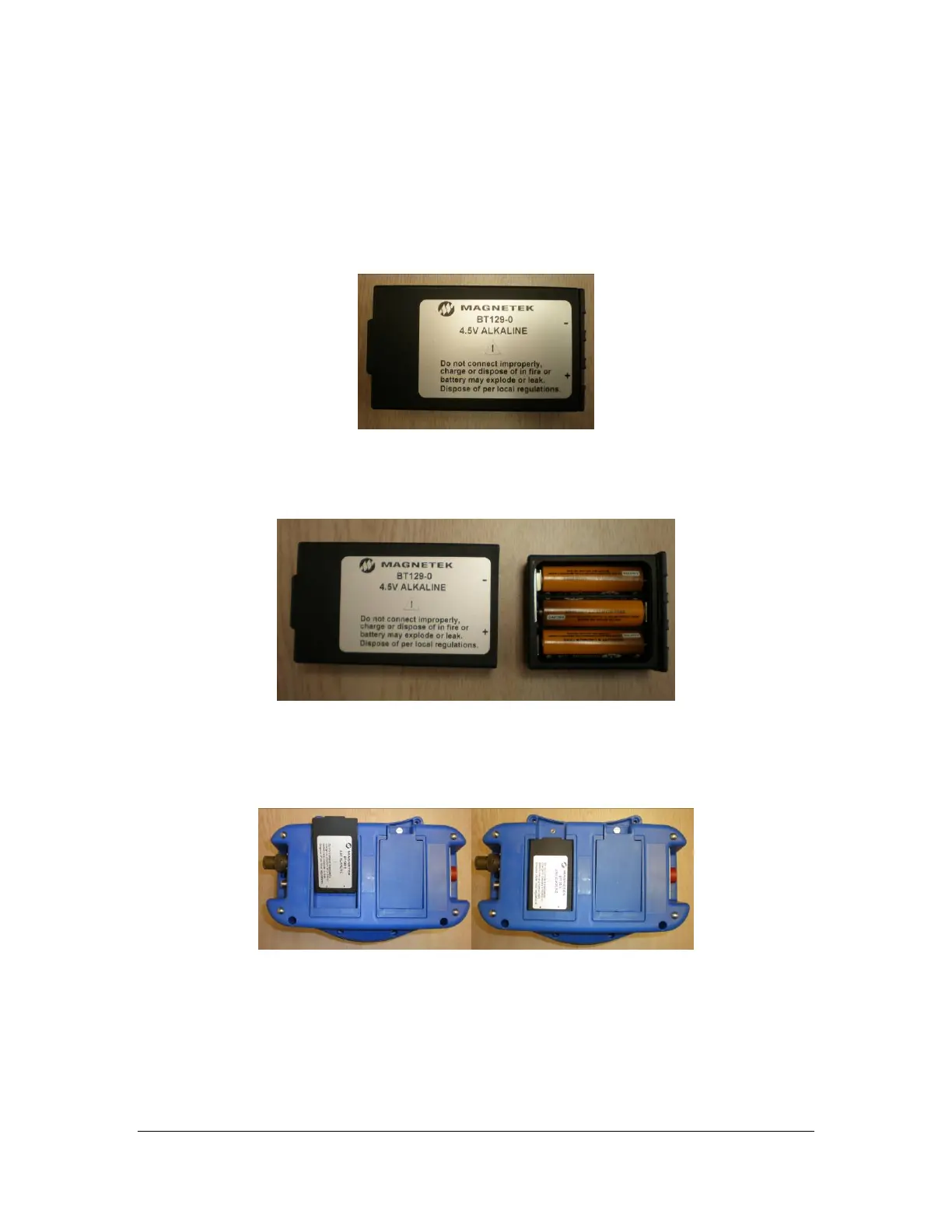
Figure 2: BT129 Battery Pack
To change the alkaline batteries in the battery pack, separate the inner tray from the outer
housing (see Figure 2) and replace all the batteries with new ones.
Figure 3: Separated Alkaline Battery Pack
When reinserting the tray into the outer housing, make sure the grooves in the inner tray align
with the slides in the outer housing. When placing the battery pack into the XLTX battery pocket,
orient the battery pack so that the sticker is facing out (see Figure 4).
Figure 4: Installation of Battery Pack into XLTX Transmitter



 To Next Page