100
Why the Laser is on but it cannot cut or engrave anything?
When you engrave or cut an image, if the laser is on but there is nothing on the
wood/leather/cardboard/paper etc, or the graphics are not clear, here are the trouble shoot we
could try together.
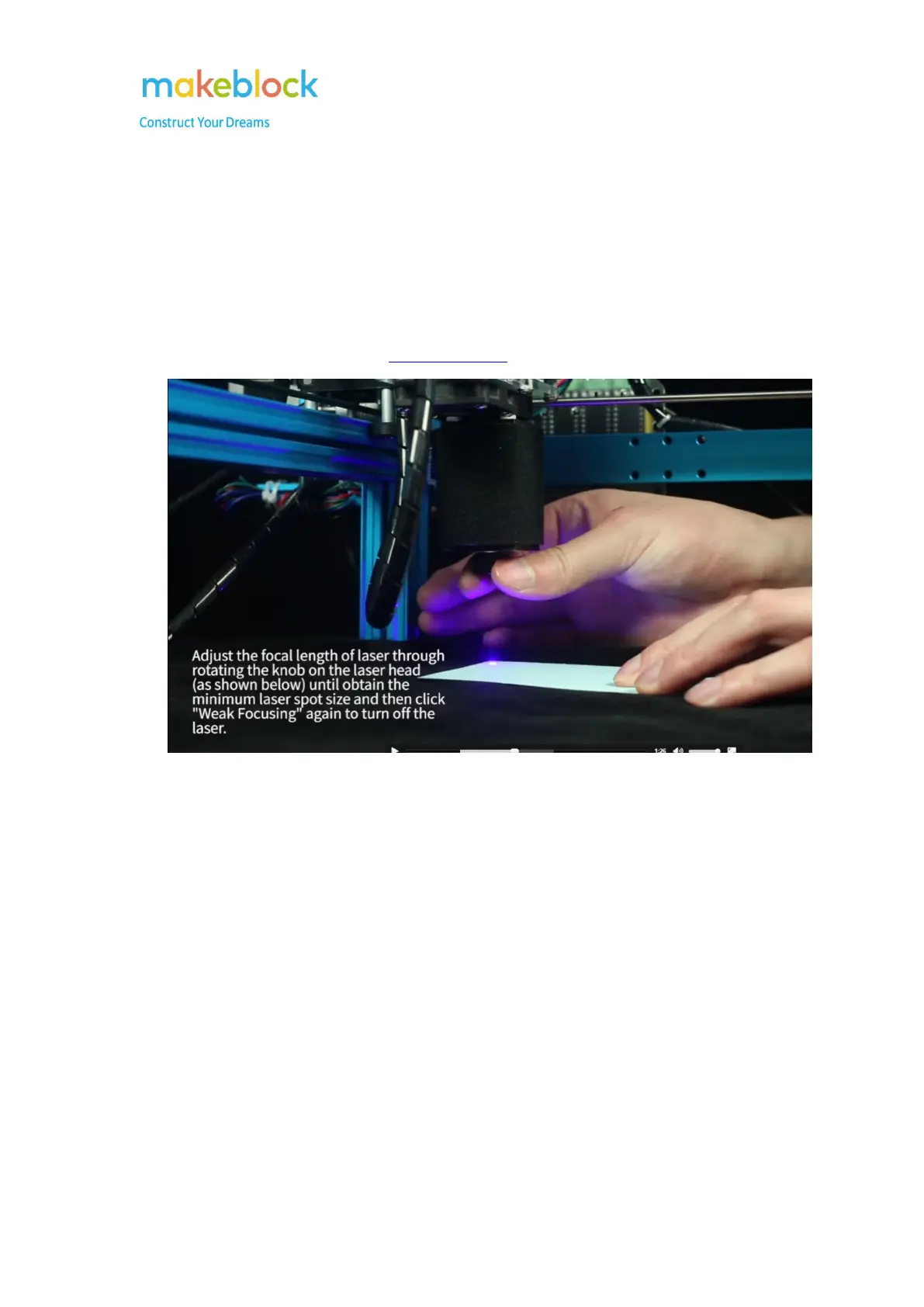
1. Adjust the laser light according to this video tutorial.
Figure 1
2. When you engrave an image: you can modify the Laser Power and the Engraving Time,
please refer to figure 2.
(you can check the definition for the Laser Power and Engraving Time parameters on figure 3).



 To Next Page