114
Why the laser doesn’t light on or it is weak?
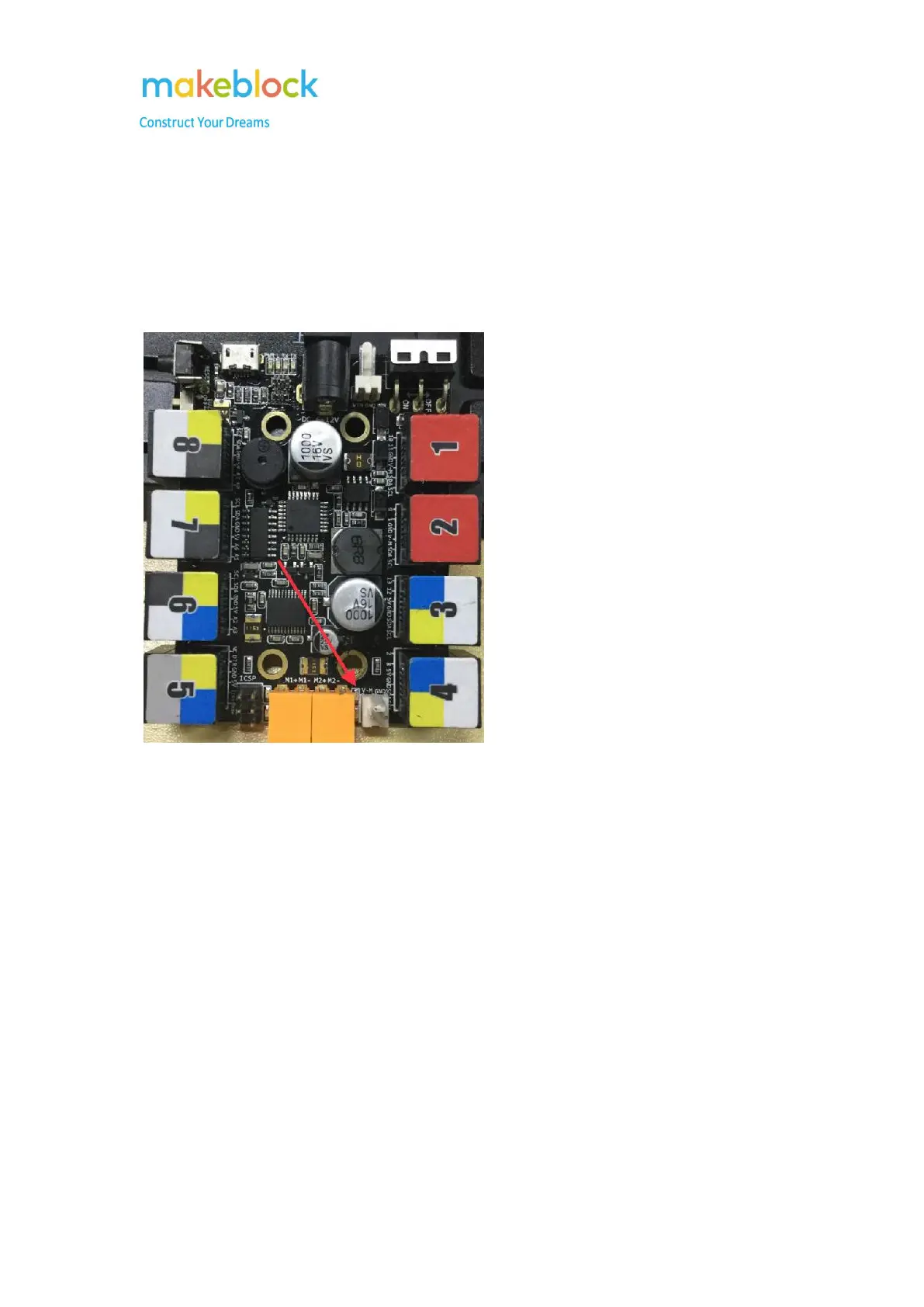
1. Laser should be connected to M2 (orange);
2. In the App, power on laser, if it is normal, M2 led light will be on; if it is not, try to update
firmware again;
3. Change the positive and negative cable connection of M2 and test again;
4. Test Laser separately by connect 12V power to the laser directly as below steps:
i .Plug the power adapter (12V/2A) into a working AC wall outlet.
ii. Put laser’s black and red wires metallic parts to touch the DC connector.



 To Next Page