59
How to check if the Starter main board lose its bootloader
When your uploaded program is not working with the Starter, you need to check if the main board
is working or not. Below are the steps.
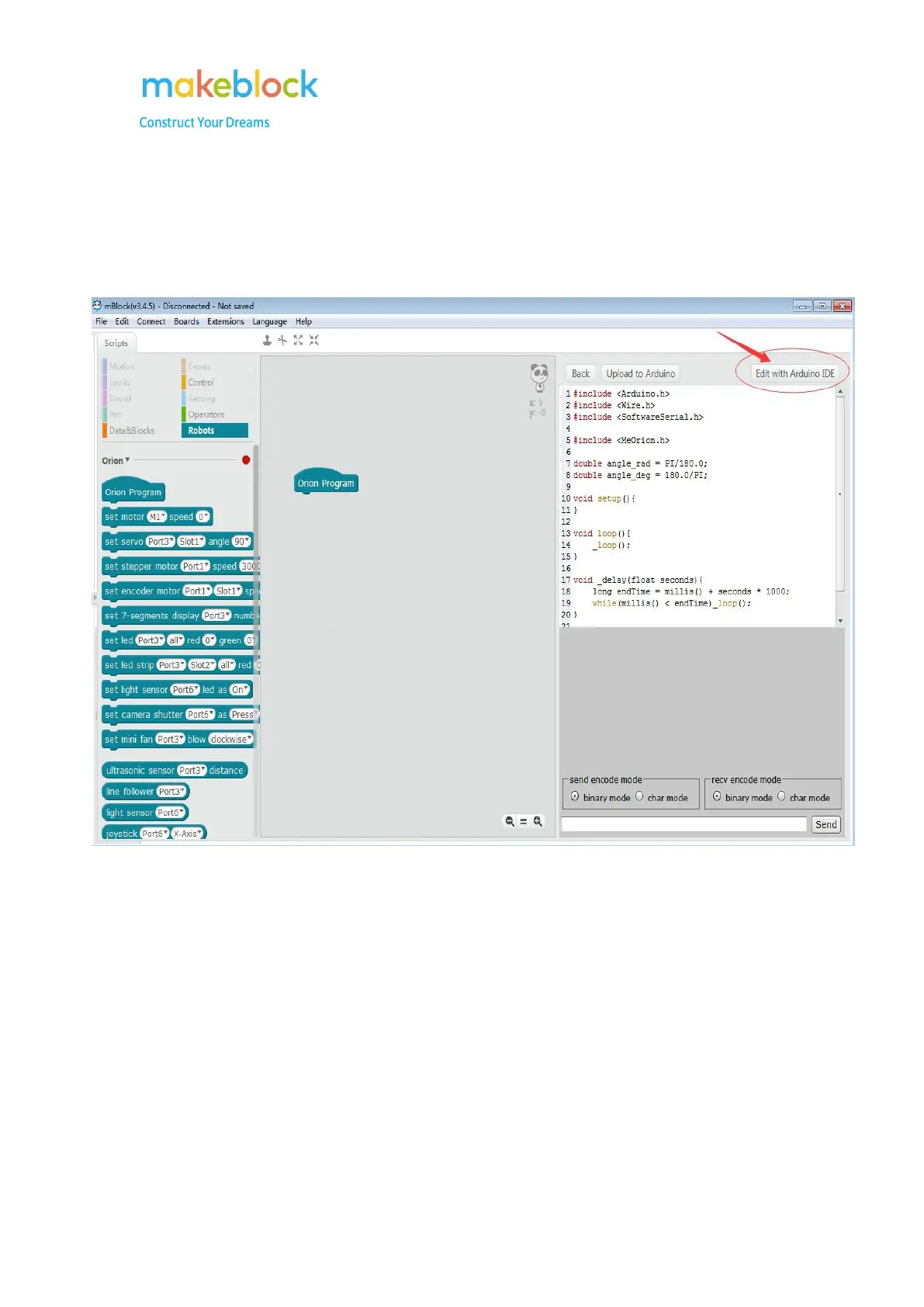
1. Please open the Arduino software through the mBlock software:
2. On Arduino software, go to Tools->Board and choose the correct Board type for
your robot. If it is mBot, Starter, Ultimate Blue, here you can choose the Arduino/Genuine
Uno.



 To Next Page