78
How to test your Laser to see if it is Faulty
Learn how to troubleshoot the following laser symptoms.
The LaserBot is assembled and the XY module works appropriately, but the laser doesn’t
work.
Laser doesn’t turn on while the fan rotates fine.
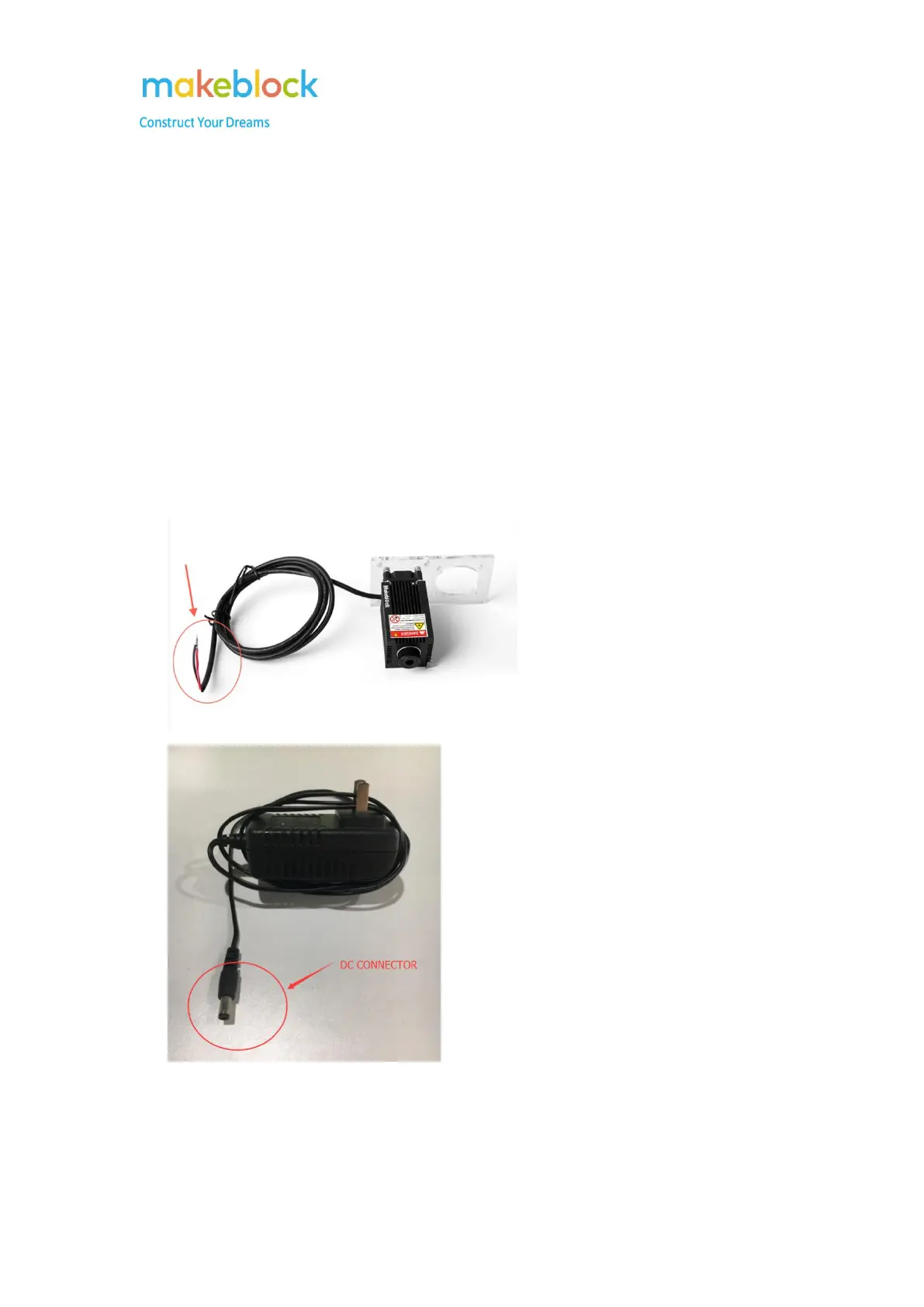
This test requires to connect the laser directly to the power supply. Please use the adapter which
comes with the kit to do the test.
1. Plug the power adapter (12V/2A) into a working AC wall outlet.
2. Put laser’s black and red wires metallic parts to touch the DC connector.
3. Red in, black out.



 To Next Page