79
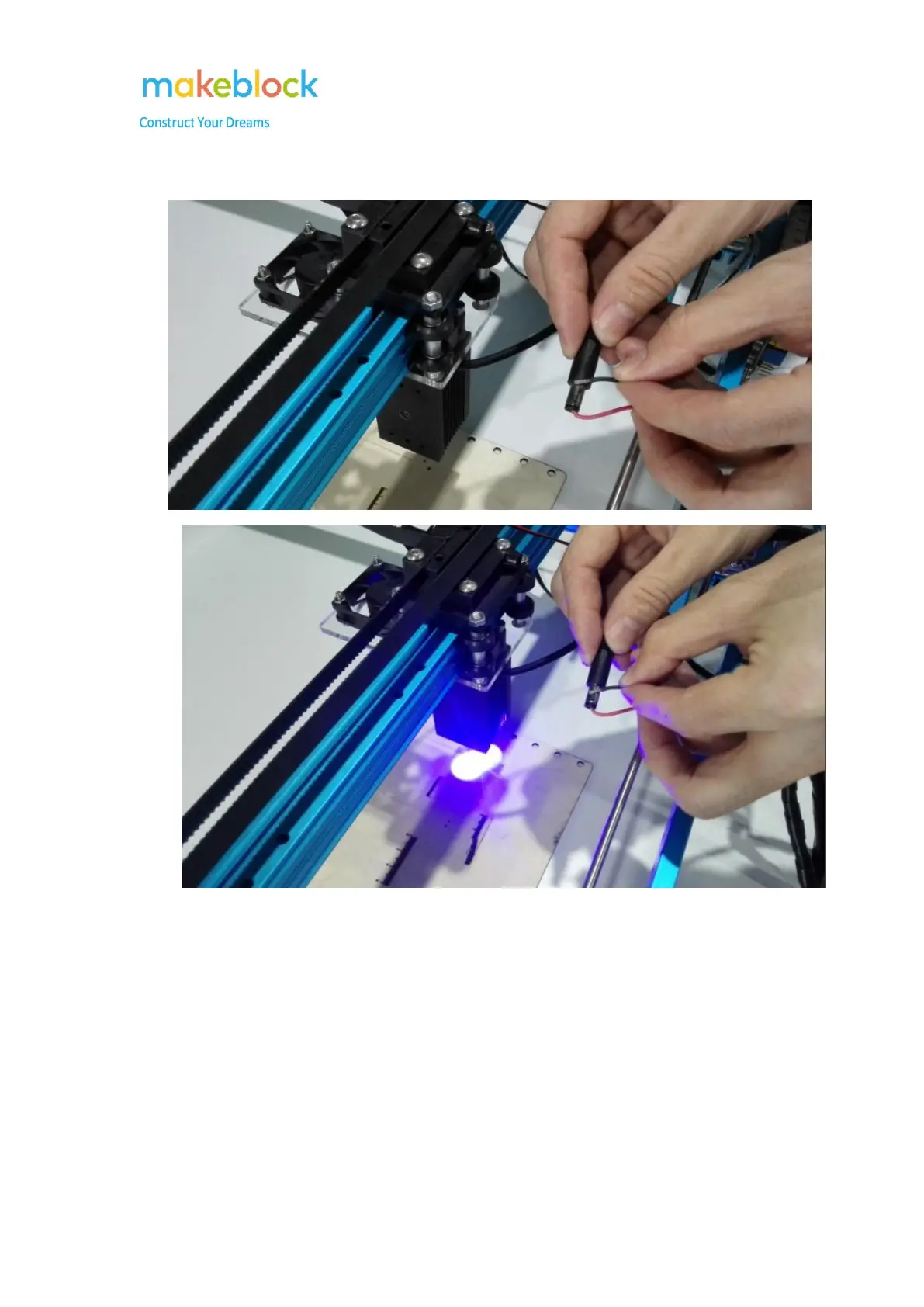
Only put red wire metallic part inside of the DC connector interface, the laser is off. Then
make the black wire metallic part touch the interface metal outside, check if the laser turns on.
Notes: If the wire didn't touch with the inner metal part of the DC connector, the laser won't
work. Sometimes, if we spin the wire metallic part inside of the DC connector in different
directions, to make the wire metallic part contact the metal part, then the laser works.



 To Next Page