80
4. Black in, red out.
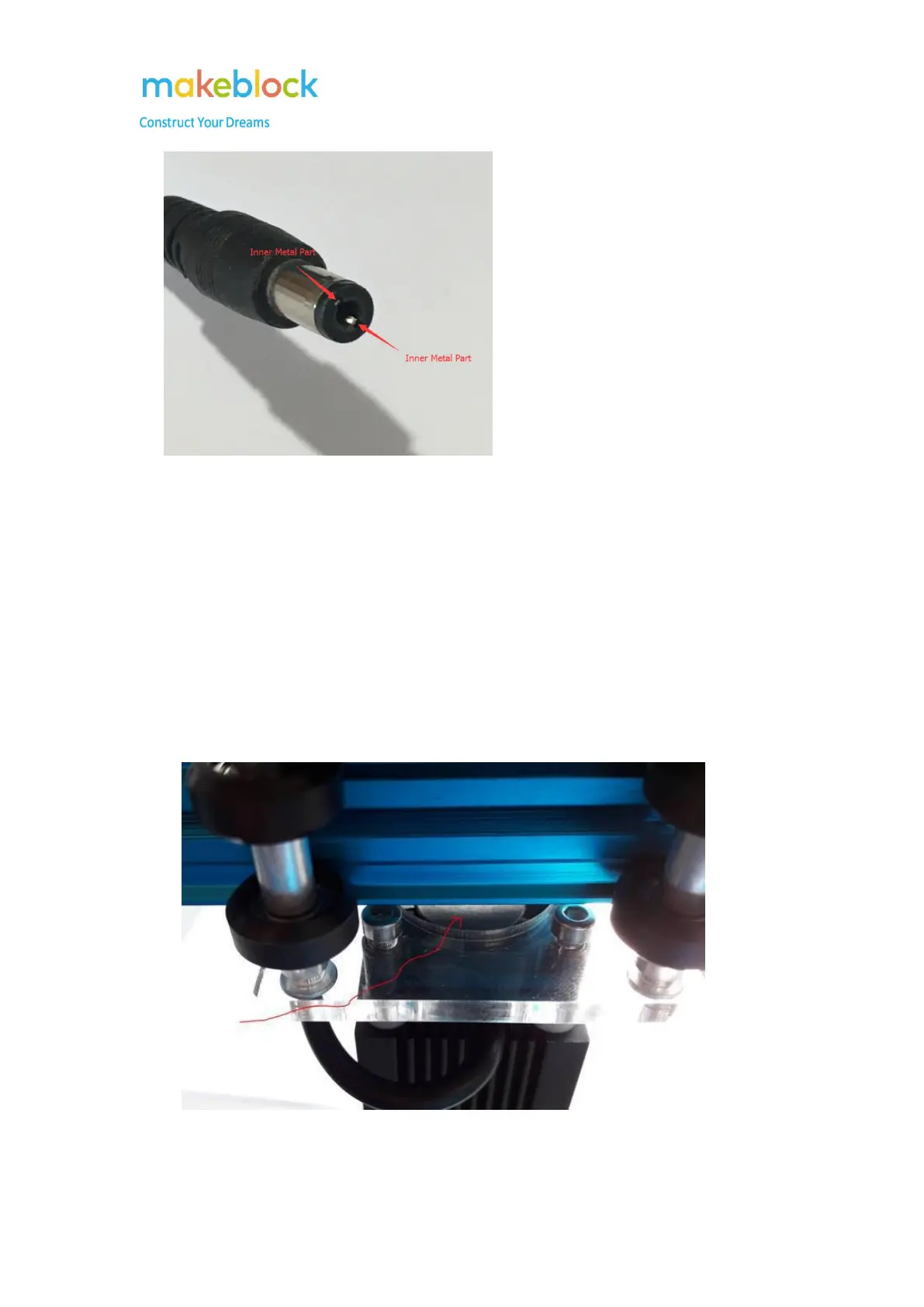
If the laser still keeps off, please switch the red wire metallic part and black wire metallic part
to test it again have a try (put the black wire metallic part touch the inner metal part of the DC
connector, then touch the interface metal outside with red wire metallic part, check if the laser
turns on.
5. Please also check if the small fan above the laser rotates while testing.
Here is location of the small fan.



 To Next Page