22
Preparing the Mamiya ZD Back
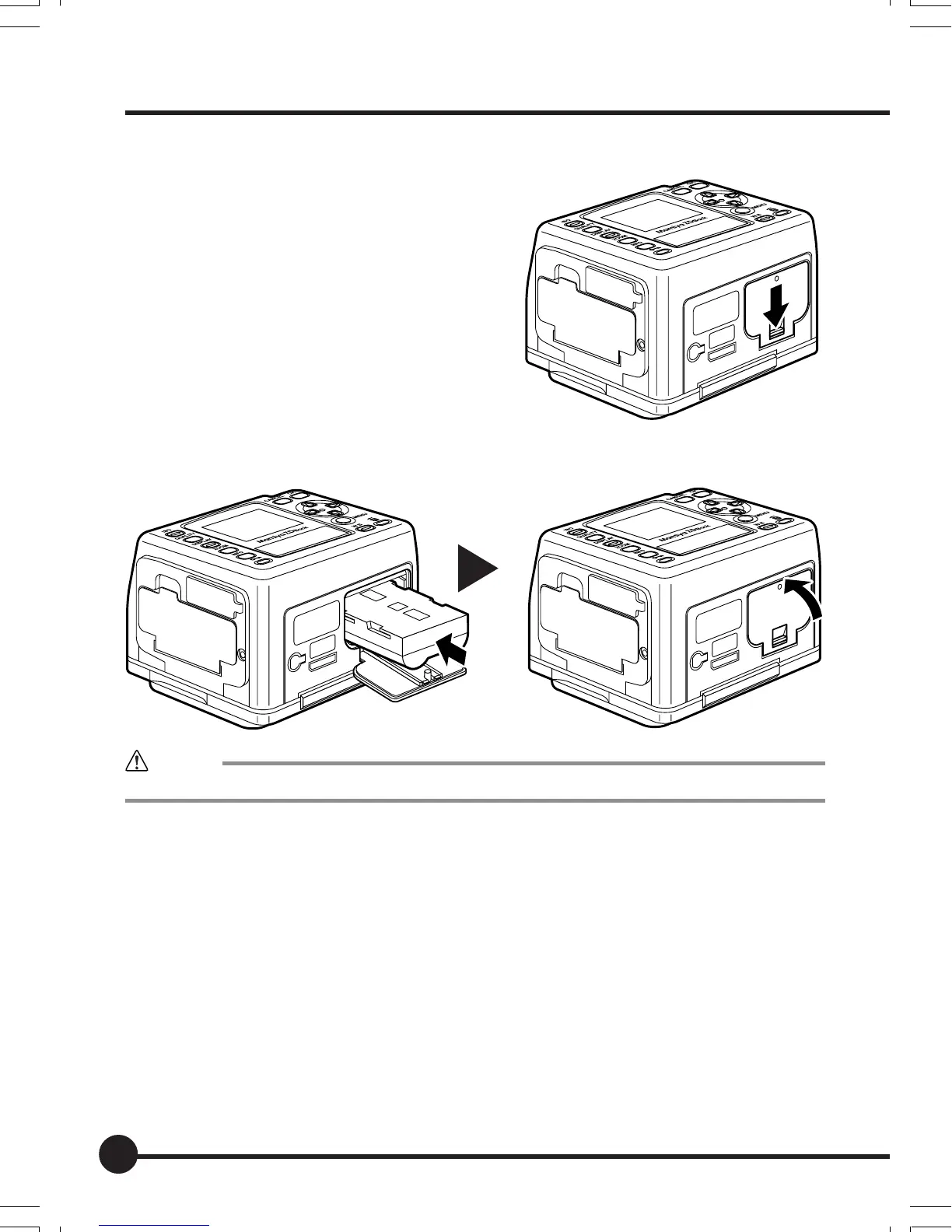
3. Load the battery into this unit.
1 Push down the battery cover lock to
open the cover.
2 Load the charged battery into the camera and close the battery cover.
Caution
Be sure to turn this unit off before loading or unloading the battery.
02_ZDback_E_p021-030 07/3/9, 20:3822



 To Next Page