23
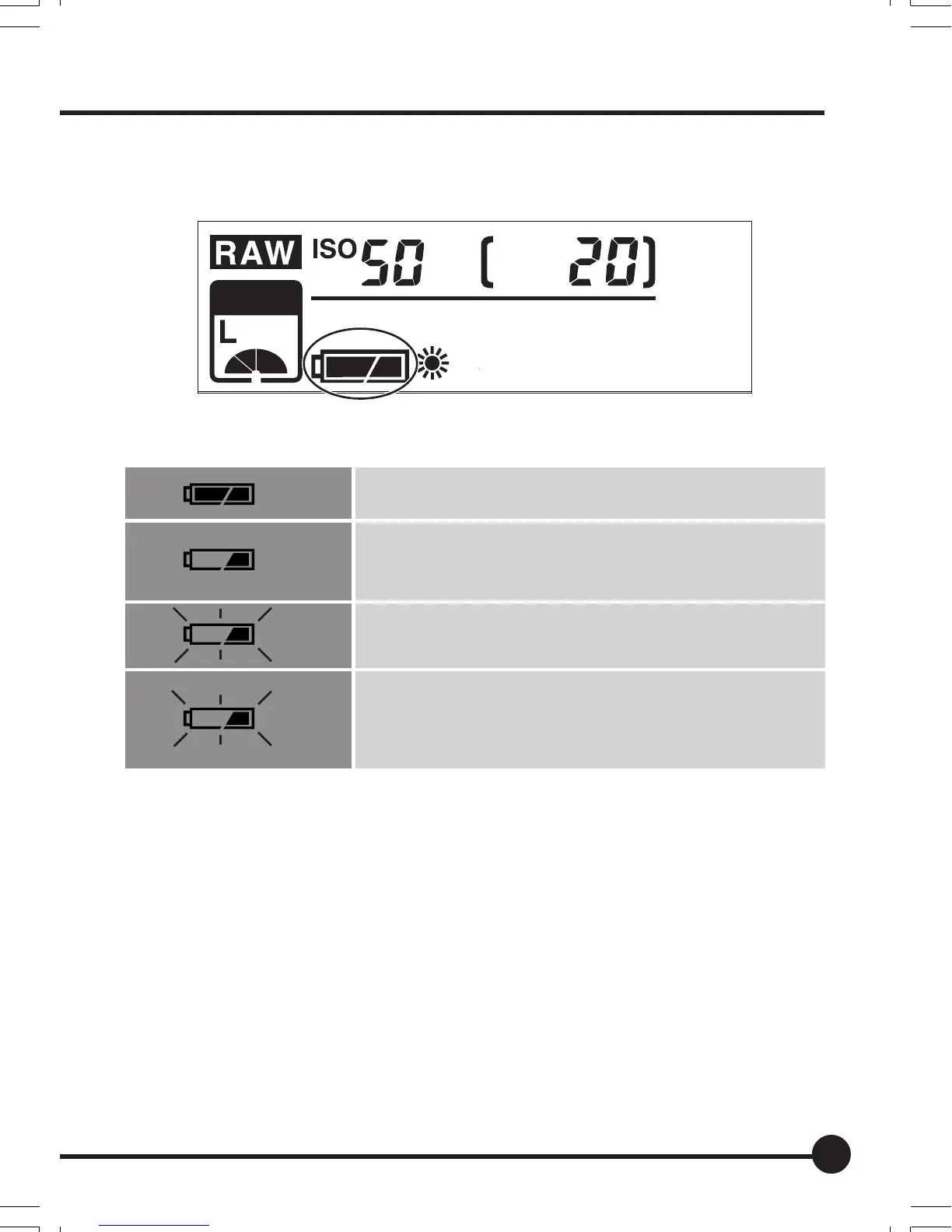
4. Check the battery power indicator.
1 Check the battery condition on the Digital LCD panel.
Battery power indicator
Flashing
Flashing
The battery is sufficiently charged.
There is little power remaining.
Have a charged battery ready. (The camera will still op-
erate.)
There is very little power remaining.
Replace the battery with a charged battery.
When the battery is spent, “batt” and the battery power
indication flash on the Digital LCD panel and viewfinder
LCD when the shutter release button is pressed.
batt
JPEG
SD
CF
PC
CUSTOM
02_ZDback_E_p021-030 07/3/9, 20:3823



 To Next Page