64
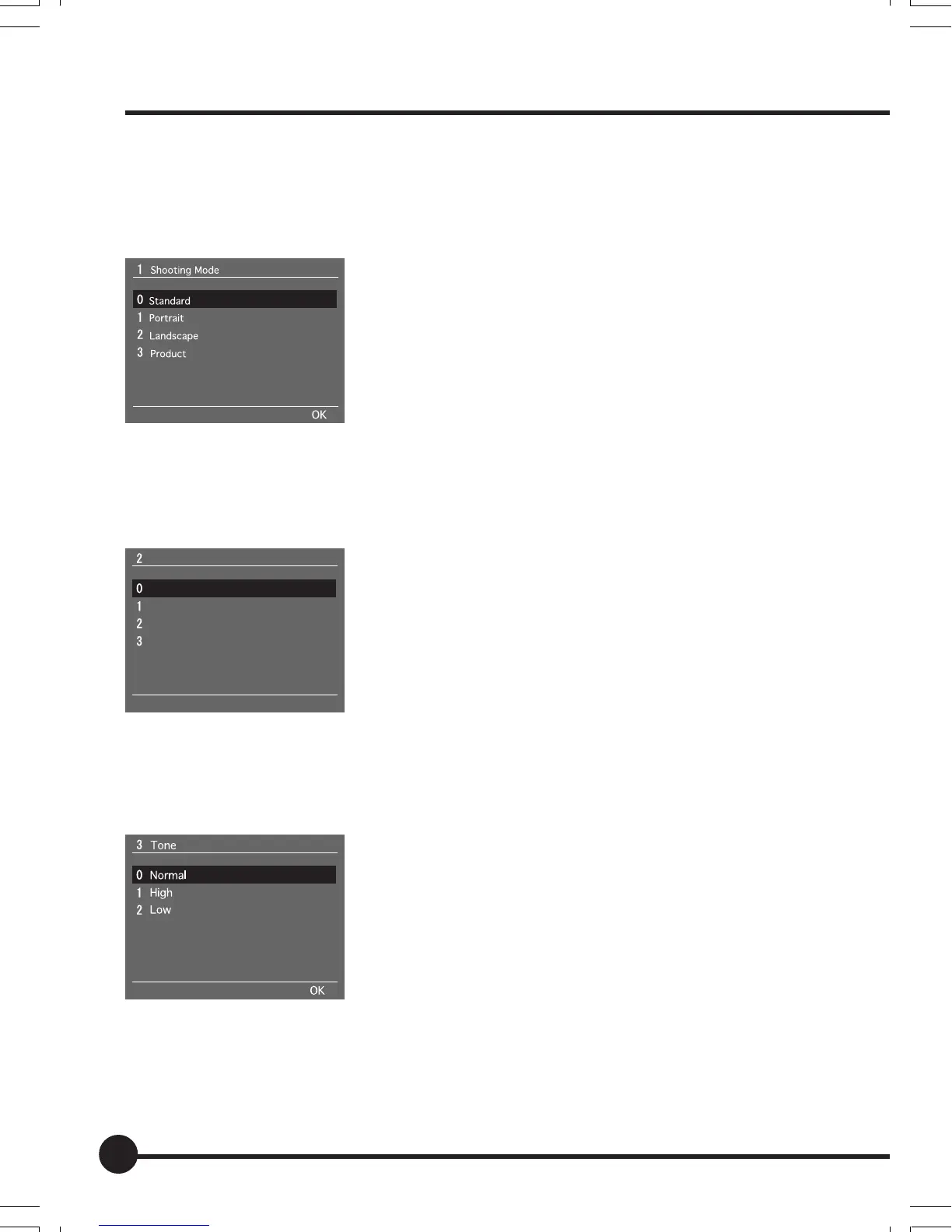
[1] Shooting Mode
The shooting mode for images is set up on this menu suitable for the subject
being photographed.
The default setting is [Standard].
See “Basic Setup: Setting the Shooting Mode” (page
45) for further details.
[2] Sharpness
The sharpness (strength of the outlines) for images is set up on this menu.
The default setting is [None].
See “Basic Setup: Setting the Sharpness, Tone and
Saturation” (page 46) for further details.
[3] Tone
The tone for images is set up on this menu.
The default setting is [Normal].
See “Basic Setup: Setting the Sharpness, Tone and
Saturation” (page 46) for further details.
Recording Menu
Sharpness
None
Minimum
Medium
Maximum
OK
05_ZD back_E_p061-066 07/3/9, 20:4164



 To Next Page