65
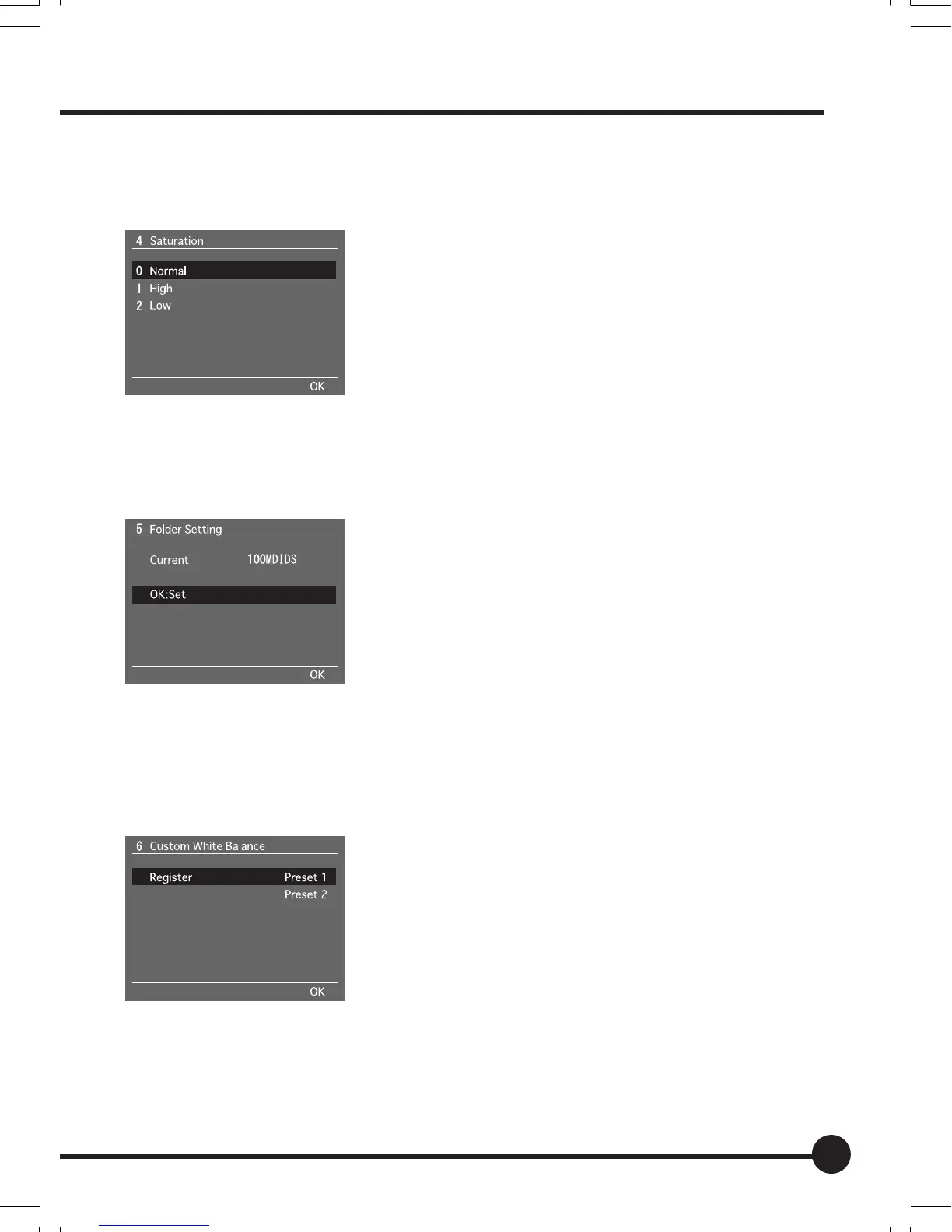
[4] Saturation
The saturation for images is set up on this menu.
The default setting is [Normal].
See “Basic Setup: Setting the Sharpness, Tone and
Saturation” (page 47) for further details.
[5] Folder Setting
The folder in which recorded images are to be stored is set up on this menu.
See “Basic Setup: Creating a Folder” (page 49) for
further details.
[6] Custom White Balance
The customized white balance for images is acquired on this menu. A maxi-
mum of two customized white balances can be registered.
See “Basic Setup: Customized White Balance”
(page 41) for further details.
05_ZD back_E_p061-066 07/3/9, 20:4165



 To Next Page