79
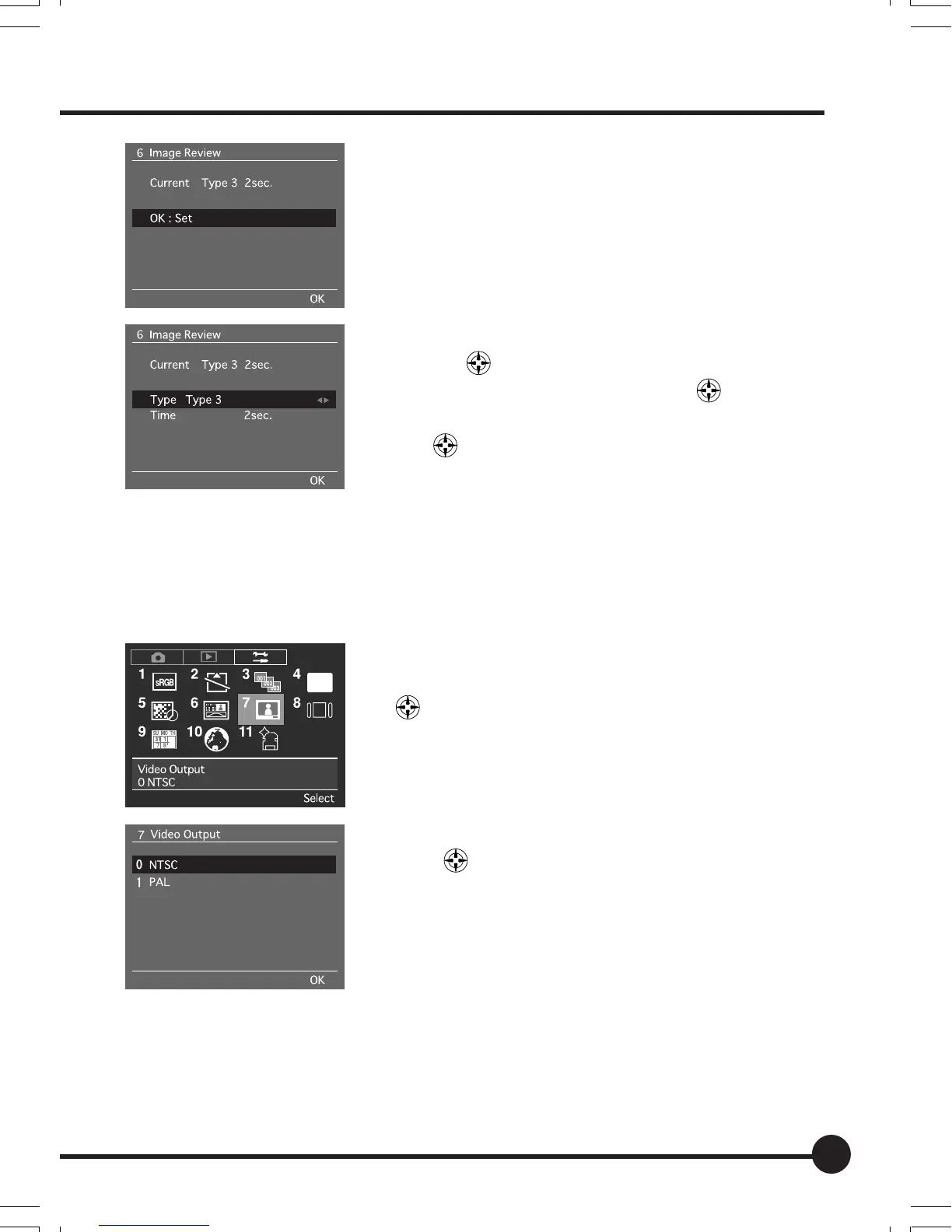
3 Press [OK].
4 Select the required display format with the tog-
gle key
.
5 Select [Time] with the toggle key
.
6 Select the required display time with the toggle
key
.
7 Press the OK button.
[7] Video Output
Sets whether the video output when the camera is connected to a television or
other monitor is to be NTSC or PAL. The default setting is [NTSC].
1 Press the MENU button, and then select [7 Video
Output] on the Setup Menu with the toggle key
.
2 Press the OK button.
3 Select the required video output with the toggle
keys
.
4 Press the OK button.
• Images can also be viewed on the camera monitor at
the same time when it is connected to a television.
06_ZD back_E_p067-082 07/3/9, 20:4279



 To Next Page