For VCD playback,
once a disc is loaded, it
is played automatically.
FL Display will be
like below.
For details on VCD playback and setting the
PBC function, see “Playing VCD disc with
PBC function” (
☞
p25).
4. Press the 2 (PLAY) button to start the play.
For Audio CD playback, FL Display will be
like below.
With MP3, WMA or JPEG discs, playback
does not start when the 2 (PLAY) button is
pressed.
For the procedure for playing back MP3 and
WMA discs, see “Playing MP3/WMA” (
☞
p25).
For the procedure for playing back JPEG
discs, see “Viewing JPEG” (
☞
p26).
TO PAUSE PLAYING
NIGHT
RETURN
DISPLAY
MUTE
VOLUME
DIMMERSURROUND
0
987
654
321
TV-CH
TV-VOL
TV-INPUTA/DDSSVCR
TV POWERTVTUNERDVD
SLEEPSTANDBY/ON
PLAY/IIPAUSE
ER2500
OPEN/CLOSE
POWER
ON/STANDBY
DIGITALPCM5 STEREO ANALOG SL EEP
RANDOM
MUTE
STEREO
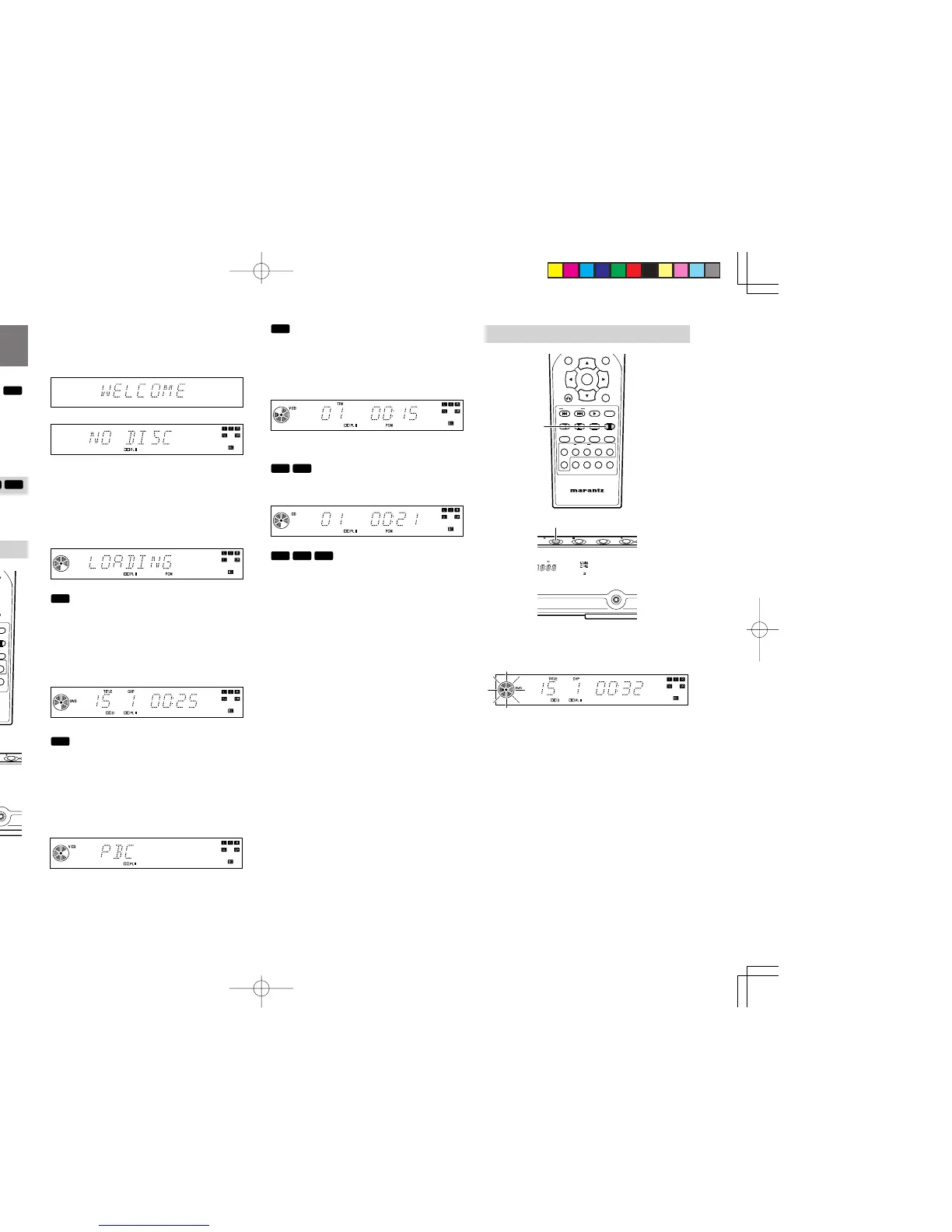
1. Press the ; (PAUSE) button.
To resume playing, press the 2 (PLAY) button.
BASIC OPERATION
(PLAYBACK)
For operations for specific disc types, the disc type
marks (
)
are shown beside the operations.
If no mark is shown, the operation is for all disc types.
The menu screen that appears on the TV can be
shown in any of the languages available under
OSD LANGUAGE (English, French, Spanish).
English is used in this explanation.
PREPARATION
1. Turn on power of TV.
2.
Set the input source of the TV to the this player.
PLAYING A DISC
NIGHT
RETURN
DISPLAY
MUTE
VOLUME
DIMMERSURROUND
0
987
654
321
TV-CH
TV-VOL
TV-INPUTA/DDSSVCR
TV POWERTVTUNERDVD
SLEEPSTANDBY/ON
NIGHTTONE
T.TONE SPK SETNTSC/PAL
1/ALL A-B RANDOM CLRPRG
ZOOMANGLEAUDIOS.TITLE
T.CLR RDS FM MODE MEMORY
TUNE PRESET BAND TUNE MODE
REPEAT
RC2500ER
ENTER
MENU
STANDBY
PHONES
DOWN-VOL-UPFUNCTIONSTOPPLAY/IIPAUSE
ER2500
PLAY/IIPAUSE
ER2500
OPEN/CLOSE
POWER
ON/STANDBY
DIGITALPCM5 STEREO ANALOG SL EEP
RANDOM
MUTE
STEREO
1. Press the POWER ON/STANDBY button on
the main unit or the STANDBY/ON button on
the remote to turn the power ON.
• The display will be like below.
↓
2. Press OPEN/CLOSE button on the main unit
to open the disc tray.
3. Set a disc on the disc tray, label side up. And
then press OPEN/CLOSE button on the main
unit to close the disc tray.
• Never place more than one disc on the tray.
For DVD, once a disc is loaded, it is played
automatically.
In stop mode, press 2 (PLAY) button to start
the play.
FL Display will be like below.
If DVD menu is displayed on the TV screen,
see “DVD MENU” page (
☞
p24).
For VCD, when VCD disc with PBC function
is loaded, a VCD menu is displayed on the
TV screen. (PBC function is ON.)
Select an item by pressing the numeric
buttons to start playback.
For details on VCD playback and setting the
PBC function, see “Playing VCD disc with
PBC function” (
☞
p25).
ER2500UDFU01eng2/4 04.8.26, 4:31 PMPage 22 AdobePageMaker6.5J/PPC



 To Next Page