23
ENGLISH
TO STOP PLAYING
NIGHT
RETURN
DISPLAY
MUTE
VOLUME
DIMMERSURROUND
0
987
654
321
TV-CH
TV-VOL
TV-INPUTA/DDSSVCR
TV POWERTVTUNERDVD
SLEEPSTANDBY/ON
ER2500
OPEN/CLOSE
POWER
ON/STANDBY
DIGITALPCM5 STEREO ANALOG SL EEP
RANDOM
MUTE
STEREO
1. Press the 9 (STOP) button.
RESUME FUNCTION
The player can memorize the position where the
playback is stopped for DVD disc. With this function,
playback can be started from the position where the
playback was stopped.
•
When 9 (STOP) button is pressed, FL Display
will be like below.
• When 2
(PLAY)
button is pressed, playback
is resumed at the stopped position.
• During playback DVD, press one of the
following button at the point where you want
to resume playback.
: POWER, OPEN/CLOSE, FUNCTION
Note:
You can change the DVD disc while this unit is
waiting to resume playback with the current
disc. This resume function can memorize the
resume position for a maximum 3 discs. When
you reload the disc with resume playback func-
tion next time, “PRESS PLAY TO RESUME
PLAY” appears on the TV screen.
PRESS PLAY TO RESUME PLAY
Press the 2 (PLAY) button within 10 seconds.
Playback resumes from the point where it left
off the last time.
DEACTIVATE RESUME FUNCTION
• After stopping playback (Resume status
displayed), press 9 (STOP) button again to
deactivate the resume function.
•
Press 2 (PLAY) button to start playback from
the beginning.
For VCD disc with PBC function, FL Display
is like below in stop mode.
For VCD disc without PBC function
, FL
Display is like below in stop mode.
For Audio CD discs, FL Display is like below
in stop mode.
DIRECT SEARCH
With the VCD, SVCD, CD, MP3, WMA or JPEG
discs, you can choose a track directly by pressing
a numeric button on the remote control unit.
NIGHTTONE
T.TONE SPK SETNTSC/PAL
1/ALL A-B RANDOM CLRPRG
ZOOMANGLEAUDIOS.TITLE
T.CLR RDS FM MODE MEMORY
TUNE PRESET BAND TUNE MODE
REPEAT
RC2500ER
ENTER
MENU
1.
With the VCD, SVCD, CD, MP3, WMA or JPEG
discs, specify the track number using the
numeric buttons (0 to 9) on the remote control
unit.
Chapter 3 : Press numeric button "3".
Track 12 : Press numeric button "1" and
then numeric button "2" within
two seconds.
2.
After selecting a track,
it is played automatically
from the selected track.
SKIP PLAY
NIGHT
RETURN
DISPLAY
MUTE
VOLUME
DIMMERSURROUND
0
987
654
321
TV-CH
TV-VOL
TV-INPUTA/DDSSVCR
TV POWERTVTUNERDVD
SLEEPSTANDBY/ON
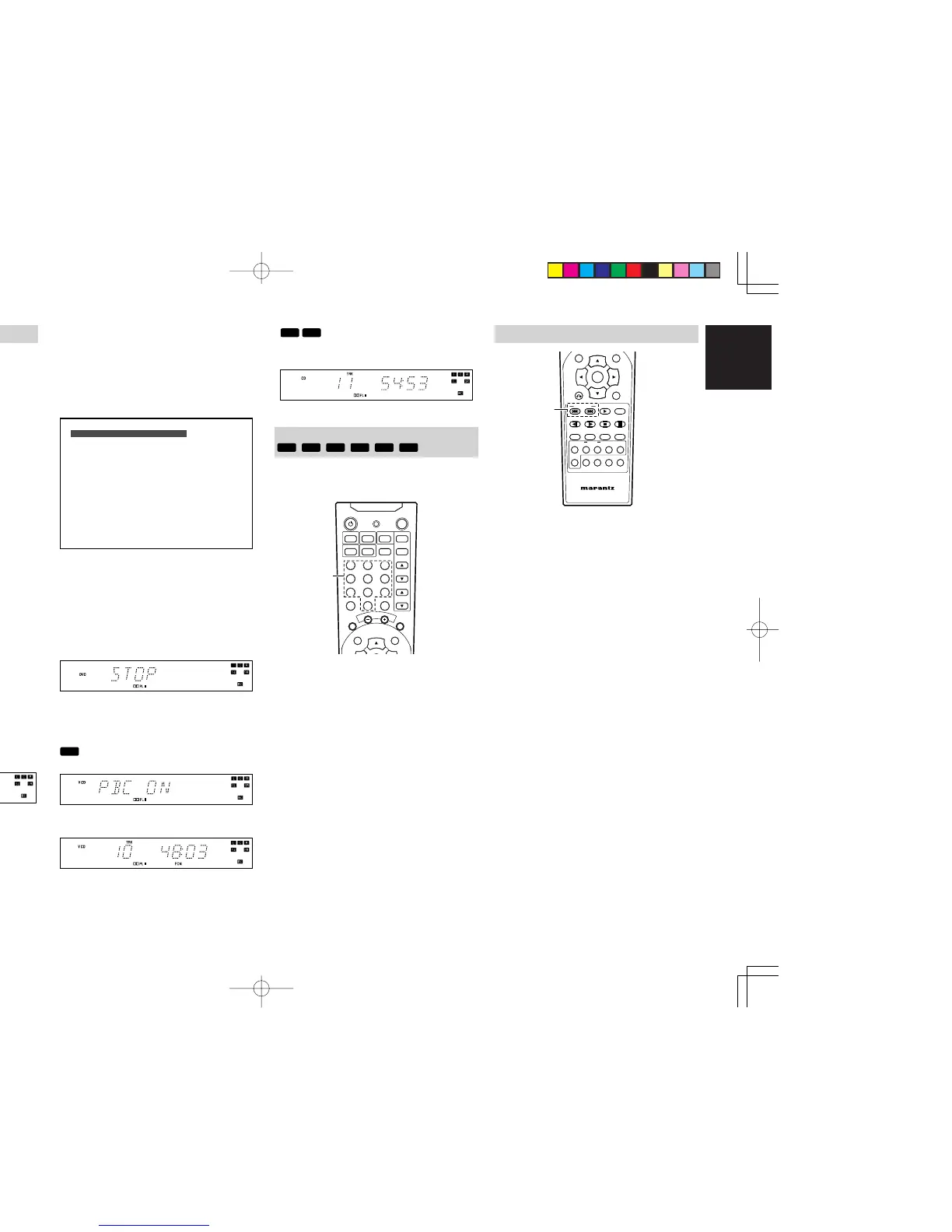
1.
While playing, press 4 button or ¢ button to
skip to the previous or next chapter (track).
• Every time ¢ button is pressed, the unit
skips to the next chapter (track).
•
If 4 button is pressed once, the unit skips
to the beginning of the current chapter(track).
If the button is pressed more than 2 times,
the unit skips to the previous chapter(track)
every time the button is pressed.
ER2500UDFU01eng2/4 04.8.26, 4:31 PMPage 23 AdobePageMaker6.5J/PPC



 To Next Page