123
Surround
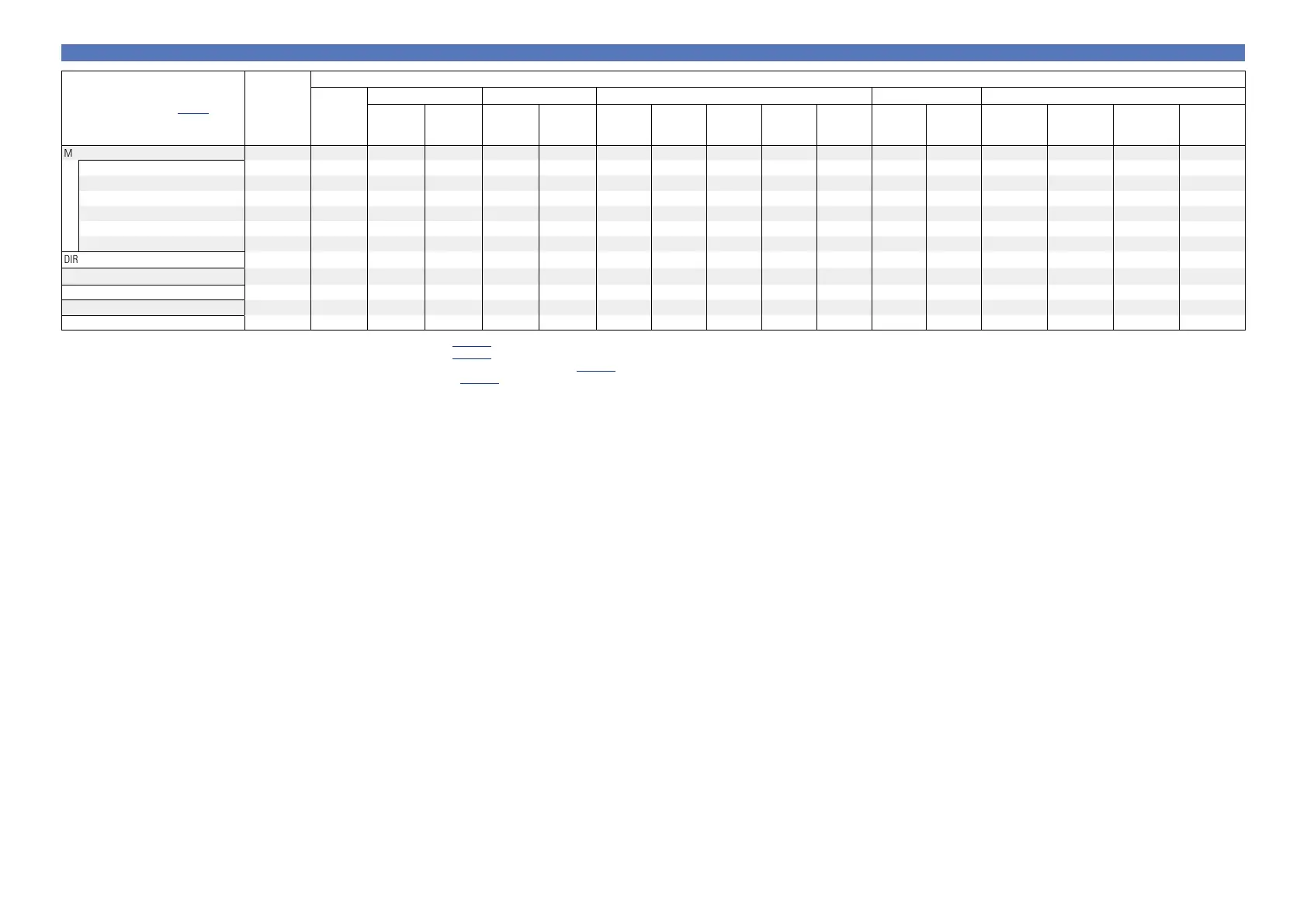
Surround mode (vpage46)
NOTE
Input signal types and formats
ANALOG
PCM DTS-HD DTS DOLBY DOLBY DIGITAL
PCM
(multi ch)
PCM
(2ch)
DTS-HD
Master
Audio
DTS-HD High
Resolution
Audio
DTS
EXPRESS
DTS ES
DSCRT
(With Flag)
DTS ES
MTRX
(With Flag)
DTS
(5.1ch)
DTS 96/24
DOLBY
TrueHD
DOLBY
DIGITAL Plus
DOLBY DIGITAL
EX (With Flag)
DOLBY DIGITAL
EX (With no
Flag)
DOLBY DIGITAL
(5.1/5/4ch/3ch)
DOLBY DIGITAL
(2ch)
MULTI CH IN
MULTI CH IN
S
MULTI CH IN + PLgx MOVIE z2z3 S
MULTI CH IN + PLgx MUSIC z1z3 S
MULTI CH IN + PLgz z4 S
MULTI CH IN + Dolby EX
z1z3 S
MULTI CH IN 7.1
z3 S
DIRECT
S S S S S S S S S S S S S S S S
PURE DIRECT
S S S S S S S S S S S S S S S S
MULTI CH STEREO
S S S S S S S S S S S S S S S S
VIRTUAL
S S S S S S S S S S S S S S S S
STEREO
S S S S S S S S S S S S S S S S
z1 If “Speaker Config.” – “S.Back” (vpage87) is set to “None”, this surround mode cannot be selected.
z2 If “Speaker Config.” – “S.Back” (vpage87) is set to “1spkr” or “None”, this surround mode cannot be selected.
z3 This surround mode can be selected when “Amp Assign” (vpage87) is set to “NORMAL”.
z4 If “Speaker Config.” – “F.Height” (vpage88) is set to “None”, this surround mode cannot be selected.















 To Next Page