24
Playing a Blu-ray Disc player/DVD
player
The following describes the procedure for playing Blu-ray Disc player/
DVD player.
1
Prepare for playback.
q Turn on the power of the TV,
subwoofer and player.
w Change the TV input to the input of
this unit.
e Load the disc in the player.
2
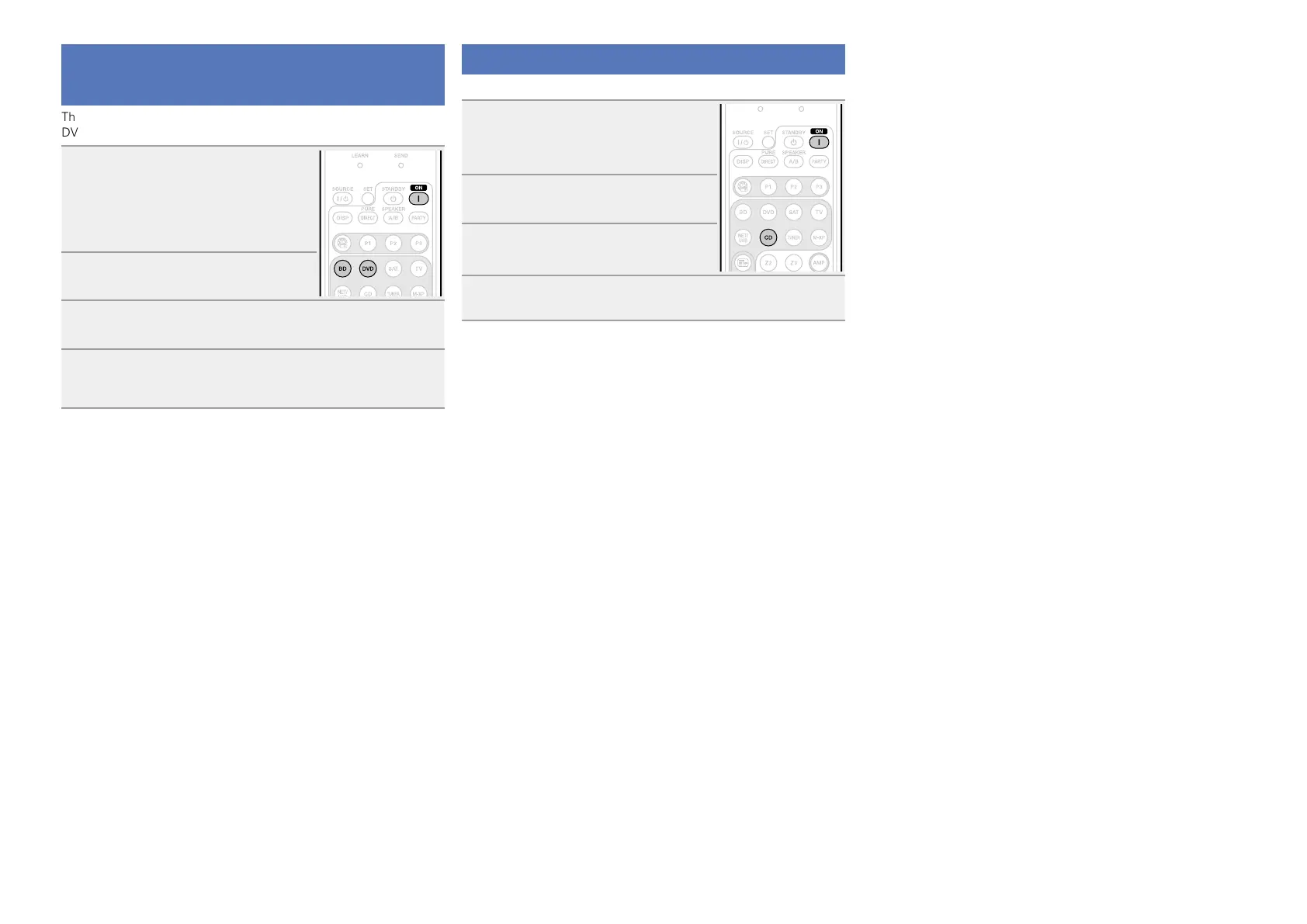
Press ON to turn on power to the
unit.
3
Press BD or DVD twice to switch an input source for
a player used for playback.
4
Play the device connected to this unit.
Make the necessary settings on the player (language setting,
subtitles setting, etc.) beforehand.
Playing a CD player
The following describes the procedure for playing CD player.
1
Prepare for playback.
q Turn on the power of the subwoofer
and player.
w Load the disc in the player.
2
Press ON to turn on power to the
unit.
3
Press CD twice to switch the input
source to the CD player.
4
Play the device connected to this unit.















 To Next Page